What is Vento?
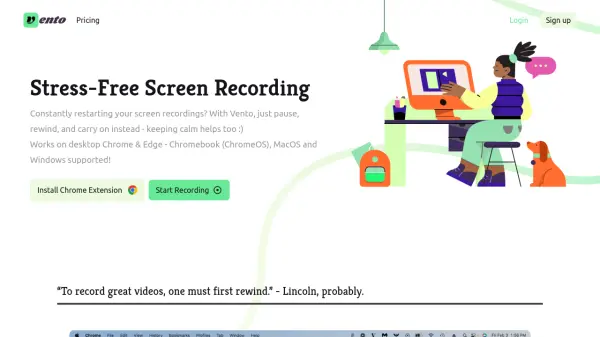
Vento provides a streamlined approach to screen recording by enabling users to pause, rewind, and re-record over errors without the need to restart the entire session. This tool supports recording of the screen, internal/external audio, and webcam, with free audio transcription included. It operates as a Chrome extension compatible with desktop Chrome and Edge browsers on Chromebook (ChromeOS), MacOS, and Windows systems.
Users can create chapter headings for easier navigation and add author annotations to include additional information post-recording. Recordings are made at 720p resolution, with options to download and delete videos after completion. The tool simplifies video creation by eliminating complex post-production edits, making it ideal for quick and efficient recording tasks.
Features
- Pause and Rewind: Allows pausing, rewinding, and re-recording over mistakes without restarting
- Multiple Takes: Enables quick retakes by jumping to rewind points for repeated recording
- Chapter Headings: Creates headings for viewers to skip to points of interest
- Author Annotations: Adds annotations post-recording that viewers must acknowledge
- Audio and Webcam Recording: Supports recording internal/external audio and webcam
- Free Audio Transcription: Includes transcription of recorded audio at no cost
- Cross-Platform Compatibility: Works on Chrome and Edge browsers for Chromebook, Windows, and Mac
Use Cases
- Recording tutorial videos with easy error correction
- Creating demo videos for pitches without restarting
- Making educational content with chapter navigation
- Producing quick screen recordings for work presentations
- Recording webinars or meetings with post-annotation capabilities
FAQs
-
What resolution does Vento record videos at?
All videos are recorded at 720p, with higher resolutions available in the premium version. -
Can I download and delete my recordings?
Yes, after finishing the video and creating an account, you can download and delete recordings. Recordings made while logged out are deleted regularly. -
Does Vento support recording computer audio?
Yes, it can capture Browser Tab Audio on Windows, Mac OS, and Linux, but Full System Audio is only available on Windows and Chrome OS. -
Can Vento record my face?
Yes, by turning on the video camera and sharing the entire screen, your face will appear in the recording. -
What laptops are compatible with Vento?
It works on any laptop that can use Chrome or Edge, such as Chromebooks or Macbooks.