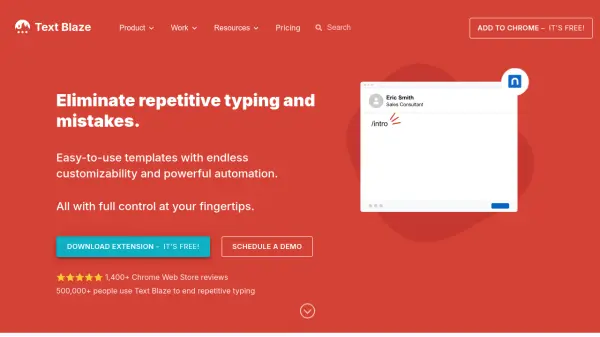


What is Texpand?
Texpand is a text expansion application designed to reduce repetitive typing by allowing users to create shortcuts for frequently used phrases. When a shortcut is typed, it automatically expands into the full text, which helps in maintaining consistent spelling and punctuation. The tool supports various features such as phrase lists, synchronization across devices via Google Drive, and customizable variables including date insertion and cursor positioning.
It offers both free and premium plans, with the free version supporting up to 10 phrases and the premium version providing unlimited phrases along with advanced functionalities. Texpand is widely used by professionals in sales, business operations, and social media management to enhance efficiency and minimize typing errors.
Features
- Speed: Respond instantly and save hours by automating text expansion
- Accuracy: Type with perfect spelling and punctuation every time using predefined phrases
- Phrase Lists: Type one shortcut and choose from a list of phrases for flexible responses
- Sync: Keep data safe and synchronized across all devices with Google Drive integration
- Customize: Personalize the tool with a wide range of preferences to suit individual needs
- Variables: Insert date in any format, set cursor position, and use other dynamic elements
Use Cases
- Automating repetitive typing tasks in business communications
- Managing social media posts with pre-defined templates
- Streamlining sales responses and customer interactions
- Reducing typing effort in data entry and online listings
- Enhancing productivity in customer support and email management
FAQs
-
How many phrases can I save in the free version of Texpand?
The free version allows you to save up to 10 phrases. -
What advanced features are included in the premium version?
The premium version offers unlimited phrases, along with features like Google Drive sync, Tasker support, and customizable variables. -
Can I use Texpand on multiple devices?
Yes, Texpand supports synchronization across all your devices using Google Drive to keep your data safe and consistent. -
Does Texpand support inserting dynamic content like dates?
Yes, Texpand allows you to insert variables such as dates in any format and set cursor positions within your expanded text. -
Is there a trial available for the premium features?
Texpand offers a freemium model with a free version that includes basic features, and you can upgrade to premium for unlimited phrases and advanced functionalities.