What is PepperText?
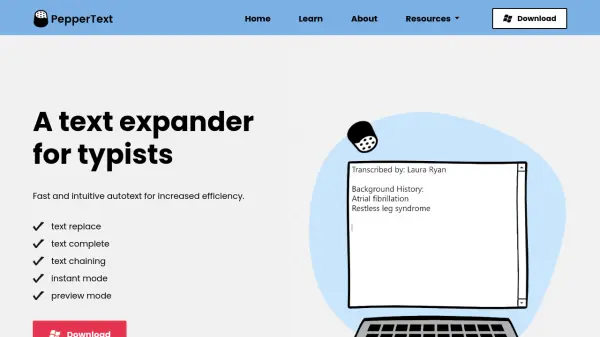
PepperText functions as a text expander specifically designed for typists, offering a clean and intuitive interface that requires minimal setup and maintenance. It enhances typing efficiency through features like text replacement, text completion, and text chaining, allowing users to create buildable phrases with optional parts and custom suffixes.
The tool includes Preview Mode to prevent accidental expansions by showing snippets before they are expanded, and Custom Preview Points enable fine-tuning of preview timing. PepperText maintains cursor awareness across all major browsers, ensuring previews appear correctly on screen without disrupting the typing flow.
Features
- Text Replace: Automatically replaces typed text with predefined snippets
- Text Complete: Completes text based on user input for faster typing
- Text Chaining: Chains snippets together for buildable phrases with optional parts and custom suffixes
- Preview Mode: Previews snippets before expansion to avoid accidental expansions
- Custom Preview Points: Fine-tunes preview timing for text completion snippets
- Browser Compatibility: Retains cursor awareness in all major browsers for accurate preview placement
Use Cases
- Increasing typing efficiency for writers and content creators
- Streamlining repetitive text entry in professional documentation
- Enhancing productivity for data entry and form filling tasks
- Improving workflow for programmers and developers with code snippets
- Facilitating quick responses in customer support and communication