aText
Typing accelerator, Text Template, Text Expansion utility for Mac and Windows

What is aText?

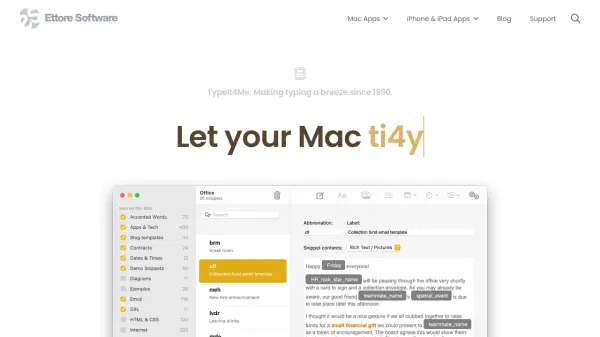
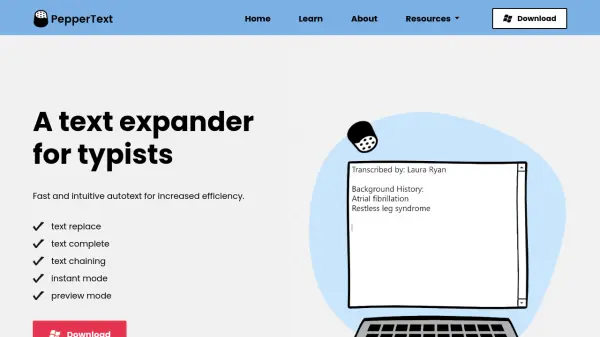
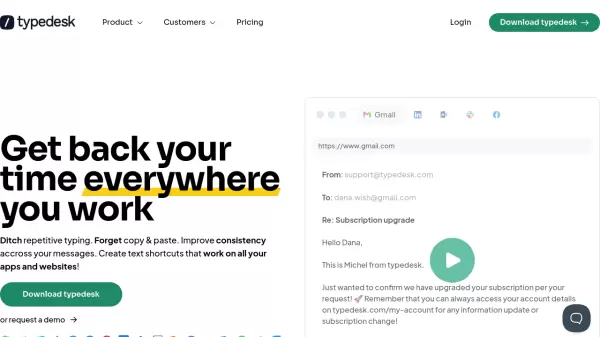
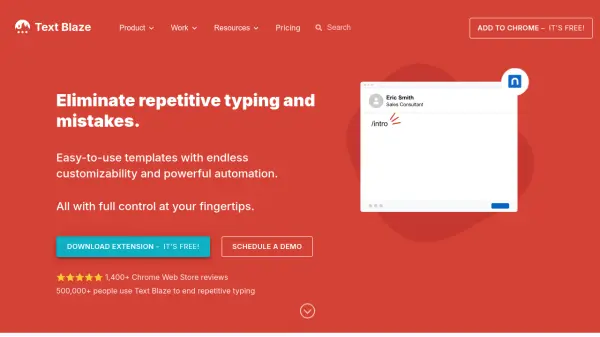
aText is a productivity software application designed to accelerate typing through text expansion functionality. It allows users to create custom abbreviations that automatically expand into longer text templates, saving time and reducing repetitive typing tasks. The tool is compatible with both Mac and Windows operating systems, providing a versatile solution for users across different platforms.

By enabling users to define shortcuts for frequently used phrases, sentences, or paragraphs, aText streamlines text entry in various applications. This utility helps improve typing efficiency and consistency, making it particularly useful for professionals who regularly work with standardized text content.

Features

  • Typing Accelerator: Replaces abbreviations with full text to speed up typing
  • Text Template: Allows creation of custom text templates for expansion
  • Text Expansion: Automatically expands shortcuts into predefined text content
  • Cross-Platform: Compatible with both Mac and Windows operating systems

Use Cases

  • Accelerating typing speed for repetitive text entry
  • Creating custom text templates for frequently used phrases
  • Automating text expansion for standardized content
  • Improving typing efficiency in various applications

Related Tools:

Blogs:

  • Ghibli Art Generator AI tools

    Ghibli Art Generator AI tools

    List of the best AI tools to turn your photos into images that look like Studio Ghibli movies. Easy to use and fun for everyone.

  • Top 6 AI note-taking tools for 2026: in-person, online, and hybrid use cases

    Top 6 AI note-taking tools for 2026: in-person, online, and hybrid use cases

    Most AI note-taking lists are really lists of meeting bots, which join your video call and transcribe it. That's useful, but it's half the picture. Decisions happen in hallway conversations, client dinners, on-site visits, and hybrid rooms where nobody is on a video link. This guide covers different parts of the note-taking workflow: hardware capture for in-person settings, platform-native tools for online calls, and AI layers for organizing and synthesizing what you've captured. It compares six tools by capture context, workflow fit, pricing, and limitations.

  • Best AI tools for Lawyers

    Best AI tools for Lawyers

    streamline legal processes, enhance research capabilities, and improve overall efficiency in the legal profession.

Didn't find tool you were looking for?

Be as detailed as possible for better results