What is TdhGIS?
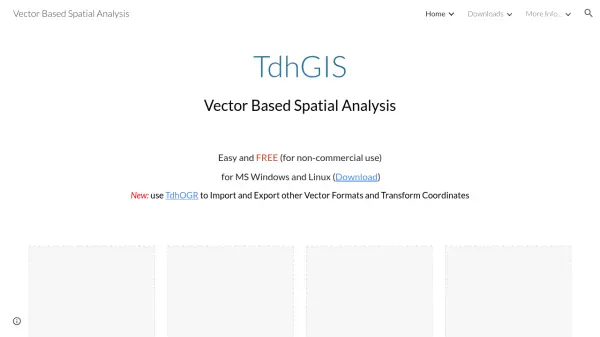
TdhGIS is a comprehensive software package designed for vector-based spatial analysis, available for free for non-commercial use on MS Windows and Linux platforms. It provides a robust set of tools that enable users to perform spatial analysis quickly and efficiently, with everything needed included in an easy-to-use interface.
The software allows users to graphically create and edit geometric data similar to CAD programs, import Shapefiles and OpenStreetMap data, and use raster images as backgrounds with CAD drawings as overlays. It supports coloring polygons based on user data values using discrete intervals or gradients, and offers advanced spatial operations such as allocating point data to buffers, polygons, and multilines, as well as creating thiessen polygons and data contours. Data is stored in an Sqlite database, facilitating manipulation by other software, making TdhGIS a versatile tool for both analysis and as a Shapefile viewer and editor.
Features
- Graphical Data Creation: Create and edit geometric data similar to CAD programs
- Data Import: Import Shapefiles and OpenStreetMap data for analysis
- Spatial Allocation: Allocate point data to buffers, polygons, and multilines
- Polygon Operations: Create thiessen polygons and data contours
- Database Storage: Store data in an Sqlite database for external manipulation
Use Cases
- Analyzing gas stations within a mile of a highway
- Assigning structures to hydrological basins
- Allocating population data from census blocks to political boundaries
- Creating areas closest to hospitals using thiessen polygons
- Generating lines of equal ground elevation from elevation points