TasksBoard favicon

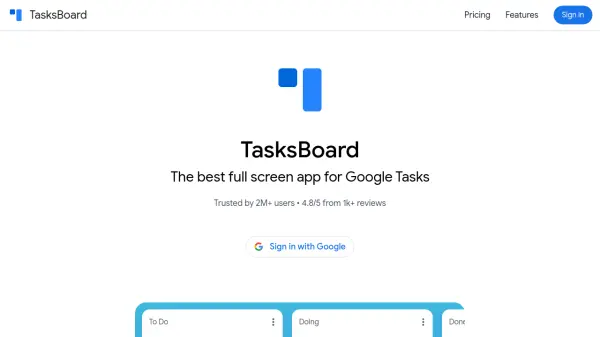
TasksBoard
The best full screen app for Google Tasks

What is TasksBoard?

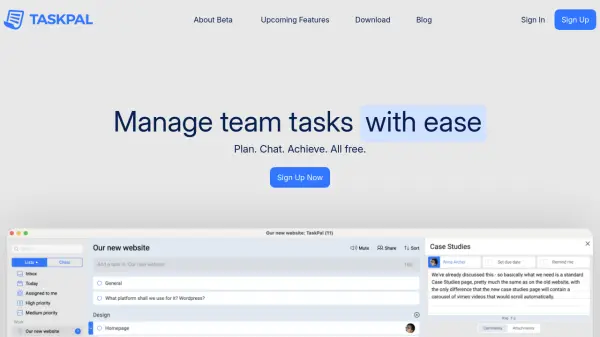
TasksBoard is a productivity application designed to enhance the Google Tasks experience by providing a full-screen board interface for organizing tasks. It integrates seamlessly with Google Workspace, enabling users to manage their tasks more efficiently with features like real-time sharing, cross-device synchronization, and export capabilities.

The tool allows users to attach Google Drive files and Gmail emails to tasks, export lists to Google Sheets, and access tasks across Gmail, Calendar, and mobile devices. With support for iOS and Android apps, as well as Chrome extensions and Workspace add-ons, TasksBoard helps users stay on top of their work and personal tasks in a collaborative environment.

Features

  • Full-Screen Board: Organize Google Tasks lists in a full-screen board view for better visibility and management
  • Real-Time Sharing: Share task lists with teams in real-time using a single link
  • Google Workspace Integration: Attach Google Drive files and Gmail emails to tasks, and export lists to Google Sheets
  • Cross-Device Sync: Synchronize tasks across Gmail, Calendar, and mobile devices with iOS and Android apps
  • Browser Extensions: Access tasks through Chrome Extension and Workspace Add-on for enhanced productivity

Use Cases

  • Organizing personal tasks and to-do lists in a visual board format
  • Collaborating on team projects by sharing task lists in real-time
  • Managing work tasks with integration to Google Drive and Gmail
  • Synchronizing tasks across multiple devices for on-the-go access
  • Exporting task data to Google Sheets for analysis and reporting

Related Tools:

Blogs:

  • Best Content Automation AI tools

    Best Content Automation AI tools

    Streamline your content creation process, enhance productivity, and elevate the quality of your output effortlessly. Harness the power of cutting-edge automation technology for unparalleled results

  • Top 6 AI note-taking tools for 2026: in-person, online, and hybrid use cases

    Top 6 AI note-taking tools for 2026: in-person, online, and hybrid use cases

    Most AI note-taking lists are really lists of meeting bots, which join your video call and transcribe it. That's useful, but it's half the picture. Decisions happen in hallway conversations, client dinners, on-site visits, and hybrid rooms where nobody is on a video link. This guide covers different parts of the note-taking workflow: hardware capture for in-person settings, platform-native tools for online calls, and AI layers for organizing and synthesizing what you've captured. It compares six tools by capture context, workflow fit, pricing, and limitations.

  • Top AI tools for Teachers

    Top AI tools for Teachers

    Explore the top AI tools designed for teachers, revolutionizing the education landscape. These innovative tools leverage artificial intelligence to enhance teaching efficiency, personalize learning experiences, automate administrative tasks, and provide valuable insights, empowering educators to create engaging and effective educational environments.

  • Best AI tools for Lawyers

    Best AI tools for Lawyers

    streamline legal processes, enhance research capabilities, and improve overall efficiency in the legal profession.

Didn't find tool you were looking for?

Be as detailed as possible for better results