What is Synced.so?
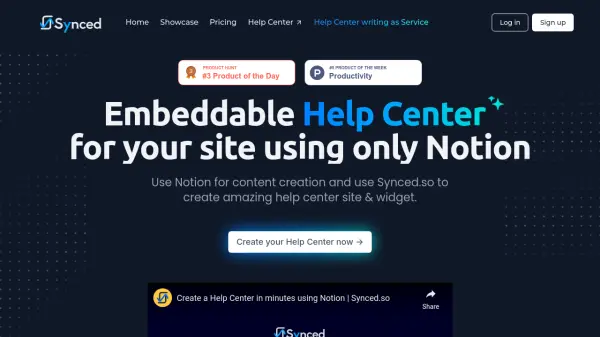
Synced.so is an innovative platform that transforms Notion content into professional help center websites and embeddable widgets. The service enables businesses to leverage their existing Notion workflow for documentation while automatically generating SEO-optimized, branded help centers.
The platform offers features like custom domain hosting, password protection, and multilingual support. With its modern UI/UX, blazing-fast performance, and seamless integration capabilities, Synced.so allows companies to provide contextual help directly within their applications while maintaining complete brand consistency.
Features
- Notion Integration: Write and manage help documentation directly in Notion
- Auto-generated Help Center: Transforms Notion content into professional help center sites
- In-app Widget: Embeddable help center widget for contextual assistance
- Custom Branding: Customizable UI with logo, header, and footer options
- SEO Optimization: Built-in SEO features for improved search rankings
- Custom Domain Support: Host help center on your domain or subdomain
- Password Protection: Secure access control for private help centers
- Multilingual Support: Support for multiple languages
Use Cases
- Creating customer support documentation
- Building product knowledge bases
- Developing internal documentation portals
- Setting up self-service help centers
- Creating embedded documentation for applications
FAQs
-
Is there a free plan?
No, there is no free plan but there is a 14-day trial period. -
How do I show the Help Center in my site or app?
Copy the provided embed code from the dashboard and put it on your site pages. -
Why use Notion?
Our target customers are startups and a huge number of them use notion for all sort of content and management. We just make is extremely easy for busy teams to create and maintain Help Centers while not having to learn a new tool. -
Where is data stored?
We use Supabase, which uses AWS, Cloudflare, Next.js, and GCP for data storage and management.