What is EmbedNotion?
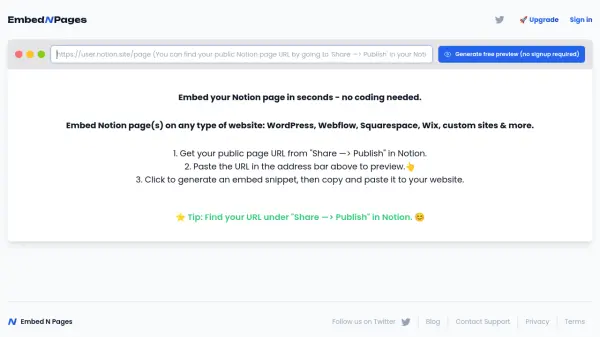
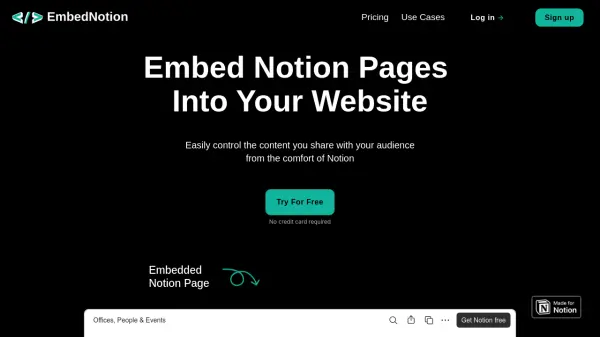
EmbedNotion is a tool designed to help users embed Notion pages directly into their websites. It simplifies the process of sharing Notion content publicly, allowing users to control and update their embedded content from within Notion itself. This solution is lightweight and user-friendly, making it ideal for various applications such as portfolios, brand assets, and FAQs.
The tool supports embedding both public and private Notion pages, with features like auto-update embeds and customizable iframe styles. It offers different pricing plans, including a free option with basic features and paid plans for more advanced needs, catering to individuals, bloggers, educators, and businesses looking to integrate Notion content into their online presence.
Features
- Embed Generation: Create embed snippets from Notion page links
- Content Control: Manage embedded content directly from Notion
- Customization: Adjust iframe style and height for better integration
- Auto Update: Automatically update embedded content when Notion pages change
- Multiple Plans: Offers free and paid plans with varying embed limits and features
Use Cases
- Embedding portfolios on personal websites
- Displaying brand assets for company sites
- Sharing student assignments on educational platforms
- Creating people directories for organizational websites
- Publishing product FAQs on e-commerce sites
FAQs
-
Can you embed private Notion pages?
Yes, EmbedNotion supports embedding private Notion pages into websites. -
Can my users or website visitors edit the content in my Notion page?
No, users or visitors cannot edit the content; it is displayed as read-only when embedded. -
Do you support all Notion blocks?
Yes, EmbedNotion supports all Notion blocks for embedding. -
How can I change the style and height of my iframe?
You can customize the style and height of the iframe through EmbedNotion's settings or generated snippet options.