What is Notelet?
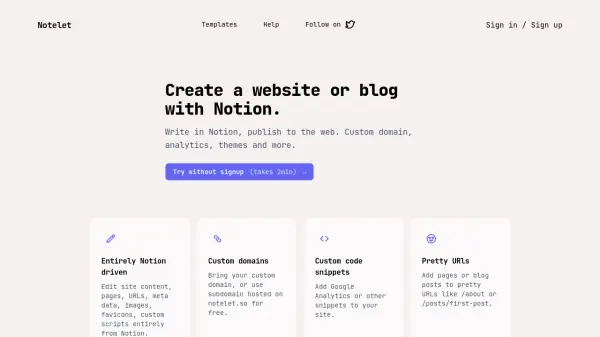
Notelet is a tool that enables users to build websites or blogs by leveraging Notion as the content management system. It allows for editing site content, pages, URLs, metadata, images, favicons, and custom scripts entirely within Notion, providing a streamlined workflow for web publishing.
The platform supports custom domains, including free subdomains on notelet.so, and offers features like custom code snippets for analytics and pretty URLs for improved site structure. It is designed to simplify the process of turning Notion pages into fully functional websites with minimal setup.
Features
- Notion Integration: Edit site content, pages, URLs, meta data, images, favicons, and custom scripts entirely from Notion
- Custom Domains: Bring your custom domain or use a free subdomain hosted on notelet.so
- Custom Code Snippets: Add Google Analytics or other snippets to your site
- Pretty URLs: Add pages or blog posts to pretty URLs like /about or /posts/first-post
Use Cases
- Creating personal blogs or portfolios
- Building business websites with integrated analytics
- Publishing content from Notion to the web with custom domains
- Setting up simple websites without coding