What is Notaku?
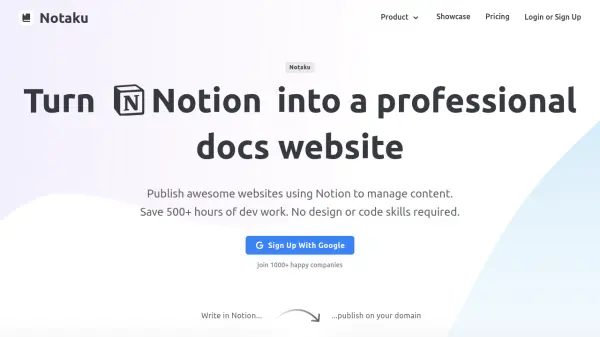
Notaku leverages Notion as a content management system to publish professional websites directly from Notion pages. It enables teams to edit and publish content quickly without requiring design or coding skills, supporting various website types including documentation, blogs, changelogs, roadmaps, and help desks.
The platform includes features such as super-fast search, SEO optimization, multi-language support, feedback collection, email integration, and AI-powered semantic search. Websites are hosted on a CDN for speed and reliability, with options for custom domains, subdirectories, and embeddable widgets.
Features
- Notion as CMS: Use Notion to manage and edit website content without coding
- Super Fast Search: Built-in search functionality for quick content discovery
- SEO Optimization: Enhances organic traffic with optimized SEO features
- Multi Language Support: Write content in multiple languages using different Notion pages
- AI and Semantic Search: Ask questions and get answers from Notion content using AI
- Feedback Collection: Collect rating and text feedback on pages
- Email Integration: Collect visitor emails and send weekly summaries
- Custom Domain and Hosting: Host on custom domains or subdirectories with CDN support
- Embeddable Widget: Embed websites in apps with a slick widget
- Multiple Versions: Publish different versions of websites connected to Notion pages
Use Cases
- Creating product documentation websites
- Publishing blog posts and articles
- Tracking company progress with changelogs
- Showcasing future roadmaps with user voting
- Building help desk sites for support articles
- Managing multi-language content for global audiences
- Collecting user feedback on content
- Integrating websites into existing applications
FAQs
-
What happens after I exceed my Notion pages limit?
Only part of your Notion pages will be synced. -
What Notion blocks are supported?
Notaku supports most blocks from Notion, with a demo available to show supported blocks. -
Can I create simple Terms of Service and FAQ pages?
Yes, use the 'Simple Layout' template to create simple pages like Terms of Service and FAQs, using Notion blocks such as toggle blocks for expandable titles. -
Can I use my own analytics service or inject custom code?
Yes, the Notaku dashboard allows injection of custom code, for example to add analytics services. -
Who is behind Notaku?
Tommy, a software engineer living in Italy, who can be contacted on X.