What is SpeedCommander?
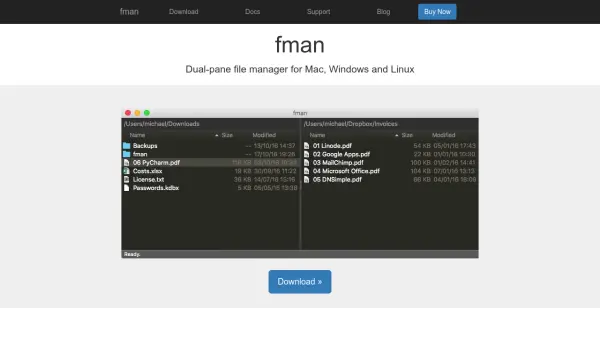
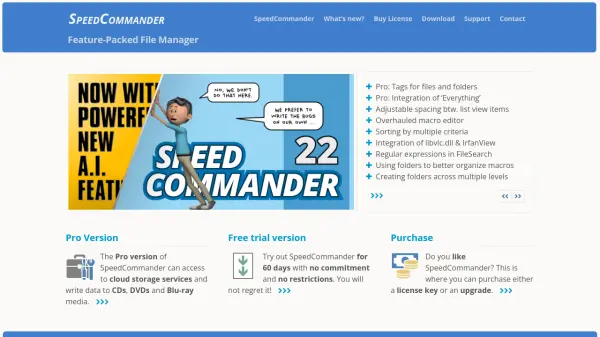
SpeedCommander is a comprehensive file management solution designed for Windows operating systems, including versions 7, 8, 10, and 11. It offers a dual-window interface that enhances file organization and navigation efficiency. The software supports viewing over 80 file formats and handling 13 archive formats, making it versatile for various file types.
Users can customize the interface with adjustable spacing between list view items and access FTP, FTP-SSL, and SFTP for remote file management. The Pro version extends functionality with direct cloud storage access, burn and ISO file support, and tags for files and folders. It includes tools like a macro editor, FileSearch with regular expressions, and integration with external applications such as libvlc.dll and IrfanView.
Features
- Dual Window Interface: Enhances file navigation with side-by-side panels
- File Format Support: Viewer for over 80 file formats and 13 archive formats
- Remote Access: Support for FTP, FTP-SSL, and SFTP connections
- Customization Options: Adjustable spacing and sorting by multiple criteria
- Pro Version Features: Cloud storage access, burn and ISO file support, and file tagging
Use Cases
- Organizing and managing files on Windows systems
- Accessing and transferring files via FTP or cloud services
- Viewing and handling various file and archive formats
- Customizing file manager layouts for improved productivity
- Burning data to CDs, DVDs, or Blu-ray media