What is SoftInterface?
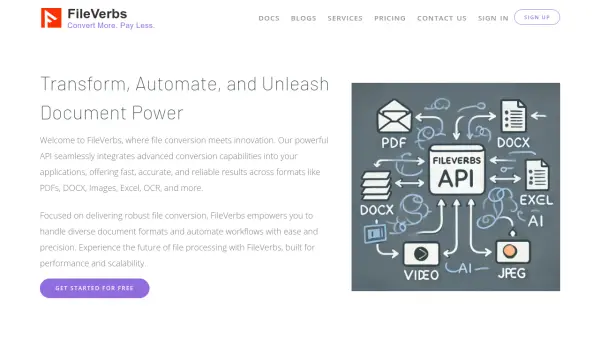
SoftInterface delivers a comprehensive set of file automation tools designed to compare and convert documents, spreadsheets, images, and text files. Serving enterprise clients globally, its software supports multiple file formats including PDF, Word, Excel, PowerPoint, HTML, RTF, CSV, and various image types. The solutions are engineered for batch processing, automation through command line and schedulers, and ease of integration with existing workflows.
With specialized capabilities such as detailed document comparison, high-accuracy PDF conversions, image manipulation, and Excel data operations, SoftInterface’s products significantly reduce manual handling and minimize errors. These tools are suitable for businesses needing to automate high-volume, complex tasks, ensuring productivity and compatibility across diverse software ecosystems.
Features
- Batch Processing: Automates conversion and comparison of large volumes of files.
- Multi-format Support: Handles PDF, DOC, DOCX, XLS, XLSX, RTF, HTML, TXT, CSV, and numerous image formats.
- Command Line Integration: Enables automated operations via command line or schedulers.
- Detailed Document Comparison: Compares PDF, Word, Excel, PowerPoint, RTF, and more with formatting preservation.
- File Manipulation: Supports moving, deleting, and customizing files during automated conversions.
- Image Processing: Offers resizing, rotating, filtering, and advanced graphic conversions.
- Excel Sheet Operations: Copies or appends data between workbooks, executes macros, and processes cell values.
- Automated Text to Excel Conversion: Quick import of text data into spreadsheets with error reduction.
- Document Editing: Allows editing within the app prior to or after comparison.
- Scheduled Tasks: Integration with Windows scheduler for unattended, routine processes.
Use Cases
- Bulk conversion of business documents to required formats for software compatibility.
- Automated comparison of contract and legal documents to track changes and discrepancies.
- Extracting and consolidating data from multiple Excel files using batch operations.
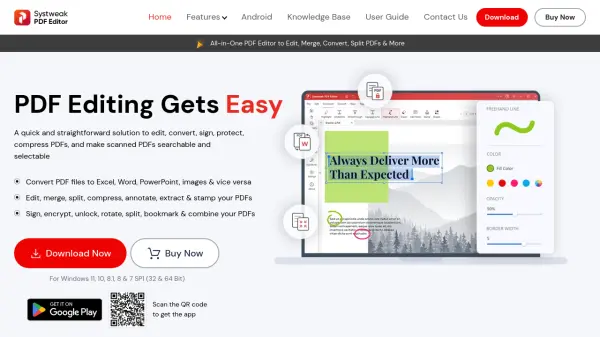
- Converting PDF reports into editable Word or Excel formats for data manipulation.
- Generating images from documents for archival or sharing purposes.
- Processing and cleaning data before transferring to new software systems.
- Scheduling unattended conversions or comparisons as part of nightly business operations.
FAQs
-
What file formats are supported for conversion and comparison?
Supported formats include PDF, DOC, DOCX, XLS, XLSX, RTF, HTML, TXT, CSV, PowerPoint, and a wide range of image types such as TIFF, JPG, and BMP. -
Can I schedule automated document conversions or comparisons?
Yes, all tools offer integration with Windows scheduler or their own scheduler to enable unattended, routine automation tasks. -
Is manual intervention required after batch processing?
Operations can be fully automated, including post-processing actions like moving or deleting files after conversion or comparison. -
Do I need Microsoft Word or Acrobat installed for document conversions?
No, SoftInterface tools can perform document conversions without requiring Microsoft Word or Adobe Acrobat installation.