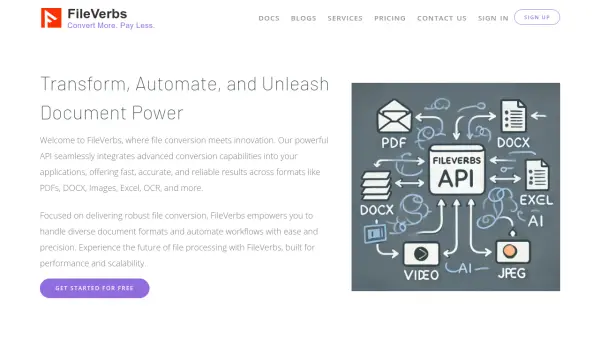
What is FileVerbs?
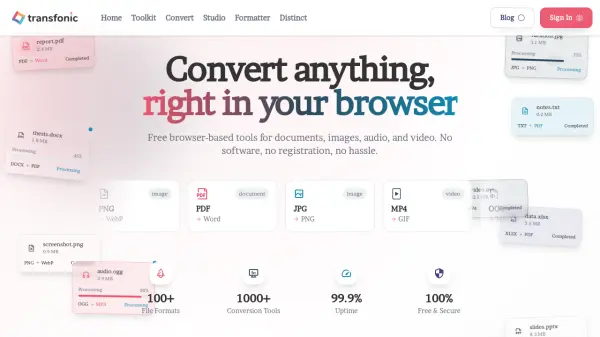
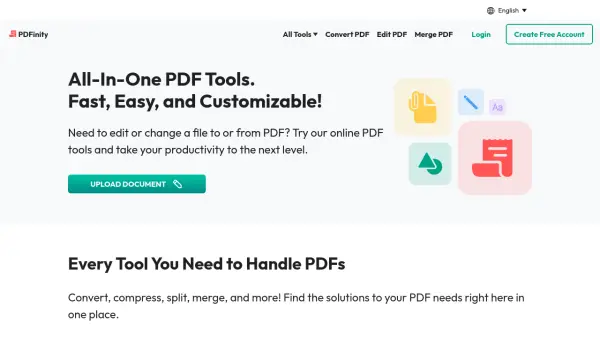
FileVerbs is an innovative file conversion API designed to transform, automate, and unleash document power. It seamlessly integrates advanced conversion capabilities into applications, delivering fast, accurate, and reliable results for formats including PDFs, DOCX, images, Excel, and OCR. The platform focuses on robust file conversion, empowering users to handle diverse document formats and automate workflows with ease and precision.
Built for performance and scalability, FileVerbs offers a future-oriented approach to file processing. It provides a comprehensive solution for developers and businesses seeking efficient document management through automated conversions and streamlined operations.
Features
- API Integration: Seamlessly integrates advanced file conversion capabilities into applications
- Multi-Format Support: Converts files across formats including PDF, DOCX, images, Excel, and OCR
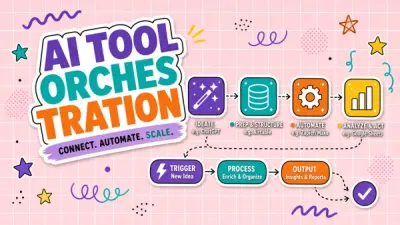
- Automation: Enables workflow automation for document processing and management
- Performance and Scalability: Built for high performance and scalable file processing operations
- Reliability: Delivers fast and accurate conversion results with consistent output quality
Use Cases
- Automating document conversion workflows in business applications
- Integrating file format conversion into software development projects
- Processing and converting large volumes of documents efficiently
- Enhancing document management systems with multi-format support
- Streamlining OCR and image-to-text conversion processes
FAQs
-
What file formats does FileVerbs support for conversion?
FileVerbs supports conversion across formats including PDFs, DOCX, images, Excel, and OCR, among others. -
How can I integrate FileVerbs into my application?
FileVerbs provides an API that can be seamlessly integrated into applications for automated file conversion and workflow management. -
Is there a free plan available for FileVerbs?
Yes, FileVerbs offers a free plan to get started with basic file conversion features. -
Does FileVerbs support OCR functionality?
Yes, FileVerbs includes OCR capabilities as part of its file conversion features. -
What kind of support does FileVerbs offer for users?
FileVerbs provides documentation, a knowledge base, FAQ section, and email support for assistance.