What is Smart OCR?
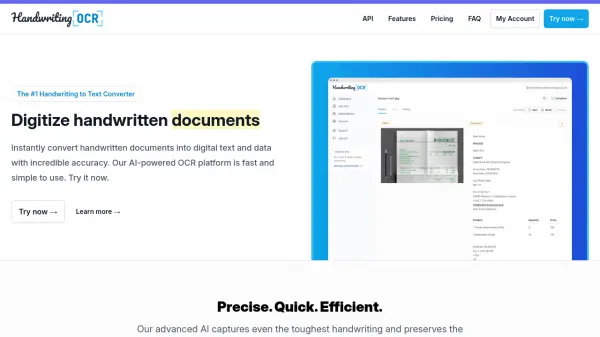
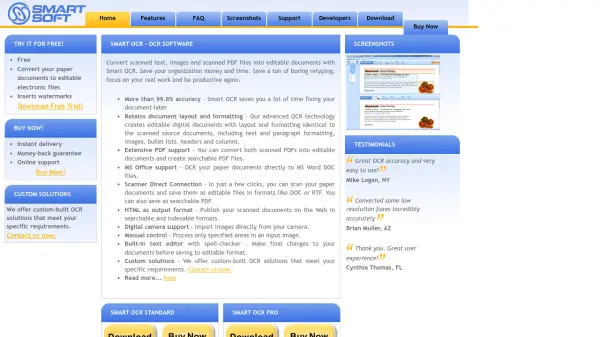
Smart OCR is advanced optical character recognition software designed to transform paper documents into editable electronic files. The software converts scanned text, images, and scanned PDF documents into editable formats while maintaining the original document layout and formatting, including text and paragraph formatting, images, bullet lists, headers, and columns.
The solution offers extensive PDF support for converting scanned PDFs into editable documents and creating searchable PDF files. With direct scanner connection capabilities, users can scan paper documents and save them as editable files in formats like DOC or RTF in just a few clicks. The software also supports digital camera imports and includes a built-in text editor with spell-checker for final document adjustments before saving.
Features
- High Accuracy Conversion: Achieves more than 99.8% accuracy in converting scanned documents to editable formats
- Format Preservation: Retains original document layout including text formatting, images, bullet lists, headers and columns
- Multiple Format Support: Converts to various formats including DOC, PDF, RTF, HTML, and plain text
- Scanner Integration: Direct connection to scanners for immediate document processing
- Batch Processing: Pro version includes batch manager and watched folder functionality for automated processing
Use Cases
- Digitizing paper archives for electronic storage
- Converting scanned PDF documents into editable Word files
- Creating searchable PDF files from scanned documents
- Publishing scanned documents on websites in searchable formats
- Converting hard-copy books to Amazon Kindle compatible formats
- Processing documents from digital cameras for editing
FAQs
-
What formats can Smart OCR convert documents to?
Smart OCR can convert documents to multiple formats including Microsoft Word DOC files, searchable PDFs, RTF documents, HTML for web publishing, and plain text files. -
Does Smart OCR preserve the original document formatting?
Yes, Smart OCR retains the original document layout and formatting including text and paragraph formatting, images, bullet lists, headers, and columns during the conversion process. -
Can I process multiple documents at once with Smart OCR?
The Pro version includes batch processing capabilities with a batch manager and watched folder functionality for automated processing of multiple documents simultaneously. -
What types of input sources does Smart OCR support?
Smart OCR supports scanned documents, images, scanned PDF files, and can import images directly from digital cameras for conversion to editable formats.