
What is OCR Online?
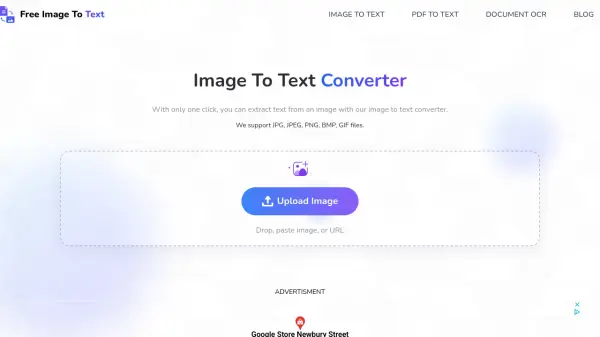
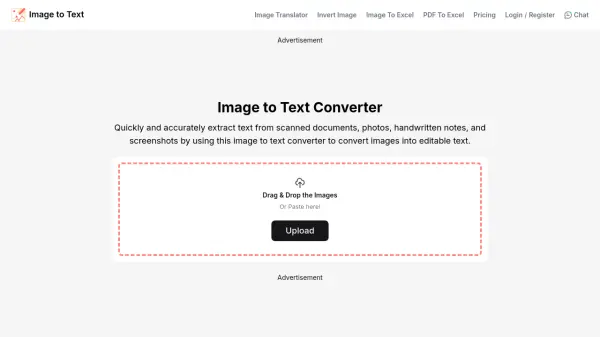
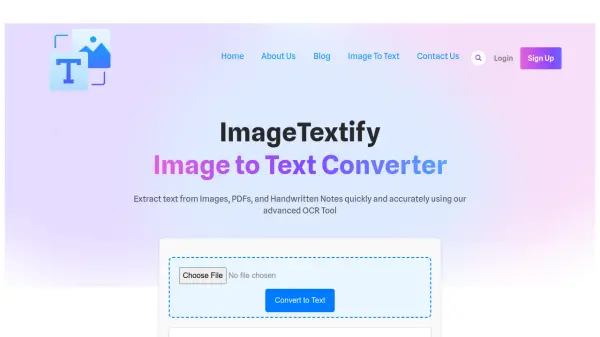
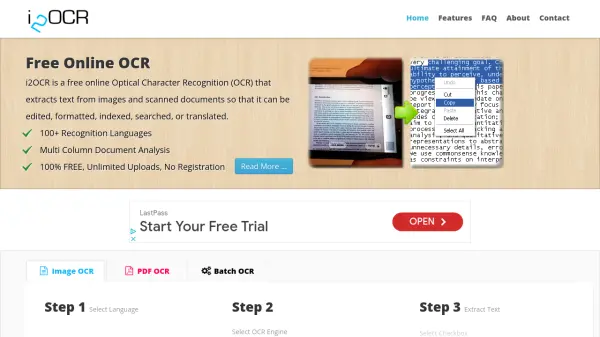
OCR Online is a free optical character recognition (OCR) tool that enables users to extract text from various file types including images, PDFs, and documents. The tool utilizes advanced OCR technology to convert photos, screenshots, infographics, and scanned documents into editable text with high accuracy. Users can upload files by dragging and dropping, pasting, or providing public URLs, with support for batch processing of up to five images at once.
The platform offers additional features such as image cropping and rotation to focus on specific text areas, multilingual support for global accessibility, and secure data handling with automatic file deletion after 24 hours. Extracted text can be easily copied or downloaded in formats like TXT, DOCX, and PDF, making it suitable for data entry, document digitization, and content preservation tasks.
Features
- High Accuracy: Extracts text efficiently even from blurry or distorted images
- Support Multiple Image Formats: Works with PNG, JPG, JPEG, WebP, GIF, BMP, HEIC, and more
- Batch Conversions: Process up to 5 files simultaneously with 4MB size limit each
- Convert Mathematical Syntax: Detects and extracts mathematical equations without formatting changes
- Extract Handwritten Text: Recognizes handwritten content with varying quality results
- Data Security: Files are deleted from servers after 24 hours with no data sharing
- Easy Copy & Download: Copy text instantly or download as TXT, DOCX, or PDF
- Multilingual Support: Available in multiple languages for global users
- Extract Text from PDF & Docx: Handles both embedded image text and plain text in documents
Use Cases
- Data entry by converting hard text into digital documents
- Preserving ancient materials and texts in digital formats
- Organizing physical documents into digital files for businesses
- Transforming non-editable documents into editable formats
- Digitizing handwritten notes for students and tutors
FAQs
-
What file types does OCR Online support?
OCR Online supports multiple file types including PDF, DOCX, TIFF, PNG, BMP, JPG, JPEG, WebP, GIF, HEIC, and more for text extraction. -
How does OCR Online ensure data security?
OCR Online maintains data security by automatically deleting uploaded files from servers after 24 hours and never selling or sharing user data with third parties. -
Can OCR Online process handwritten text?
Yes, OCR Online can extract handwritten text from images, though result quality depends on handwriting clarity and legibility. -
Is there a limit to file size for uploads?
Yes, each uploaded file must not exceed 4MB in size, and users can process up to 5 images simultaneously in batch conversions. -
What languages does OCR Online support?
OCR Online supports multiple languages including English, Spanish, French, German, Italian, Polish, Portuguese, Russian, Turkish, and Korean for text extraction.