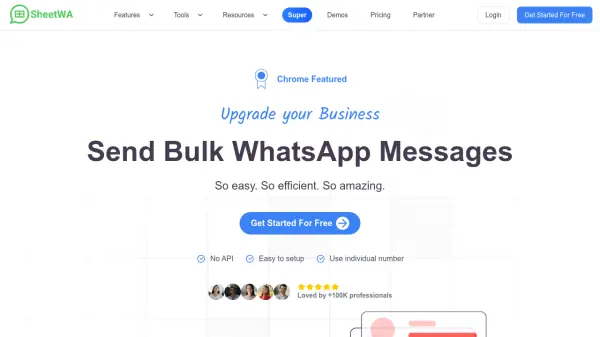
What is SheetWA?
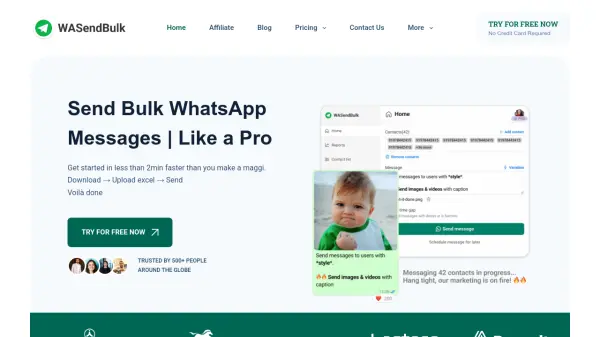
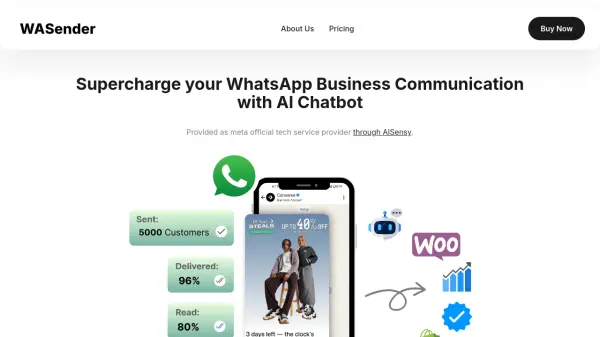
SheetWA, also known as WA Sender, is a free Chrome extension designed to simplify bulk WhatsApp messaging for businesses and professionals. It integrates directly with Google Sheets and Excel, enabling users to send personalized messages to large numbers of contacts without needing to save each number in their phone or use WhatsApp broadcast lists.
The tool offers a range of features including message formatting with bold, italics, and emojis, attachment of images, videos, and documents, message preview, template saving, and safety features like random time gaps and batch delays to reduce the risk of number bans. Trusted by over 100,000 professionals, SheetWA works exclusively through WhatsApp Web on Chrome or Edge browsers and does not require any API integration.
Features
- Google Sheets Integration: Send bulk WhatsApp messages directly from Google Sheets with automatic personalization using sheet data.
- Excel Integration: Send bulk messages from Excel files without needing to save contacts.
- Message Personalization: Customize each message with recipient-specific details for effective marketing.
- Rich Formatting: Apply bold, italics, emojis, and bullet points to make messages visually appealing.
- Media Attachments: Attach images, videos, and documents to bulk messages easily.
- Message Preview: Preview messages before sending to ensure quality and accuracy.
- Random Time Gap: Add random delays between messages to reduce risk of number banning.
- Template Management: Create and save reusable message templates for quick outreach.
Use Cases
- Send promotional offers or discounts to a customer list from a spreadsheet.
- Deliver personalized event reminders and RSVP confirmations.
- Broadcast new product announcements or catalog updates to leads.
- Re-engage lapsed clients with custom discount codes.
- Send quarterly portfolio updates or financial summaries to clients.
- Coordinate cohort enrollment messages for educational institutions.
- Distribute weekly menus or specials to regular customers for restaurants.
- Follow up on inquiries with personalized messages without saving numbers.
FAQs
-
What is WA Sender?
WA Sender (SheetWA) is a free Chrome extension that allows users to send bulk WhatsApp messages without saving contacts or using WhatsApp broadcast lists. It supports personalized messaging, file attachments, contact export, and more, while reducing the risk of number bans. It works via WhatsApp Web on Chrome or Edge browsers. -
How can I send 1000 messages at once on WhatsApp?
To send 1000 messages at once, avoid WhatsApp's built-in broadcast feature due to its limitations. Instead, use SheetWA, which is designed for small and medium-sized businesses to send bulk messages efficiently without saving contacts. -
How to send messages without saving numbers?
Use the SheetWA Chrome extension to send WhatsApp messages to unsaved contacts. This simplifies communication for businesses and personal users by eliminating the need to save every new contact in your phone. -
How can I send bulk WhatsApp messages without getting banned?
To avoid bans: gradually increase message volume, use time gaps between messages, include an unsubscribe option, use timestamps, don't use your official number, and set up a proper business profile with photo and description. -
Does the premium version prevent WhatsApp bans?
No. The premium version offers more features like Excel uploads and personalization, but does not guarantee protection from number bans. Following usage guidelines is the best way to minimize ban risks.