
Safe365 favicon

Safe365
World's Most Popular Free Data Backup and Recovery Software

What is Safe365?

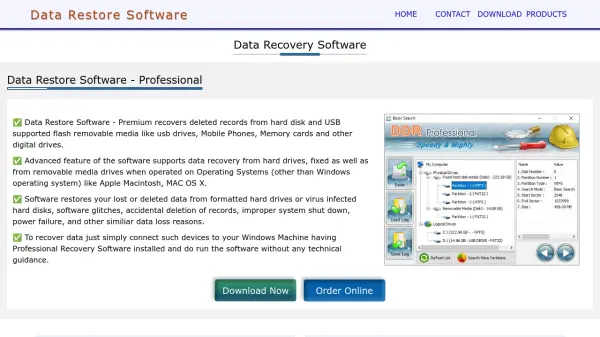
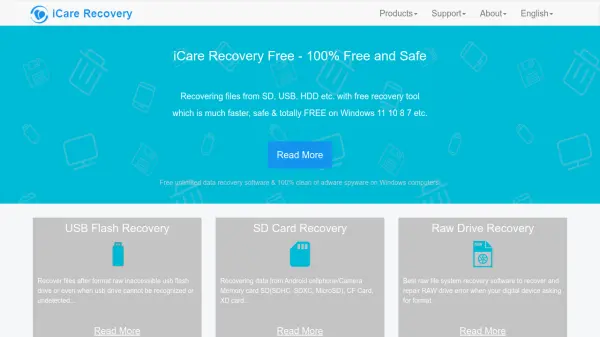
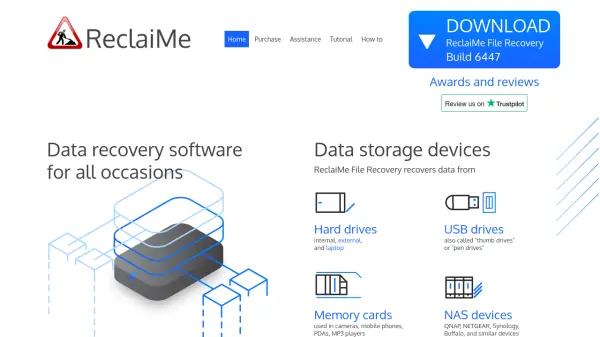
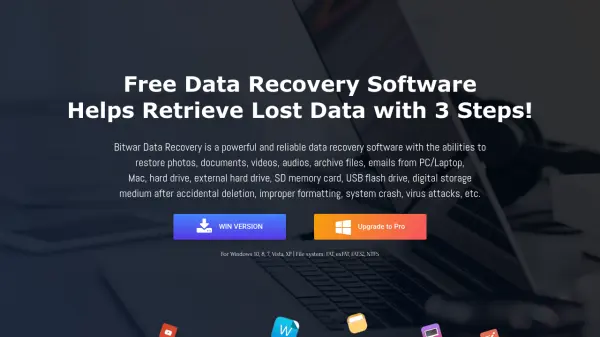
Safe365 provides a suite of data recovery and backup software designed to help users retrieve lost, deleted, or corrupted files from a wide range of storage devices. The platform includes tools for recovering data from USB flash drives, SD cards, external hard drives, digital cameras, and partitions, supporting multiple file systems such as FAT12, FAT16, FAT32, VFAT, NTFS, and NTFS5. It also offers data erasure capabilities through its Free File Shredder feature.

With over 1,000,000 users worldwide, Safe365 emphasizes safety and completeness in data recovery, addressing issues like accidental deletion, formatting, virus infections, and system crashes. The software is available in both free and professional versions, catering to different user needs from basic recovery to advanced data management.

Features

  • Data Recovery from Multiple Devices: Recovers files from USB drives, SD cards, hard drives, cameras, and more
  • Support for Various File Systems: Compatible with FAT12, FAT16, FAT32, VFAT, NTFS, and NTFS5
  • Free and Paid Versions: Offers both freeware and professional software options
  • Data Erasure Capability: Includes Free File Shredder for permanently deleting files
  • Wide Device Compatibility: Works with IDE, SATA, SCSI, and removable disks

Use Cases

  • Recovering accidentally deleted files from a USB flash drive
  • Restoring lost photos from a digital camera or SD card
  • Retrieving data from a corrupted or formatted external hard drive
  • Recovering emails that were deleted or lost due to system issues
  • Permanently erasing sensitive files using file shredding tools

Related Tools:

Blogs:

  • AI thumbnail maker tools

    AI thumbnail maker tools

    Automatically generate visually appealing and optimized thumbnails for various digital content, streamlining the design process and enhancing visual engagement

  • Top 6 AI note-taking tools for 2026: in-person, online, and hybrid use cases

    Top 6 AI note-taking tools for 2026: in-person, online, and hybrid use cases

    Most AI note-taking lists are really lists of meeting bots, which join your video call and transcribe it. That's useful, but it's half the picture. Decisions happen in hallway conversations, client dinners, on-site visits, and hybrid rooms where nobody is on a video link. This guide covers different parts of the note-taking workflow: hardware capture for in-person settings, platform-native tools for online calls, and AI layers for organizing and synthesizing what you've captured. It compares six tools by capture context, workflow fit, pricing, and limitations.

  • AI Testimonial Videos: How to Build Social Proof That Actually Converts

    AI Testimonial Videos: How to Build Social Proof That Actually Converts

    AI testimonial videos are transforming marketing in 2026 by helping businesses create professional customer-style videos quickly and affordably. Using real customer reviews, short scripts, and AI tools like Pollo AI, brands can produce engaging testimonials for social media, landing pages, and ads while saving time and improving conversions.

  • Best text to speech AI tools

    Best text to speech AI tools

    Text-to-speech (TTS) AI tools are designed to convert written or text-based content into natural-sounding spoken audio. These tools utilize various deep learning and neural network architectures to generate human-like speech from textual input.

Didn't find tool you were looking for?

Be as detailed as possible for better results