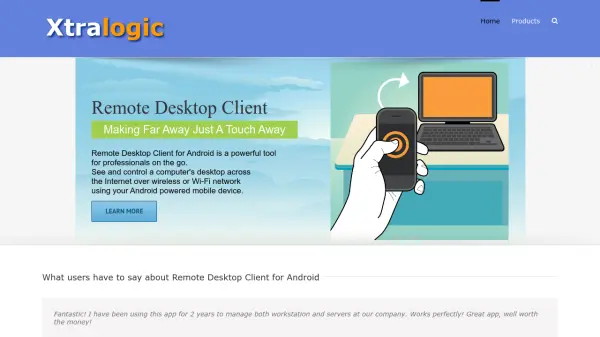
What is Remote Desktop Client for Android?
Remote Desktop Client for Android is a professional-grade RDP client that enables users to access and control remote Windows desktops from their Android smartphones or tablets. It supports seamless connectivity over wireless or Wi-Fi networks, making it ideal for IT administrators, support staff, and business professionals who need remote access on the go. The app offers intuitive touch gestures, custom session sizes, and reliable performance across various Android devices.
Features
- Custom Session Size: Users can set a custom size for the RDP session to see the full on-screen keyboard and Windows session simultaneously.
- Touch Gestures: Intuitive touch controls for panning, zooming, and right-click actions.
- Secure Connections: Supports TLS/SSL encryption and NLA authentication.
- Multiple Display Options: Supports landscape and portrait modes, as well as external displays.
- Clipboard Sharing: Enables copy-paste between local and remote devices.
- Performance Tuning: Adjustable color depth, bitmap caching, and connection speed settings.
Use Cases
- Remote IT support and server management
- Accessing work desktop from home or on the go
- Managing Windows servers and virtual machines
- Remote training and presentations
- Accessing legacy applications from mobile devices
FAQs
-
Does the app work on both phones and tablets?
Yes, Remote Desktop Client for Android is optimized for both smartphones and tablets, including Samsung Galaxy S5, Nexus 7, Galaxy Note, and Moto X. -
What is the price of the app?
The app is paid. The exact price is not specified on the website, but it is described as well worth the price by users. -
Can I use this app for free?
No, the app is not free. It is a paid app available on the Google Play Store.