QR Potato favicon

QR Potato
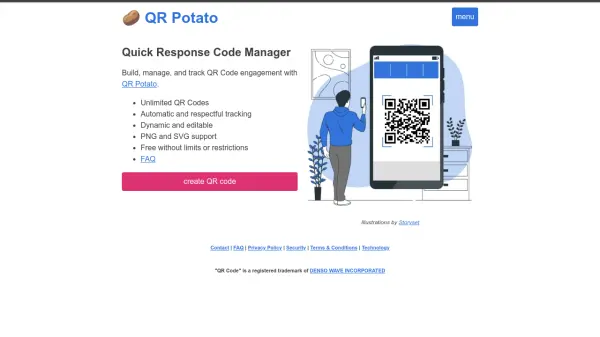
Quick Response Code Manager

What is QR Potato?

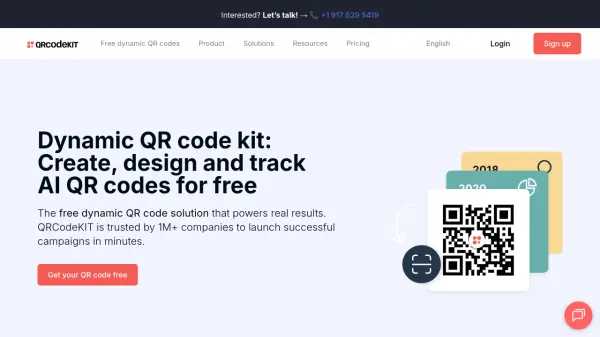
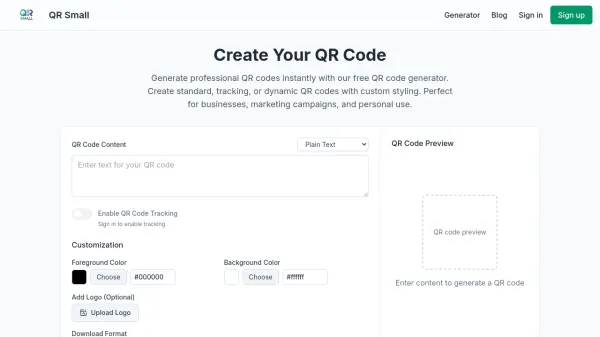
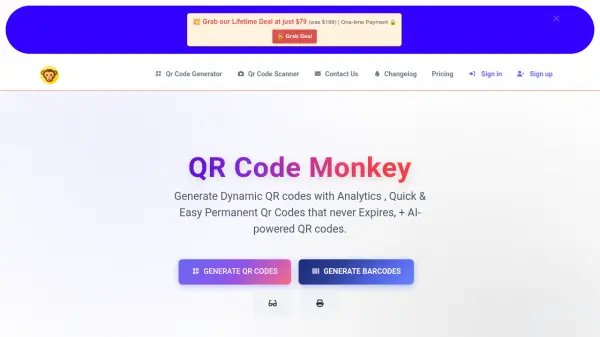
QR Potato is an AI-driven QR code management tool designed to streamline the creation, management, and tracking of QR codes. It offers unlimited QR code generation with support for both PNG and SVG formats, ensuring high-quality outputs for various applications. The platform features dynamic editing capabilities, allowing users to modify QR codes even after creation, and includes automatic, respectful tracking to monitor engagement without compromising user privacy.

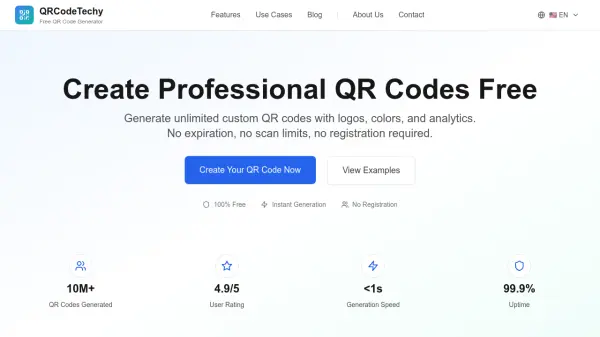
This tool is completely free with no limits or restrictions, making it accessible for individuals and businesses alike. It leverages AI to optimize QR code performance and tracking analytics, providing insights into user interactions. QR Potato emphasizes ease of use and efficiency, helping users enhance their marketing, informational, or operational strategies through effective QR code utilization.

Features

  • Unlimited QR Codes: Generate an unlimited number of QR codes without restrictions
  • Automatic Tracking: Monitor QR code engagement with respectful, privacy-conscious tracking
  • Dynamic Editing: Edit and modify QR codes dynamically even after creation
  • Format Support: Export QR codes in both PNG and SVG formats for versatile use

Use Cases

  • Marketing campaigns with trackable QR codes
  • Event management for attendee engagement
  • Business operations for inventory or asset tracking
  • Educational materials with interactive links
  • Personal projects like sharing contact information or websites

Related Tools:

Blogs:

  • Best AI tools for Lawyers

    Best AI tools for Lawyers

    streamline legal processes, enhance research capabilities, and improve overall efficiency in the legal profession.

  • Top 6 AI note-taking tools for 2026: in-person, online, and hybrid use cases

    Top 6 AI note-taking tools for 2026: in-person, online, and hybrid use cases

    Most AI note-taking lists are really lists of meeting bots, which join your video call and transcribe it. That's useful, but it's half the picture. Decisions happen in hallway conversations, client dinners, on-site visits, and hybrid rooms where nobody is on a video link. This guide covers different parts of the note-taking workflow: hardware capture for in-person settings, platform-native tools for online calls, and AI layers for organizing and synthesizing what you've captured. It compares six tools by capture context, workflow fit, pricing, and limitations.

  • Ghibli Art Generator AI tools

    Ghibli Art Generator AI tools

    List of the best AI tools to turn your photos into images that look like Studio Ghibli movies. Easy to use and fun for everyone.

  • Best AI Tools For Startups

    Best AI Tools For Startups

    we've compiled a straightforward list of user-friendly AI tools designed to give startups a boost. Discover practical solutions to streamline everyday tasks, enhance productivity, and gain valuable insights without the need for a tech expert. Learn where and how these tools can be applied in your startup journey, from automating repetitive tasks to unlocking powerful data analysis. Join us as we explore the features that make these AI tools accessible and beneficial for startups in various industries. Elevate your business with technology that works for you!

Didn't find tool you were looking for?

Be as detailed as possible for better results