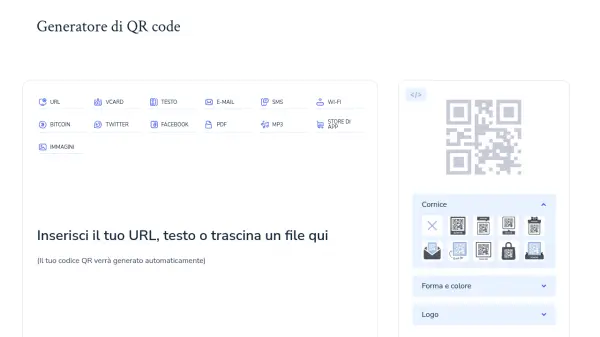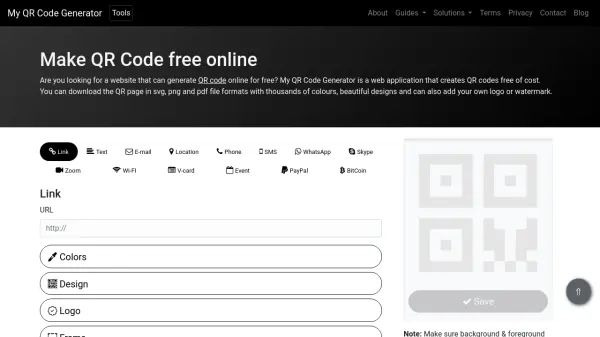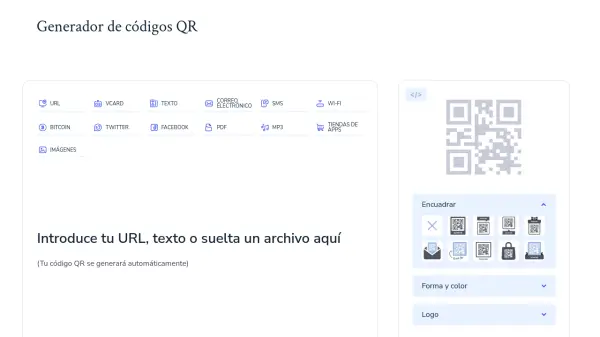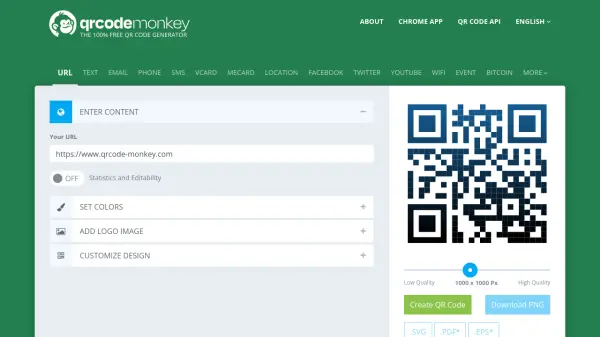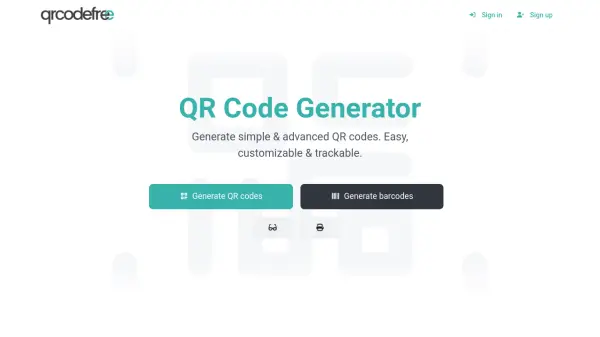

What is QR-kodgenerator?
QR-kodgenerator is a web-based tool that enables users to create QR codes quickly and easily. It supports various data types including URLs, vCards, text, email addresses, SMS messages, WiFi credentials, Bitcoin addresses, and social media links. Users can upload files in formats like JPG, PDF, MP3, DOCX, and PPTX to generate corresponding QR codes.
The tool offers customization options such as adjusting colors, frames, shapes, and adding logos to match branding or personal preferences. Generated QR codes are permanent, with no expiration dates or subscription fees, and can be downloaded in PNG or JPG formats. It works in all modern HTML5-compatible browsers and requires no account creation, making it accessible for both personal and commercial use.
Features
- Multiple Data Types: Supports URLs, vCards, text, email, SMS, WiFi, Bitcoin, social media, and file uploads
- Customization Options: Adjust colors, frames, shapes, and add logos to personalize QR codes
- No Registration Required: Generate QR codes instantly without creating an account
- Permanent Codes: QR codes do not expire and have no scanning limits
- Multiple Download Formats: Download QR codes in PNG or JPG formats for different use cases
Use Cases
- Marketing campaigns with QR codes on printed materials
- Sharing contact information via vCard QR codes
- Providing WiFi access credentials in public or private spaces
- Linking to social media profiles or websites
- Embedding QR codes in presentations or documents for easy access to resources
FAQs
-
What types of data can be encoded in a QR code using this tool?
The tool supports encoding URLs, text, vCards, email addresses, SMS messages, WiFi credentials, Bitcoin addresses, social media links (e.g., Facebook, Twitter), and uploaded files in formats like JPG, PDF, MP3, DOCX, and PPTX. -
Are there any limitations on the number of QR codes I can create?
No, there are no limits. Users can generate as many QR codes as needed for projects, marketing materials, or personal use without restrictions. -
Do I need to create an account to use the QR code generator?
No, account creation is not required. Users can access the website, input their data, and generate QR codes immediately without logging in. -
Are the generated QR codes safe to use?
Yes, the QR codes are safe as they do not contain malicious code. However, users should verify that the encoded URLs or information lead to secure destinations before sharing. -
What are the recommended practices for printing QR codes?
QR codes should be printed at a minimum size of 1 inch by 1 inch (2.5 cm by 2.5 cm) for clarity, with high contrast against the background. Use high-resolution formats like PNG to avoid pixelation, and test the code with a scanner before final use.