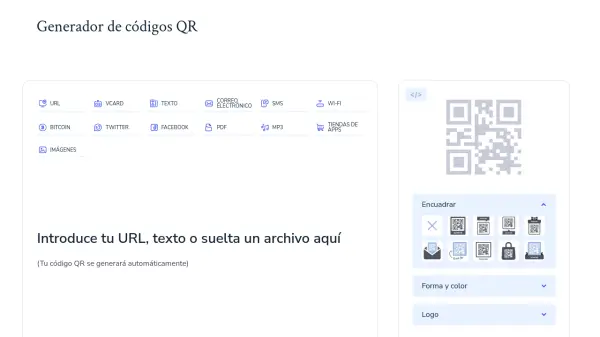
What is Generador de códigos QR?
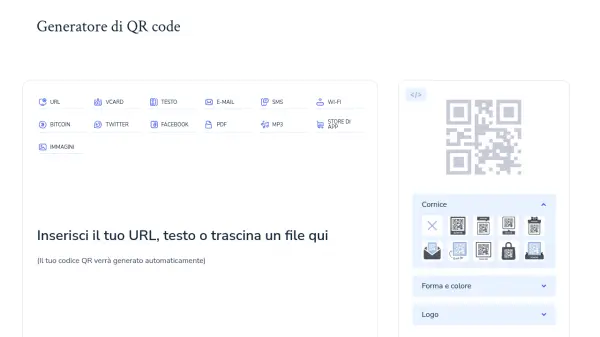
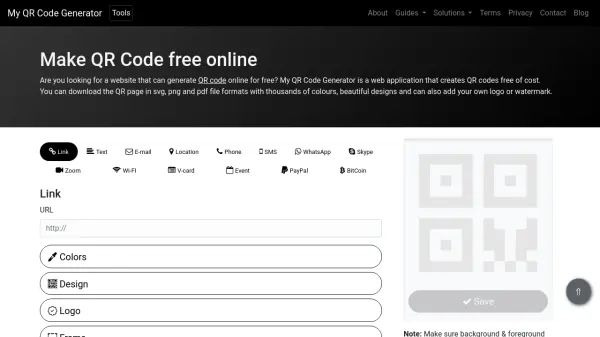
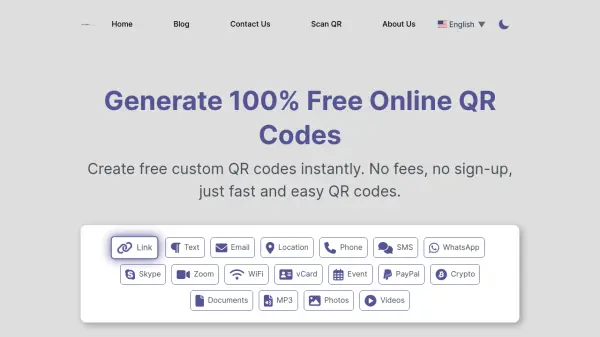
Generador de códigos QR is a free online tool that enables users to create permanent QR codes without expiration. The platform supports multiple content types including URLs, vCards, text, emails, SMS, Wi-Fi credentials, Bitcoin addresses, social media links, PDFs, MP3 files, app store links, and images. Users can upload various file formats such as JPG, PDF, MP3, DOCX, and PPTX to generate corresponding QR codes.
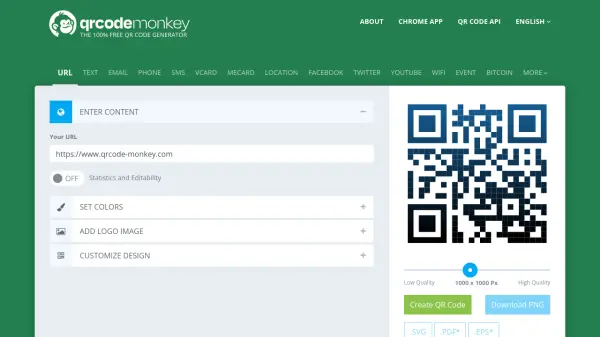
The tool offers customization features allowing users to modify colors, shapes, frames, and add logos to their QR codes. Generated codes can be downloaded in high-resolution formats like PNG and JPG, with vector options available in SVG/EPS. The service operates entirely in-browser requiring only HTML5 compatibility, with no account creation or subscription needed. All generated QR codes are static, meaning they cannot be edited or tracked after creation, but remain permanently valid for unlimited scans.
Features
- Multiple Content Types: Supports URLs, vCards, text, emails, SMS, Wi-Fi, Bitcoin, social media, PDFs, MP3, app stores, and images
- Customization Options: Allows color changes, shape modifications, frame additions, and logo integration
- File Upload: Accepts JPG, PDF, MP3, DOCX, and PPTX files for QR code generation
- Download Formats: Provides PNG, JPG, SVG, and EPS formats including high-resolution options
- No Account Required: Completely free service without registration or subscription requirements
Use Cases
- Creating digital business cards with contact information
- Sharing website links in printed materials
- Providing Wi-Fi access credentials to guests
- Distributing event details and locations
- Sharing social media profiles quickly
- Delivering digital documents like PDFs through physical media
- Promoting apps with direct download links
- Sharing audio files through scannable codes
FAQs
-
What types of files can I upload to create QR codes?
You can upload JPG, PDF, MP3, DOCX, and PPTX files to generate QR codes for those specific files. -
Can I edit my QR code after creating it?
No, the generated QR codes are static and cannot be edited after creation since this service doesn't offer dynamic QR codes. -
What formats can I download my QR code in?
You can download your QR codes in PNG and JPG formats for raster images, and SVG/EPS formats for vector graphics. -
Do I need an internet connection to scan these QR codes?
No, the QR codes work offline when they contain text or numerical data that doesn't require internet access to display. -
What's the recommended size for printing QR codes?
While there's no fixed minimum size, 1cm x 1cm (approximately 38x38 pixels) is a good reference, with 2cm x 2cm being the maximum recommended size for reliable scanning.