
What is pxCode?
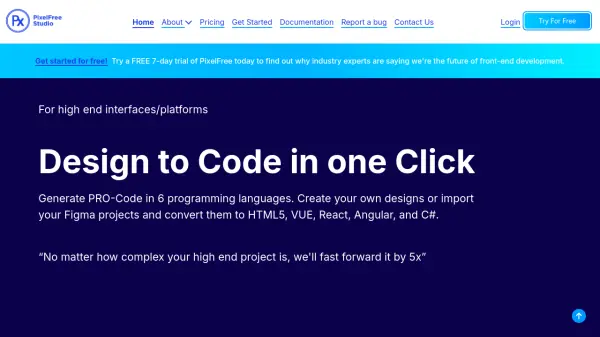
pxCode assists individuals and teams in accelerating their web development process by converting Figma designs into high-fidelity, production-ready code. It utilizes a unique workflow combining human oversight with AI capabilities through its Figma plugin, ensuring clean and responsive HTML output.
The tool focuses on generating well-structured, developer-friendly code (HTML, JS, SCSS, Tailwind CSS) without unnecessary dependencies, facilitating easy integration into existing projects. pxCode supports various frameworks like React.js, Vue, and Next.js, including features like reusable components (props editing) and CSS BEM naming support via AI. It also enables the creation of responsive websites across multiple device resolutions from a single set of mockups, bridging the gap between designers and engineers.
Features
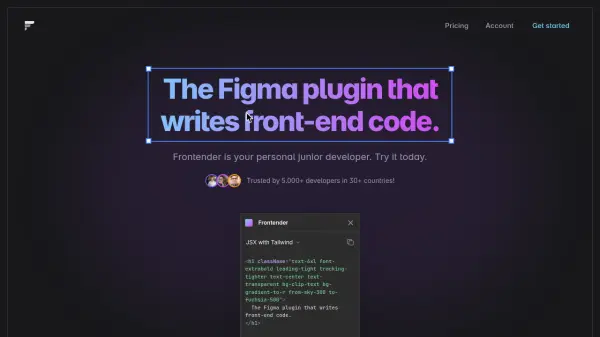
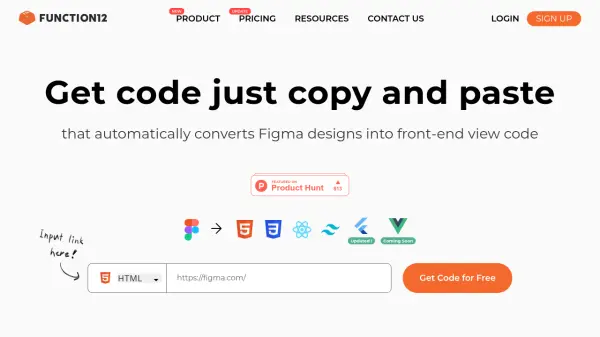
- Figma to Code Conversion: Export Figma designs directly to HTML, Vue, or React code.
- Clean Code Generation: Produces well-structured, developer-friendly code (HTML, JS, SCSS, Tailwind CSS) without dependencies.
- Framework Support: Integrates seamlessly with React.js, Vue, and Next.js (JSX/CSS in JS).
- Shared Component Support: Edit components once and reuse them across pages for modularity.
- Tailwind CSS Support: Convert Figma designs directly to Tailwind CSS for HTML, React, and Vue projects.
- AI-Powered CSS BEM Naming: Create legible CSS classes based on BEM tree naming with AI assistance.
- Universal Responsiveness: Generate responsive code for nine device resolutions from one mockup set.
- High-Fidelity Output: Achieve code results that closely match the original Figma design.
- Workflow Optimization: Streamlines the design-to-code process with integrated AI features.
Use Cases
- Converting Figma designs into functional HTML, React, or Vue websites.
- Accelerating frontend development workflows.
- Creating responsive websites compatible with various devices.
- Improving collaboration between designers and developers.
- Ensuring code quality and consistency in web projects.
- Managing and scaling large web projects with reusable components.