What is Fae?
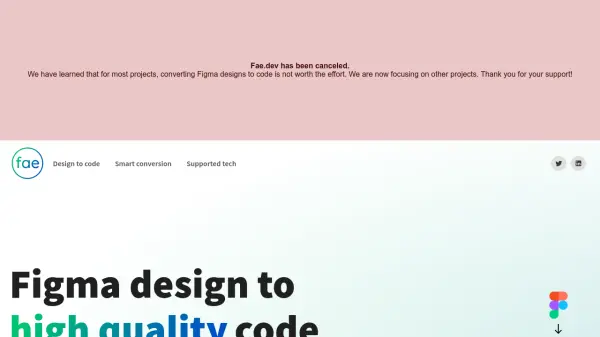
Fae is an AI-powered design-to-code conversion tool that seamlessly integrates with Figma to transform design elements into high-quality React components. It eliminates the need for manual coding by automatically generating code with proper properties, variants, and sub-components, ensuring consistency between design and development.
The tool supports multiple CSS frameworks including Styled Components, CSS Modules, and inline styles, along with TypeScript definitions and customizable code formatting. Fae also handles design tokens and theme variables according to best practices, making it a robust solution for developers looking to streamline their workflow from design to implementation.
Features
- Smart Conversion: Convert Figma designs to clean React code automatically
- Variant Combination: Generate one React component from multiple Figma variants
- Sub-components: Use converted components back in Figma with React properties
- CSS Framework Support: Choose from Styled Components, CSS Modules, inline styles, and more
- TypeScript Support: Export code with proper TypeScript definitions
- Code Customization: Set code formatting preferences like tabs vs spaces and quotes
Use Cases
- Converting Figma designs to React components for web development
- Streamlining design-to-code workflows for frontend developers
- Generating production-ready code from design prototypes
- Maintaining consistency between design and code in React projects
FAQs
-
What CSS frameworks does Fae support?
Fae supports Styled Components, CSS Modules, and inline styles, with plans to add more CSS flavors in the future. -
Does Fae support TypeScript?
Yes, Fae exports code with proper TypeScript definitions for enhanced type safety. -
Can I customize the code formatting in Fae?
Yes, you can set preferences for code formatting such as tabs vs spaces and quotes vs double quotes.