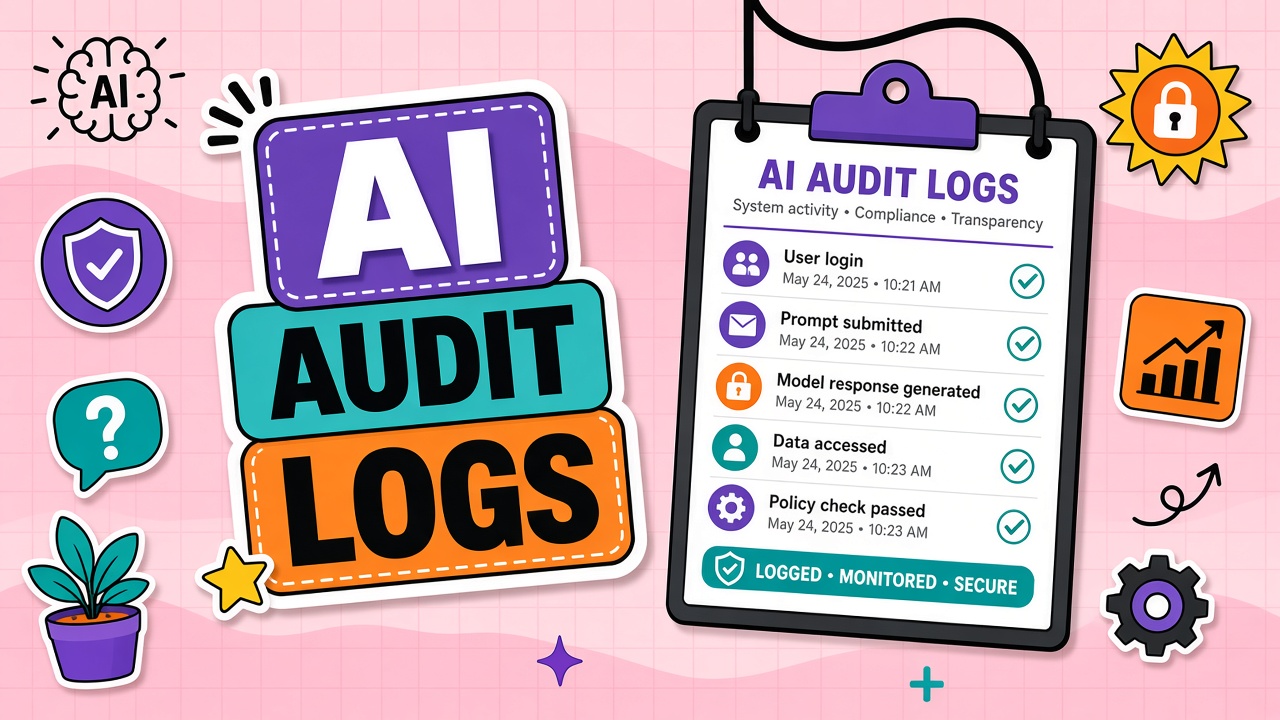
When a regulator, client, or internal security team asks what happened to sensitive data, chat history is not enough. You need tamper-evident records of who invoked which AI productivity tool, what integrations fired, and whether exports left the tenant. AI tool audit logs bridge the gap between adoption and accountability.
This guide covers why logging matters, an event taxonomy with retention guidance, balancing observability with privacy, SIEM integration patterns, and incident response workflows. Apply it to AI API deployments and managed chat apps alike.
Why Audit Logs Matter for AI Adoption
Audit logs answer accountability questions that model quality metrics cannot. Without them you cannot prove compliance with internal policy, investigate suspected data leaks, or reconstruct timelines after a misconfigured integration exfiltrated customer records.
Stakeholders who rely on AI usage audit trail data include:
- Security operations during incident response
- Legal and privacy teams responding to DSARs or regulatory inquiries
- Internal audit validating SOX or ISO controls
- Engineering debugging rogue API keys or automation jobs
Events Worth Logging: Prompts, Exports, Integrations
Log actions, not necessarily full prompt text. Many compliance frameworks require knowing who did what, when, and from where, while minimizing storage of sensitive content itself.
| Event category | Examples | Suggested retention |
|---|---|---|
| Authentication | Login, logout, SSO failure, MFA challenge | 1 to 3 years (align with IAM policy) |
| Authorization | Role change, API key create/rotate/revoke | 3 to 7 years for regulated industries |
| Usage | Model call, file upload, workspace share | 90 days to 1 year (metadata only) |
| Data movement | Export, webhook delivery, connector sync | 1 to 3 years |
| Admin config | Training toggle, retention policy, guest invite | 3+ years |
Balancing Observability and Privacy
Logging full prompts may recreate the compliance problem you are trying to avoid. Prefer:
- Hashed prompt fingerprints for duplicate detection without storing raw text
- Classification tags (public, internal, regulated) applied at gateway
- Token counts, model ID, and user ID without content
- Redaction pipelines before logs ship to central SIEM
AI compliance logging policies should define who may access log content, break-glass procedures, and employee monitoring disclosures where required by law.
SIEM Integration Patterns
Export vendor audit streams into Splunk, Sentinel, Elastic, or your SOC platform. Common patterns:
- Native integration: Vendor ships to cloud SIEM via OAuth (check latency and fields).
- Webhook + collector: Admin audit events POST to your ingestion endpoint.
- API polling: Scheduled jobs pull audit APIs; mind rate limits and pagination.
- Proxy gateway: All API calls route through your gateway that logs metadata centrally.
Normalize fields early: actor, action, resource, tenant, source IP, user agent, result. Correlate AI logs with IdP sign-ins and DLP alerts for enterprise AI monitoring use cases.
Incident Response Using AI Audit Data
When investigating a suspected leak, audit logs establish scope and timeline. Typical steps:
- Identify user accounts and API keys active in the incident window
- List file uploads, exports, and connector syncs during that period
- Check whether training opt-out was enabled and whether guest users had access
- Preserve vendor logs immutably; open vendor support ticket with request IDs
- Notify legal/privacy if personal data left approved boundaries
Frequently Asked Questions
Should we redact prompts in audit logs?
Yes, for most internal tiers and regulated data. Store metadata sufficient for investigation without retaining full customer or employee content in your SIEM unless legally required and access-controlled.
How long must we keep AI audit logs?
Depends on sector and jurisdiction. Financial and healthcare environments often require multi-year retention for access and config changes. Usage metadata may be shorter. Align with your records management schedule.
Does logging AI usage count as employee monitoring?
It can, depending on what you log and local labor law. Disclose monitoring in acceptable-use policies and consult HR/legal before logging keystroke-level or full prompt content.
What if the vendor lacks audit APIs?
Route traffic through your API gateway, require enterprise tier with admin logs, or disqualify the vendor for regulated workflows. Consumer tiers rarely meet enterprise logging needs.
Do APIs log differently than web apps?
Yes. APIs expose key-based identity and programmatic volume spikes. Web apps log UI actions and sharing events. Cover both if your organization uses hybrid access patterns.
The Bottom Line
AI tool audit logs turn adoption from a black box into governed infrastructure. Define an event taxonomy, retain appropriately, redact content, and pipe metadata to your SIEM before you need it in an investigation. Require logging features when procuring AI productivity tools and AI APIs for any production data tier above public.