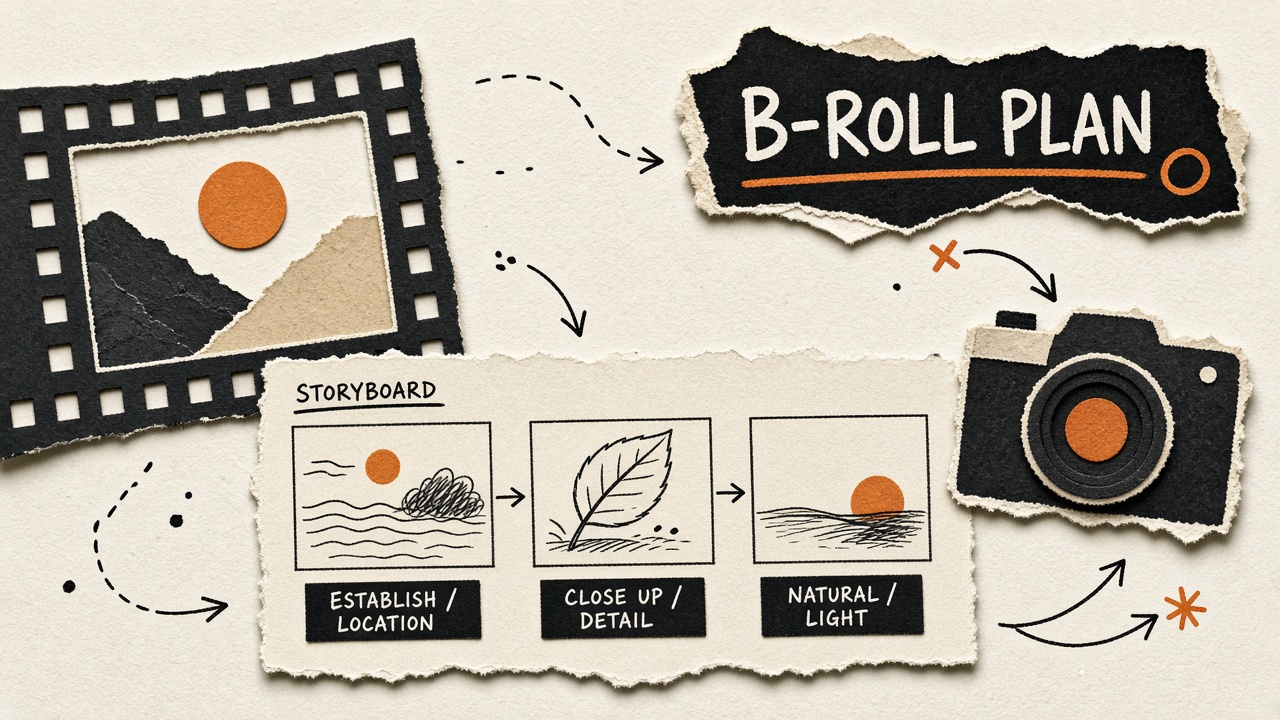
Talking-head videos feel flat when every sentence shows the same frame. B-roll carries emotion, proves claims, and resets viewer attention, but shot planning often happens in the edit bay under deadline pressure. An ai workflow video broll planning pipeline breaks scripts into visual beats, builds shot lists with duration estimates, drafts stock search queries and generative prompts, documents rights and disclosure for AI visuals, and hands structured notes to editors before filming or asset pulls begin. AI accelerates storyboarding and query writing; you own authenticity, legal clearance, and what appears on camera.
This guide fits YouTubers, course creators, corporate video teams, and podcast-to-video producers. Pair shot planning with AI chatbot tools for brainstorming visual metaphors and AI video tools when you generate supplemental clips, always with rights and disclosure rules from your checklist.
Break Script Into Visual Beats
Divide the script into visual beats where the spoken idea changes emotion, location, or proof type, then assign each beat a visual category (talking head, screen capture, B-roll, graphic) before listing specific shots. A video storyboard ai workflow starts from an approved script, not a vague topic, because beats map to sentences and paragraph transitions.
- Number script paragraphs; mark emotional shift lines (problem, tension, relief, CTA).
- Label each beat: establish, explain, prove, transition, call to action.
- Note talking-head vs B-roll default per beat; not every line needs cutaway.
- Flag beats needing product UI, location shoot, or actor hands.
- Export beat table: script excerpt, beat type, visual category, priority (must have vs nice).
| Beat type | Typical visual | B-roll role |
|---|---|---|
| Establish | Wide environment or topic montage | Sets context in 2 to 4 seconds |
| Explain | Screen capture or diagram | Supports abstract concepts |
| Prove | Result screenshot or testimonial b-roll | Evidence for claims |
| CTA | Return to talking head or branded end card | Minimal distraction |
Shot List With Duration Estimates
Each B-roll line in the shot list includes description, estimated on-screen duration, source type (filmed, stock, generative, screen), and script timestamp so editors know coverage gaps before the rough cut. Broll shot list ai drafts accelerate filling the table from beat exports; humans adjust durations after read-through timing.
- Read script aloud; note seconds per paragraph for baseline coverage needs.
- Assign 2 to 5 second clips for montage beats; 5 to 12 seconds for story beats.
- Total planned B-roll seconds should exceed estimate by 20 percent for trim options.
- Mark pickup shots if filming day is single location.
- Share shot list with editor in spreadsheet or Notion before shoot day.
| Shot ID | Description | Duration | Source |
|---|---|---|---|
| BR-01 | Hands typing on laptop, shallow depth of field | 4 sec | Film or stock |
| BR-02 | Dashboard close-up showing metric spike | 6 sec | Screen capture |
| BR-03 | Abstract network nodes for "AI" mention | 3 sec | Generative or stock |
Stock Search Queries and Generative Prompts
For each shot, draft two stock search queries and one generative video or image prompt so you can source quickly when filming is impossible or over budget. Generative broll prompts ai work best with lens, lighting, motion, and mood specified; avoid celebrity names and trademarked products in prompts.
- Stock queries: concrete nouns plus action ("barista pouring latte slow motion").
- Avoid overly generic queries ("business success") that return cliché footage.
- Generative prompts: subject, environment, camera move, duration, style (documentary vs cinematic).
- Log license tier when stock clip selected (standard vs extended for broadcast).
- Store generative seed and model version if you need match cuts later.
| Decision | Choose stock when | Choose generative when |
|---|---|---|
| Generic lifestyle | Common scenes exist cheaply | Need specific diverse casting |
| Product UI | Rarely; use screen capture | Avoid fake UI that misrepresents |
| Abstract metaphor | Stock motion graphics libraries | Custom visual match to script metaphor |
| Location specific | You can film or buy local stock | Risky; may look uncanny |
Rights and Disclosure for AI Visuals
Document license terms for stock, generative tool ToS, and sponsor requirements before publish; disclose synthetic footage when platform policy or audience trust expects transparency. AI visuals that depict real people, products, or news events carry elevated legal and ethical risk.
- Stock: save license PDF or receipt with clip ID in project folder.
- Generative: confirm commercial use, likeness rules, and training data claims in vendor ToS.
- Sponsor briefs: some brands prohibit AI faces or require authenticity statements.
- YouTube and FTC: follow current disclosure guidance for altered or synthetic media where applicable.
- Archive prompt and output hash if disputes arise later.
Prefer filmed B-roll for testimonials, product demonstrations, and any claim implying you personally performed the on-screen action. Generative B-roll suits abstract transitions and stylized montages, not fake proof.
Edit Bay Handoff Notes
Editors receive shot list, script with timestamps, asset folder links, music license notes, and style references (pace, zoom preference, lower third rules) in one handoff doc to avoid reconstructing your intent from chat threads. AI can summarize handoff from shot list and beat table; lead editor confirms before cut starts.
- Project folder structure: footage, stock, generative, graphics, music, exports.
- Timecode or paragraph markers aligned to script version number.
- Priority shots flagged must include; optional shots cut if runtime over.
- Color and aspect ratio targets (1080p 24fps, 4K master optional).
- Revision policy and first cut due date.
Rough Cut Review
Review rough cuts against the shot list coverage column: every proof beat should have visual evidence or intentional talking-head hold, not accidental gaps filled with random stock. Note pickup shots early while crew or subscriptions remain available.
Filming Day Checklist From Shot List
Print or load the shot list on set grouped by location and lens setup so you batch similar B-roll (desk shots, kitchen shots, outdoor walking) and reduce setup time between clips. A broll shot list ai export sorted by location beats a chronological script order on filming day.
- Circle must-have shots in red; film those before nice-to-have montage fillers.
- Capture each planned shot plus one alternate angle (wide and tight).
- Log slate or voice note with shot ID at start of each clip for editor matching.
- Check exposure and white balance when location changes.
- Confirm release forms if extras appear in B-roll backgrounds.
| Setup block | Shots to batch | Time buffer |
|---|---|---|
| Desk A-roll plus B-roll | Talking head, hands typing, screen over-shoulder | 45 to 60 minutes |
| Kitchen or lifestyle | Pouring, plating, walking through door | 30 to 45 minutes |
| Outdoor b-roll | Establishing wide, walking track, skyline | 20 to 30 minutes plus travel |
Screen Capture and UI B-Roll Standards
Screen captures for tutorials need cursor highlight rules, zoom keyframes planned in the shot list, and anonymized data so B-roll does not leak client or personal information. AI cannot screen-record; it can draft step lists editors follow while capturing.
- Hide notifications and personal bookmarks before recording.
- Use demo accounts with fake names consistent across all shots in the video.
- Plan zoom-in beats in shot list when UI text must be readable on mobile viewers.
- Export at native resolution; avoid blurry upscaled screen recordings.
- Match UI version to script; re-capture if product updated mid-production.
For generative broll prompts ai near UI mentions, prefer real capture for product credibility. Generative fake dashboards mislead viewers and violate sponsor truth-in-advertising expectations when the video is sponsored.
Music and Sound Design Notes
Include music mood, licensed track ID or library search terms, and SFX notes (whoosh on transition, UI click on app beat) in the handoff doc so editors do not pick tracks that clash with your brand or license. B-roll montages often drive music energy; talking segments may need lighter beds.
- Tag beats that need montage sync versus subtle underscore under voice.
- Confirm commercial license covers YouTube Content ID and client use if corporate.
- Avoid copyrighted trending audio on B-roll destined for sponsor videos if brief restricts it.
- Note mute-safe sections if platforms strip audio on reposts.
Pacing Reference Clips
Link one reference video with similar pacing in the handoff doc ("match cut rhythm to this example, not frame-for-frame copy") so editors understand tempo without vague "make it cinematic" notes. AI can summarize what makes the reference work (average shot length, b-roll ratio) when you paste a timestamped breakdown.
Archive and Reuse Shot Library
Tag filmed B-roll in a searchable library by topic, location, and release status so future videos reuse generic clips without reshooting desks and coffee pours every week. A video storyboard ai workflow should check the library before generating new stock or generative queries, saving budget and keeping visual consistency across episodes.
- Filename pattern: topic-location-shottype-date (e.g., saas-desk-typing-2026-03).
- Metadata: license (self-shot), talent release yes or no, color grade applied or log.
- Retire clips with outdated UI, logos, or seasonal decor when brand standards change.
- Feed library tags back into AI shot list prompts as "prefer existing asset if match."
| Library tag | Reuse when | Do not reuse when |
|---|---|---|
| Generic workspace | Any productivity topic | Sponsor requires fresh footage clause |
| Seasonal outdoor | Same season only | Winter clip in summer episode |
| Product demo capture | Same software version | UI redesign shipped |
Frequently Asked Questions
How do I keep generative B-roll visually consistent across a video?
Reuse the same style tokens, seed when supported, and limit generative clips to short inserts between filmed or stock anchors so style drift is less noticeable. Build a prompt prefix library ("documentary handheld, muted teal grade, soft window light") and forbid model hopping mid-project without tests.
Can I use AI-generated faces in creator content?
Many teams avoid synthetic faces in educational or sponsor content because of trust, policy, and likeness risk; use over-shoulder shots, hands, or abstract visuals instead when authenticity matters. Check platform rules and brand brief restrictions before publishing AI faces.
How should B-roll handle product shots for reviews?
Film or screen-capture the actual product you tested; do not use generative mockups that imply features or branding you have not verified on camera. Stock generic devices are acceptable only when not implying a specific model review.
How much B-roll does a ten minute video need?
Many talking-head videos target 30 to 50 percent B-roll or screen coverage by runtime, higher for vlogs and lower for deep tutorial talking segments, adjusted using the shot list duration totals. Let script beats drive coverage instead of arbitrary clip counts.
Plan Shots Before the Edit Crisis
A practical ai workflow video broll planning practice maps script beats, builds duration-aware shot lists, drafts stock and generative queries with a clear decision tree, documents rights and disclosures, and hands complete notes to editors. AI speeds storyboarding and prompt writing; your footage choices and legal judgment define trust. Run the beat table on your next script before you film or open the stock site.