What is Phototheca?
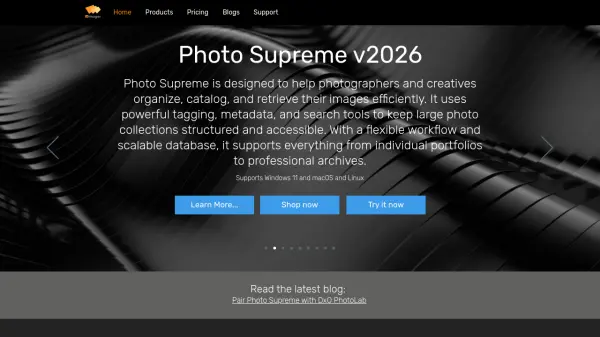
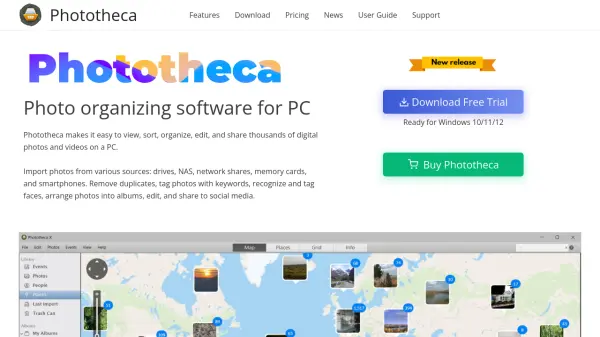
Phototheca is a sophisticated photo management solution designed specifically for Windows operating systems that simplifies the organization of extensive digital photo and video collections. The software incorporates cutting-edge AI-driven facial recognition technology that automatically identifies individuals across all photos in the library and creates dedicated albums for each person, streamlining the organization process significantly.
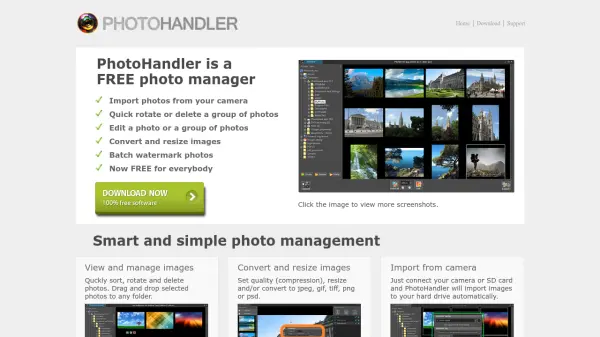
Beyond facial recognition, Phototheca offers a comprehensive suite of organizational tools including smart albums, nested folders, calendar views, and metadata management capabilities. The software supports batch processing for keywords, ratings, and descriptions while providing duplicate detection to reclaim storage space. Built-in editing features include 56 high-quality filters, light adjustment tools, and RAW photo editing capabilities for premium users, making it suitable for both casual users and photography professionals.
Features
- Facial Recognition: AI-driven technology identifies people across all photos and automatically creates albums for each individual
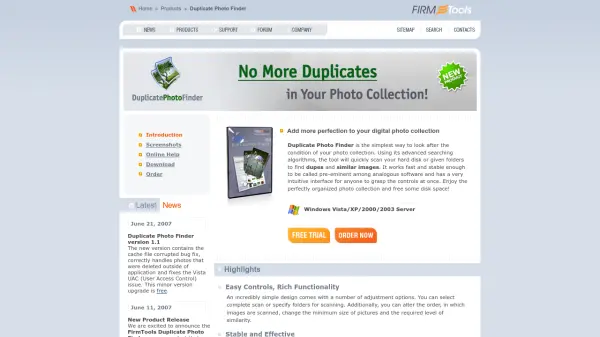
- Duplicate Detection: Finds and removes duplicate image files to reclaim storage space with batch processing capabilities
- Smart Albums: Automatically gathers photos based on user-defined criteria for intelligent organization
- Built-in Photo Editor: Includes 56 high-quality filters and editing tools for light, sharpness, white balance, and RAW photo editing
- Metadata Management: Comprehensive tools for batch processing keywords, ratings, descriptions, and camera metadata
Use Cases
- Organizing extensive personal photo collections with automatic facial recognition
- Migrating from Picasa while preserving existing tags and organizational structure
- Managing professional photography portfolios with advanced editing and organization tools
- Creating themed albums for events, holidays, or specific time periods
- Removing duplicate photos to optimize computer storage space
FAQs
-
What operating systems does Phototheca support?
Phototheca is designed for Windows operating systems, specifically compatible with Windows 10, 11, and 12. -
Can Phototheca import photos from mobile devices?
Yes, Phototheca can import photos from various sources including smartphones, memory cards, drives, NAS devices, and network shares. -
Does Phototheca preserve metadata when importing from other software?
Yes, when migrating from Picasa, Phototheca preserves all existing tags, captions, people names, and face tags during the import process. -
What photo formats does Phototheca support?
Phototheca supports modern file formats and includes RAW photo editing capabilities in the Premium and Unlimited versions. -
Is there a free trial available for Phototheca?
Yes, Phototheca offers a free trial version that users can download before purchasing the full software.