Duplicate Photo Finder favicon

Duplicate Photo Finder
Effortlessly Detect and Remove Duplicate Photos

What is Duplicate Photo Finder?

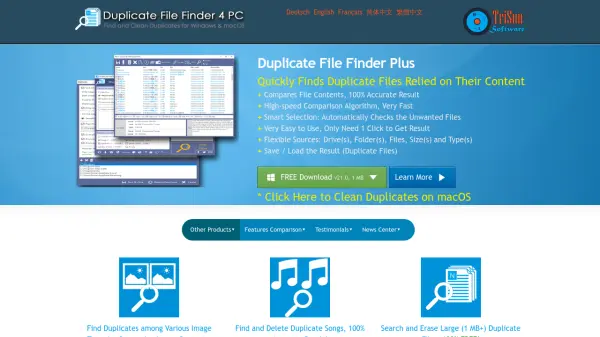
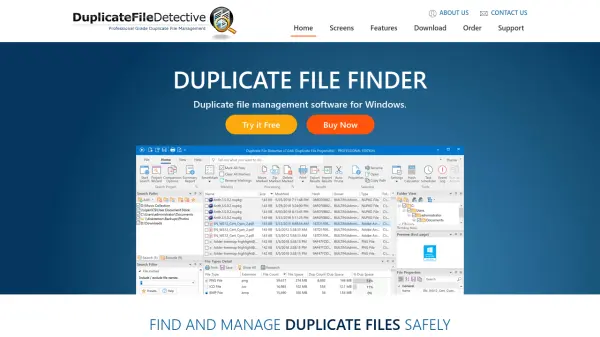
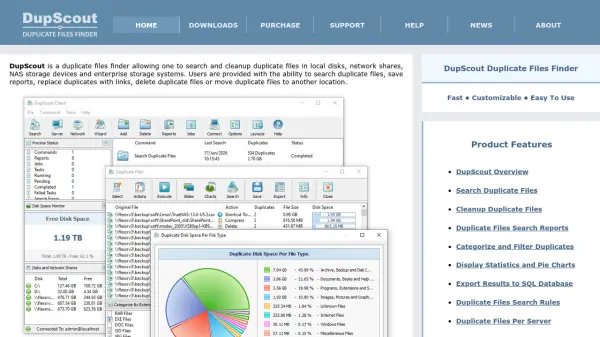
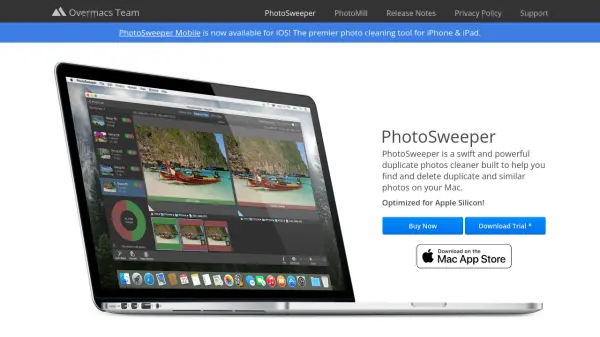
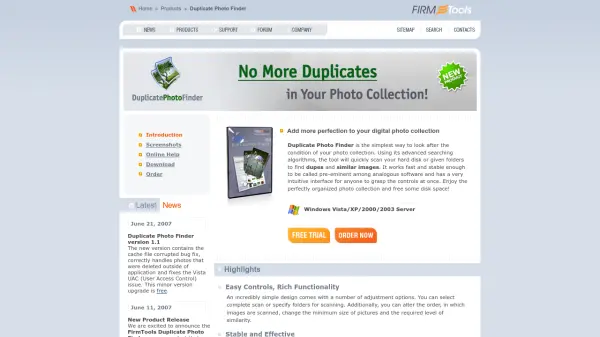
Duplicate Photo Finder leverages cutting-edge search algorithms to efficiently scan computer hard drives or specified folders, identifying duplicate and similar photos. Its intuitive and easy-to-use interface allows anyone to manage their digital image collections with minimal effort while enhancing organization and reclaiming valuable storage space.

The software offers powerful adjustment options, enabling users to modify scan settings, specify desired similarity levels, and choose between complete or folder-specific scans. With stable performance and the optional Thumbnail Mode for rapid large-scale searches, Duplicate Photo Finder stands out as a reliable solution for those seeking to maintain a tidy and efficient photo archive.

Features

  • Advanced Search Algorithms: Rapidly detects duplicate and similar images.
  • Customizable Scanning: Selects entire drives or specific folders to scan.
  • Adjustable Similarity Settings: Allows users to set desired similarity levels and minimum image sizes.
  • Thumbnail Mode: Boosts search speed for extensive photo collections with a slight trade-off in accuracy.
  • User-Friendly Interface: Intuitive controls suitable for users at any experience level.
  • Stable Operation: Delivers reliable performance without technical difficulties.

Use Cases

  • Organizing large digital photo collections by removing duplicates.
  • Freeing up storage space on computers and servers.
  • Cleaning up image libraries before backup or migration.
  • Preparing professional portfolios or galleries for presentation.
  • Regularly maintaining personal or shared photo archives.

Related Tools:

Blogs:

  • Boost Engagement in Ads with AI

    Boost Engagement in Ads with AI

    Discover how AI music and AI SDR agents are reshaping modern advertising. Learn how emotional resonance through AI-generated soundtracks combined with smart, automated sales outreach can turn viewers into loyal customers faster, cheaper, and more personally than ever before.

  • Top 6 AI note-taking tools for 2026: in-person, online, and hybrid use cases

    Top 6 AI note-taking tools for 2026: in-person, online, and hybrid use cases

    Most AI note-taking lists are really lists of meeting bots, which join your video call and transcribe it. That's useful, but it's half the picture. Decisions happen in hallway conversations, client dinners, on-site visits, and hybrid rooms where nobody is on a video link. This guide covers different parts of the note-taking workflow: hardware capture for in-person settings, platform-native tools for online calls, and AI layers for organizing and synthesizing what you've captured. It compares six tools by capture context, workflow fit, pricing, and limitations.

  • Chat with PDF AI Tools

    Chat with PDF AI Tools

    Easily interact with your PDF documents using our advanced AI-powered tool. Whether you're reading lengthy reports, research papers, contracts, or eBooks, our platform lets you chat directly with your PDF files, ask questions, extract insights, and get summaries in real-time.

Didn't find tool you were looking for?

Be as detailed as possible for better results