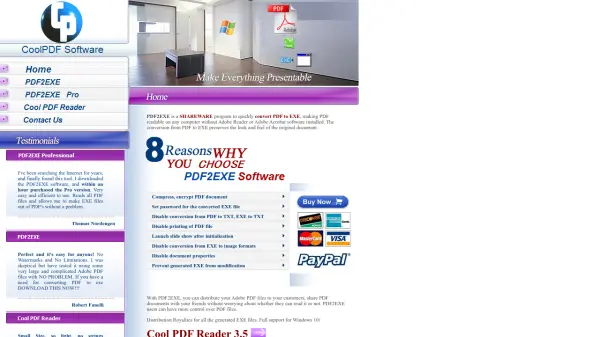
What is PDF2EXE?
PDF2EXE transforms PDF documents into self-contained executable files that maintain the original document's appearance and functionality. The conversion process ensures PDF files become portable applications that can run independently on Windows systems, eliminating dependency on third-party PDF readers.
The software provides document protection features including password encryption, printing restrictions, and prevention of text or image extraction. It supports all Windows versions from Windows 2000 through Windows 11, including server editions, with both 32-bit and 64-bit compatibility. The generated EXE files have distribution rights included, allowing users to share documents freely with clients or colleagues.
Features
- PDF to EXE Conversion: Transforms PDF documents into executable files that run without Adobe Reader
- Document Security: Provides password protection, printing restrictions, and prevents text/image extraction
- Windows Compatibility: Supports all Windows versions from Windows 2000 to Windows 11 including server editions
- Distribution Rights: Allows free distribution of generated EXE files to clients and colleagues
- Small Footprint: Lightweight software with minimal system resource requirements
Use Cases
- Distributing business documents to clients without PDF reader dependencies
- Sharing sensitive PDF files with enhanced security features
- Creating portable presentations or reports as executable files
- Protecting intellectual property in PDF documents from unauthorized extraction
- Ensuring document accessibility across different Windows environments
FAQs
-
What operating systems does PDF2EXE support?
PDF2EXE supports all Windows versions from Windows 2000 through Windows 11, including Windows Server editions and both 32-bit and 64-bit systems. -
Does the converted EXE file require Adobe Reader to view?
No, the converted EXE file is a self-contained executable that runs independently without requiring Adobe Reader or any other PDF viewing software. -
Can I distribute the EXE files created with PDF2EXE?
Yes, PDF2EXE includes distribution rights for all generated EXE files, allowing you to freely share them with clients, colleagues, or friends. -
What security features does PDF2EXE offer?
PDF2EXE provides password protection for EXE files, printing restrictions, prevention of text extraction from PDF/TXT conversion, and prevention of image format conversion from EXE files.