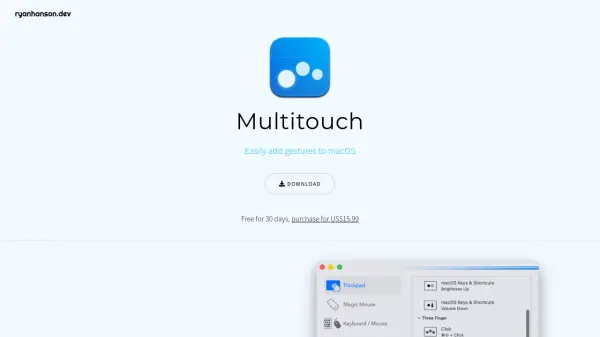
What is Multitouch?
Multitouch is a macOS application designed to enhance user interaction through customizable gestures and actions. It provides a comprehensive gesture engine that supports trackpads and Magic Mice on macOS 10.15+ for both Intel and Apple Silicon devices. The tool includes a wide range of actions for browsers, keystrokes, clicks, and more, along with integrated window management features similar to Rectangle's functionality.
Users can remap keys to hyper keys, create keyboard shortcuts for scripts, and customize mouse button actions. Each license allows activation on up to three devices simultaneously, making it versatile for multi-device setups. Multitouch is developed by Ryan Hanson and offers a 30-day free trial before purchase.
Features
- Gesture Engine: Provides a powerful engine for creating custom trackpad and Magic Mouse gestures on macOS
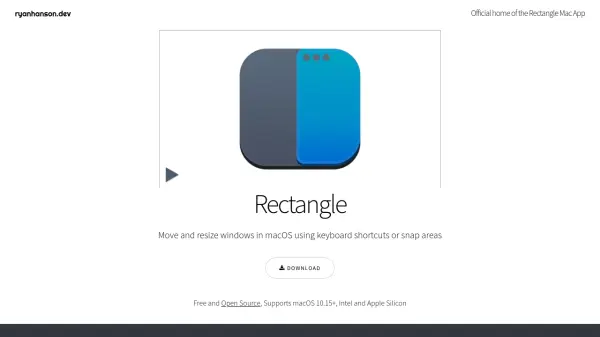
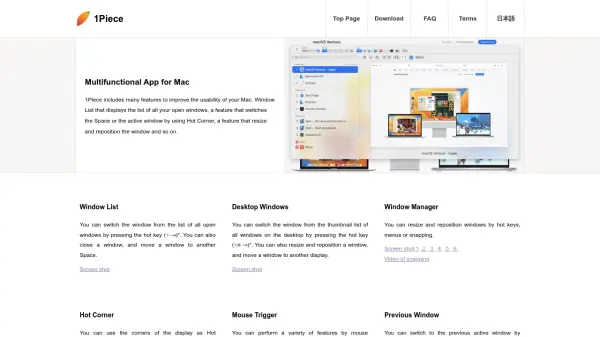
- Window Management: Includes first-class window management with keyboard shortcuts, menu items, and drag-to-snap areas
- Action Variety: Offers a huge selection of actions for browsers, keystrokes, clicks, and more
- Keys & Mouse Buttons: Allows conversion of keys to hyper keys, remapping of buttons, and creation of keyboard shortcuts for scripts
- Multi-Device Support: One license can be active on three devices at a time
- Compatibility: Supports any trackpad or Magic Mouse on macOS 10.15+ for Intel and Apple Silicon
Use Cases
- Enhancing productivity with custom macOS gestures
- Streamlining window management on Mac devices
- Creating personalized keyboard shortcuts for scripts and actions
- Remapping mouse buttons and keys for improved workflow
- Using a single license across multiple Mac devices