
What is Contexts?
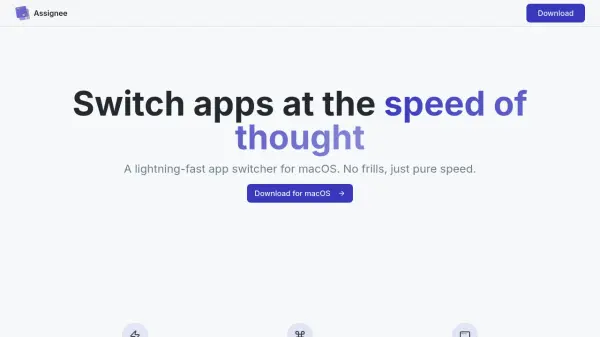
Contexts is designed to radically improve window management on macOS by enabling users to switch between application windows quickly and efficiently. With features like powerful search, customizable keyboard shortcuts, and instant gestures, Contexts allows users to access any window in two or three keystrokes. The tool includes enhancements such as prioritized search, acronym recognition, search shortcuts, and a vibrant dark theme for comfortable use.
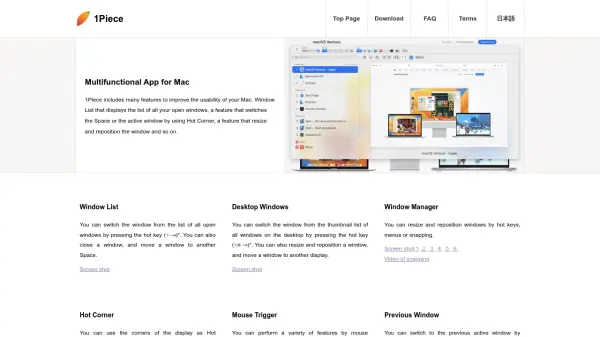
It supports multiple setups by working seamlessly across various Spaces and displays, offering flexible window filtering and a sidebar for mouse-based switching. Gesture-based controls, sorting by window importance, and configurable switcher combinations further enhance productivity. Contexts is carefully crafted to integrate with the macOS experience, reducing time spent managing windows and helping users maintain their workflow with ease.
Features
- Fast Search: Instantly filter and access any window using a flexible search interface.
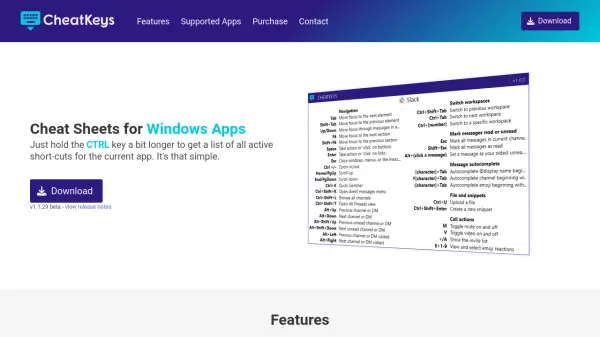
- Customizable Shortcuts: Assign and use personalized keyboard shortcuts and modifier keys for faster navigation.
- Gesture Controls: Swipe and scroll gestures enable quick window selection without moving the mouse.
- Sidebar: Auto-hiding sidebar groups windows by space for easy visual selection.
- Multiple Displays Support: Seamless functionality across various monitors and macOS spaces.
- Search Shortcuts: Remembers queries for instantaneous access to frequently used windows.
- Prioritized Search Results: Acronym and start-of-word matches are scored higher for deterministic switching.
- Command-Tab Enhancement: Advanced app and window switching surpassing the default system switcher.
- Window Management Actions: Close, minimize, hide, and quit windows directly from the interface.
- Vibrant Dark Theme: A visually striking dark interface designed to blend with macOS aesthetics.
Use Cases
- Quickly switch between multiple application windows during multitasking sessions.
- Enhance productivity for users working with many apps and macOS Spaces.
- Efficiently manage and access windows across several displays.
- Improve navigation and workflow for developers, designers, and power users.
- Optimize window selection and reduce the time spent finding open windows.
- Facilitate fast switching with keyboard shortcuts or gesture controls in high-intensity workflows.