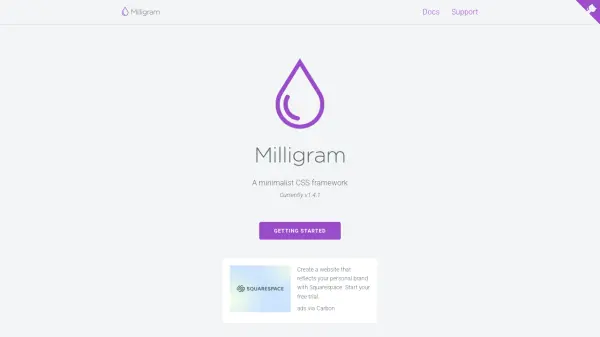
What is Milligram?
Milligram provides a minimal setup of styles for a fast and clean starting point in web development. It focuses on delivering a lightweight solution with only 2kb gzipped, ensuring better performance and higher productivity by reducing the number of properties to reset, which results in cleaner code. The framework is not intended as a full UI framework but as a foundational tool to streamline the design process.
It includes essential components such as typography, blockquotes, buttons, lists, forms, tables, grids, code snippets, and utilities, all optimized for modern browsers. Milligram uses the CSS Flexible Box Layout Module for a fluid grid system and supports mobile-first design strategies with responsive breakpoints. The framework is easy to integrate via various installation methods, including Bower, npm, Yarn, or CDN, and comes with a CLI for quick project setup.
Features
- Minimal Setup: Provides a lightweight CSS framework with only 2kb gzipped for fast loading and clean code.
- Responsive Grid: Uses CSS Flexible Box Layout Module for a fluid grid system that adapts to screen sizes.
- Mobile-First Design: Implements responsive breakpoints for mobile, tablet, and desktop screens.
- Typography: Includes predefined font sizes and line heights using rem units with Roboto font from Google.
- Components: Offers styled elements like buttons, forms, tables, lists, blockquotes, and code snippets.
- Utilities: Provides functional classes for common CSS tasks such as clearing floats and floating elements.
- Easy Installation: Supports installation via Bower, npm, Yarn, or CDN, with a CLI for quick project setup.
- Browser Support: Compatible with latest versions of major browsers including Chrome, Firefox, Safari, and Edge.
Use Cases
- Creating fast and clean websites with minimal CSS overhead.
- Developing responsive web applications using a mobile-first approach.
- Streamlining web design projects with pre-styled components and grids.
- Building lightweight prototypes or MVPs for startups or personal projects.
- Enhancing productivity in front-end development by reducing CSS boilerplate.