What is Cirrus?
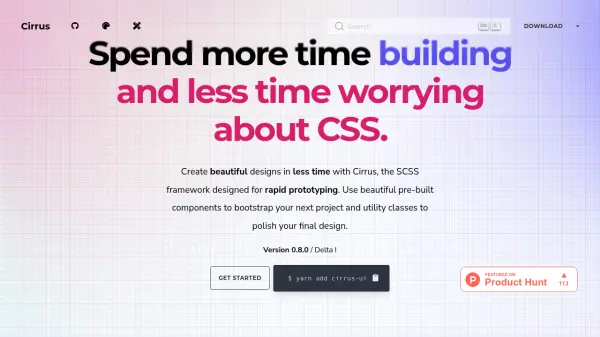
Cirrus is a fully responsive and comprehensive SCSS framework that enables developers to create beautiful designs efficiently. It provides a decision-fatigue-free design system with utility functions for typography, colors, sizes, opacity, and shadows, ensuring consistent user interfaces. The framework includes pre-built components for quick project bootstrapping and allows customization through a config file to modify or disable features as needed.
With a compressed size of 17.8 KB, Cirrus integrates easily into any HTML page via CDN or Node projects, supporting mobile-first design without extra media queries. It is licensed under MIT for source code and CC BY-NC-SA 4.0 for website content, making it a versatile tool for both new and existing web development projects.
Features
- Pre-built Components: Beautiful and responsive components for quick project bootstrapping.
- Utility Classes: Extensive utility functions for typography, colors, sizes, opacity, and shadows to polish designs.
- Customization: Modify or disable features via a config file to reduce file size and fit project requirements.
- Responsive Design: Mobile-first approach with inline controls for scaling without extra media queries.
- Easy Integration: Import via CDN or package managers like Yarn for seamless setup in any project.
Use Cases
- Rapid prototyping of web applications
- Building responsive websites from scratch
- Enhancing existing designs with consistent UI elements
- Creating mobile-first user interfaces
- Customizing CSS frameworks for specific project needs