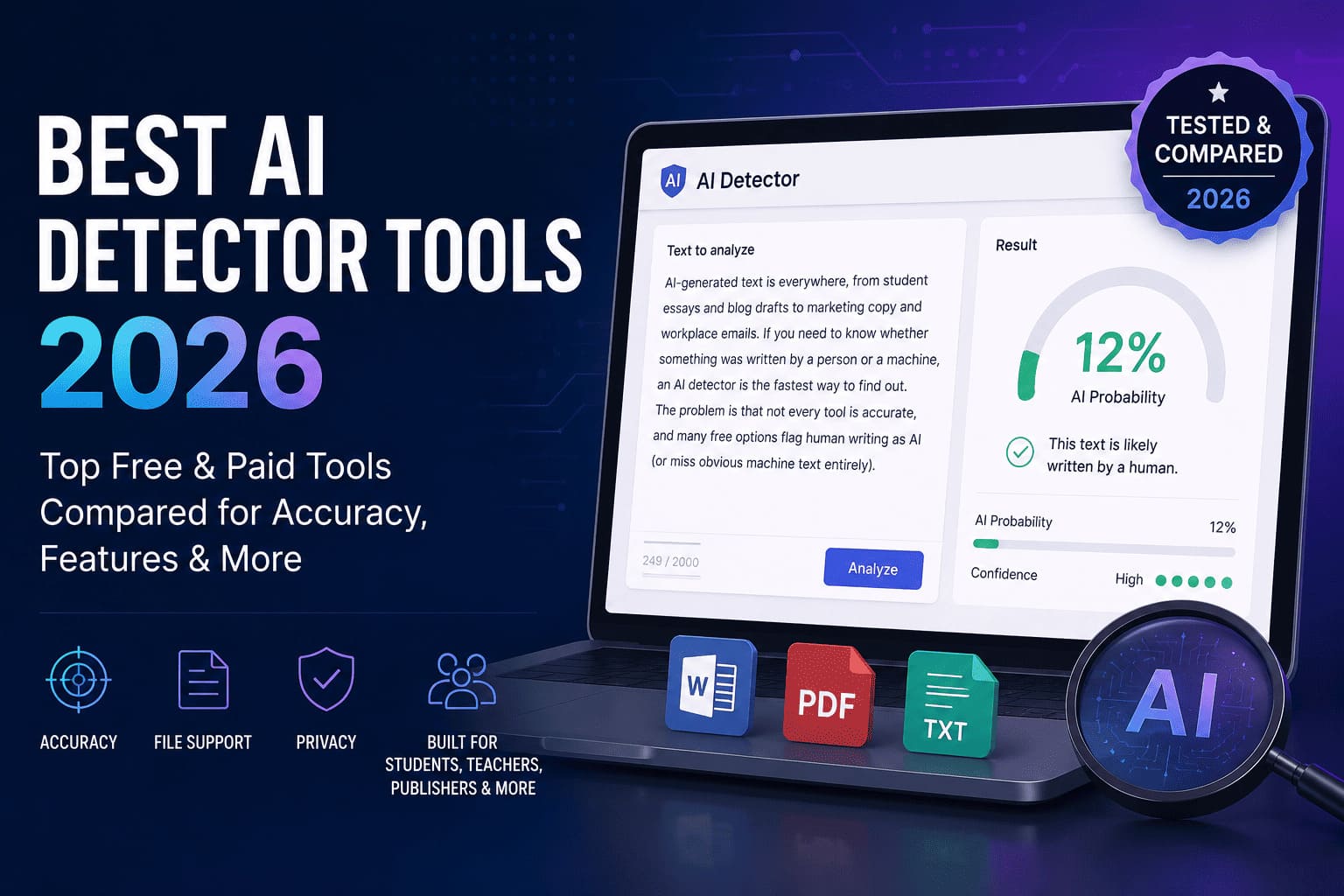
AI-generated text is everywhere, from student essays and blog drafts to marketing copy and workplace emails. If you need to know whether something was written by a person or a machine, an AI detector is the fastest way to find out. The problem is that not every tool is accurate, and many free options flag human writing as AI (or miss obvious machine text entirely).
We compared the most popular AI detector tools in 2026, both free and paid, across accuracy, features, file support, and who each one is actually built for. Whether you are a student checking your own draft, a teacher reviewing submissions, or a publisher screening freelance work, this guide points you to the right tool. If you only need a free check, start with our free AI detector and checker guide, then browse our full AI detector category for even more options.
How AI Detectors Work
Most AI detectors do not read your text the way a human does. They look for statistical patterns: things like word predictability, sentence uniformity, and how "smooth" the writing feels compared to typical human variation.
Here is a simplified breakdown of what happens when you paste text into a detector:
- Tokenization. Your text is split into words and phrases the model can analyze.
- Pattern scoring. The tool compares your writing against patterns common in ChatGPT, Claude, Gemini, and other large language models.
- Probability output. You get a percentage or label, often "likely AI," "mixed," or "likely human," based on how closely the text matches machine-generated patterns.
- Highlighting (on some tools). Sentences flagged as most machine-like are highlighted so you can review specific passages.
No detector is perfect. A polished human essay can score as AI. A rough, conversational AI draft can score as human. Treat every result as a signal to investigate further, not a final verdict, especially in high-stakes situations like academic integrity reviews.
AI Detector Comparison: Free Tier, Features & Best For
This table summarizes the tools we recommend most often. Accuracy varies by text type, length, and language, so we note general strengths rather than claiming lab-perfect scores.
| Tool | Free tier | File upload | API | Best for |
|---|---|---|---|---|
| GPTZero | Yes, limited words/day | PDF, DOCX | Paid plans | Teachers & classrooms |
| 0gpt | Yes | Paste only | No | Quick free checks |
| ZeroGPT | Yes, with character limits | Paste only | No | Students on a budget |
| Winston AI | Trial available | PDF, DOCX, images (OCR) | Yes | Publishers & SEO teams |
| Copyleaks | Limited trial | Multiple formats | Yes | Enterprises & LMS integration |
| Turnitin | Institution license only | LMS submissions | Via LMS | Universities & K-12 |
| Check Plagiarism | Yes, with limits | Paste & upload | No | Plagiarism + AI combo checks |
| Sapling | Browser extension free | In-browser | Yes | Support teams & developers |
Wondering how Turnitin stacks up against lighter-weight alternatives? Read our Turnitin vs Check Plagiarism comparison for a side-by-side look at features and pricing.
Best AI Detectors for Students
Students usually need a free or low-cost tool to check a draft before submission, not a full institutional license. Speed and simplicity matter more than LMS integration.
0gpt: Best free quick check
0gpt is one of the most visited AI detectors on EliteAI.tools for a reason: paste your text, get a result in seconds, no account required. It works well for short essays and forum posts. For longer papers, you may need to split text into sections to stay within character limits.
ZeroGPT: Best for ChatGPT-specific drafts
ZeroGPT focuses on detecting text from GPT-family models. If you used ChatGPT to brainstorm and rewrote everything in your own words, ZeroGPT is a reasonable sanity check. If you pasted AI output with minimal edits, it will likely flag it.
QuillBot: Best when you also need writing help
QuillBot is primarily a paraphrasing and grammar tool, but many students use it alongside dedicated detectors. Use QuillBot to improve your writing, not to disguise AI-generated text. Instructors are increasingly running both paraphrased and original drafts through detectors.
Student tip: Run your own work through a detector before submitting. If something you wrote scores as AI, revise for more personal voice, varied sentence length, and specific examples only you would know. That reduces false positives and makes your writing stronger anyway.
Best AI Detectors for Teachers
Teachers need reliability, batch processing, and classroom-friendly workflows, not just a paste box on a random website. False accusations are a real concern, so look for tools that highlight specific sentences and explain their reasoning.
GPTZero: Best classroom dashboard
GPTZero built its reputation in education. The free tier handles individual checks; paid plans add classroom dashboards, batch uploads, and origin reports that show which sentences triggered the AI flag. GPTZero also publishes research on detector accuracy, which is useful when parents or administrators ask how the tool works.
Turnitin: Best for institutions already on the platform
If your school already pays for Turnitin, its AI writing detection is built into the same submission flow as plagiarism checks. Students submit through the LMS; you get a unified originality report. The downside: individual teachers cannot sign up on their own. It requires an institutional license.
Copyleaks: Best for AI + plagiarism in one scan
Copyleaks combines AI detection with plagiarism scanning across billions of web pages and academic databases. It integrates with Canvas, Moodle, and other LMS platforms. Pricing is enterprise-oriented, but the dual scan saves time when you need both checks on every submission.
Teacher tip: Never rely on a detector score alone. Use it to start a conversation. Ask the student to explain specific passages, show early drafts, or discuss their research process. A 90% AI score with a plausible explanation is different from a 90% score with no source material.
Best AI Detectors for Businesses & Publishers
Content teams, agencies, and publishers face a different problem: freelancers and contractors may deliver AI-generated copy billed as original work. You need batch processing, API access, and audit trails, not a free paste tool.
Winston AI: Best for content verification at scale
Winston AI targets publishers and marketing teams who verify large volumes of content. It supports file uploads (including OCR for scanned documents), team accounts, and an API for pipeline integration. If you run a content agency and need to screen 50 articles a week, Winston AI is built for that workflow.
Copyleaks: Best for enterprise compliance
For legal, publishing, and enterprise teams that need SOC-compliant infrastructure, Copyleaks offers API access, LMS plugins, and detailed reporting. It is overkill for a solo blogger but appropriate when AI detection is part of a formal content policy.
Sapling: Best for real-time detection in workflows
Sapling started as a writing assistant for customer support teams but now includes AI detection in its browser extension and API. Support and success teams use it to flag AI-drafted replies before they reach customers. Developers can embed detection into custom apps via the API.
Writer: Best for brand-governed AI content
Writer takes a different approach: instead of only detecting AI after the fact, it helps teams create on-brand content with built-in governance. If your company already uses generative AI and needs guardrails, not just a detector, Writer is worth evaluating.
Free vs Paid AI Detectors: When to Upgrade
Free AI detectors are fine for personal checks and occasional use. Upgrade to a paid plan when you hit one of these walls:
- Word limits. Most free tiers cap you at 5,000 to 10,000 characters per scan. A single research paper can exceed that.
- No file upload. Free tools usually require copy-paste. Paid tools accept PDF, DOCX, and batch uploads.
- No audit trail. Schools and businesses need reports they can attach to student records or content reviews.
- No API. If you want detection inside your CMS, LMS, or custom pipeline, you need a paid plan with API access.
- Higher false positive rates. Free tools tend to use older models. Paid tiers often include updated detection for newer models like GPT-4o and Claude.
How to Choose the Right AI Detector
Match the tool to your situation instead of chasing the highest accuracy claim on a landing page:
- Define your stakes. A personal blog draft needs a different tool than a university honor code investigation.
- Check text length limits. Paste a sample of your typical document into the free tier before paying.
- Test with known samples. Run a paragraph you wrote by hand and a paragraph from ChatGPT through the same tool. See how it handles both.
- Look for sentence-level highlighting. Tools that show which sentences triggered the flag are more useful than a single percentage.
- Combine with human review. The best workflow is detector, then human judgment, then conversation (in academic settings) or revision request (in business settings).
Frequently Asked Questions
What is the most accurate AI detector in 2026?
Accuracy depends on the model that generated the text, the language, and the document length. GPTZero and Winston AI consistently rank among the most reliable for English prose. No tool is 100% accurate. Treat results as one data point.
Are there free AI detectors that actually work?
Yes. 0gpt, ZeroGPT, and the free tier of GPTZero all work for basic checks. They struggle with very short text (under 250 words) and heavily edited AI output.
What is the best free AI detector?
For a quick paste check with no account, ZeroGPT and 0gpt are the most common free AI detector picks. For classrooms, the free tier of GPTZero adds file upload and clearer reports. See our free AI detector tools roundup for limits and accuracy caveats by use case.
Are free AI checkers accurate enough?
A free AI checker is accurate enough for a first pass on drafts, blog posts, and informal reviews when you treat the score as a hint, not proof. Free tiers cap word count and rarely expose sentence-level detail. For hiring, publishing, or academic integrity, pair a free AI checker with human review or a paid detector such as Winston AI or Originality.ai.
What is a good Turnitin alternative?
If you do not have an institutional Turnitin license, consider GPTZero for education or Check Plagiarism for a combined plagiarism and AI scan. See our full Turnitin vs Check Plagiarism breakdown for details.
Can AI detectors be wrong?
Yes. False positives and false negatives happen regularly. Non-native English speakers, technical writing, and templated business prose often trigger false AI flags. Heavily edited or paraphrased AI text can slip through as "human." Always review flagged content manually.
How do AI detectors handle paraphrased AI text?
Paraphrasing tools like QuillBot or Undetectable AI change surface-level wording but often leave statistical fingerprints. Better detectors catch paraphrased AI; free tools miss it more often. No detector catches every paraphrased draft.
Do AI detectors work on non-English text?
Most detectors are trained primarily on English. Accuracy drops for Spanish, French, Hindi, and other languages. If you work in multiple languages, test your specific language on the free tier before relying on results.
The Bottom Line
The best AI detector is the one that fits your workflow, not necessarily the one with the boldest accuracy claim. Students should start with 0gpt or ZeroGPT. Teachers should look at GPTZero or their institution's Turnitin license. Businesses and publishers should evaluate Winston AI or Copyleaks for scale and API access.
Explore every tool in our AI detector directory to compare features, pricing, and user reviews, updated for 2026.