
What is Tailframes?
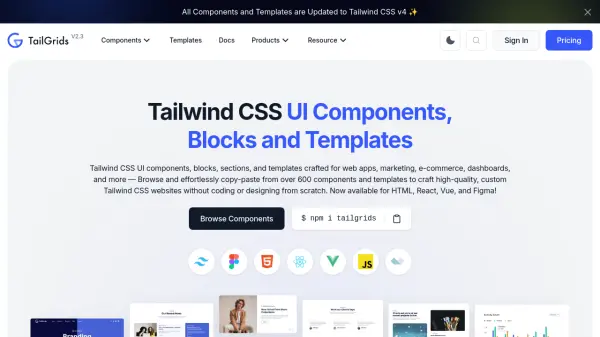
Tailframes is a comprehensive UI component library built with Tailwind CSS, designed to simplify web development for both experienced developers and beginners. It offers a wide range of meticulously crafted components, including navigation bars, modals, grids, and buttons, that can be easily integrated into projects using copy-and-paste code snippets. The kit supports HTML and React, allowing for seamless customization with Tailwind CSS classes to meet specific project needs.
By providing pre-designed, responsive components, Tailframes accelerates frontend development, saves time, and enhances design capabilities. It includes well-documented code snippets and preview features, making it efficient for creating visually stunning interfaces. The tool is used by a community of over 100 people, including product designers and developers, to streamline workflows and improve project maintainability.
Features
- Component Library: Comprehensive collection of pre-designed UI components including navigation bars, modals, grids, and buttons
- Tailwind CSS Integration: Built with Tailwind CSS for easy customization and responsive design
- Code Snippets: Copy-and-paste ready code snippets in HTML and React for quick implementation
- Preview Features: Allows previewing components to visualize designs before integration
- Documentation: Well-documented code snippets for efficient use and maintainability
Use Cases
- Building responsive web applications quickly
- Customizing UI components with Tailwind CSS classes
- Accelerating frontend development for projects
- Creating visually stunning interfaces for websites
- Streamlining design workflows for product designers