What is Manipulink?
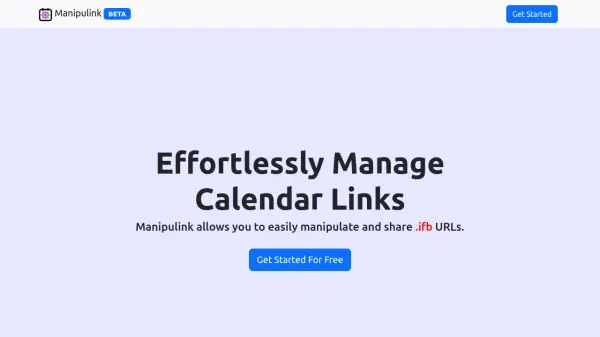
Manipulink streamlines your calendar management by allowing you to effortlessly manipulate and share .ics calendar URLs. This platform empowers users to merge multiple calendars into one, making organization and sharing more convenient. Its customizable and elegant URLs replace long and cumbersome links, enhancing both presentation and usability.
The tool offers compatibility with popular calendar applications through the iCalendar standard, ensuring seamless import and export of events. Additional features such as calendar filtering and improved readability are in development, aiming to further optimize the user experience.
Features
- Calendar Merging: Combine multiple calendars into one streamlined feed.
- Customizable URLs: Create elegant, shareable links for your calendars.
- Event Filtering (Upcoming): Remove irrelevant events to declutter schedules.
- Human-Readable Events (Upcoming): Enhance clarity and overview of calendar events.
- iCalendar Compatibility: Import and export calendars across various applications.
Use Cases
- Merging personal and work calendars for unified scheduling.
- Sharing an organized calendar link with team members or clients.
- Improving calendar readability for efficient event management.
- Exporting and importing calendars between different scheduling tools.