
What is LogViewPlus?
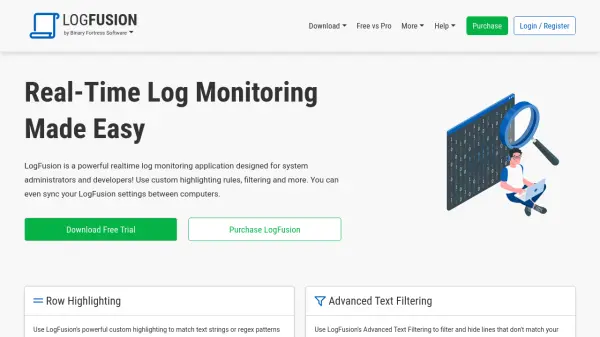
LogViewPlus is developed to streamline and enhance the analysis of log files, providing a comprehensive solution for professionals who need to search, merge, and report on log data with accuracy and speed. The platform automatically identifies and parses log files, enabling advanced search and filter functionalities that surpass standard text editors. Users can configure custom parsers to adapt the tool to specific requirements and conveniently filter data to discover patterns or pinpoint issues.
In addition to local file analysis, LogViewPlus supports accessing remote log data via various protocols such as SFTP, FTP, FTPS, SCP, and relational databases. It integrates with Windows Event Logs, supports syslog messages, and offers real-time tracking of log data. Advanced features include SQL-based querying, customizable dashboards, and visual reporting, transforming raw log data into actionable insights for system monitoring, troubleshooting, and compliance purposes.
Features
- Automatic Log Parsing: Seamlessly identifies and processes log files with built-in or custom parsers.
- Advanced Filtering & Search: Supports chained filters for complex criteria and standard text-based search.
- Remote Data Access: Connects to log sources via SFTP, FTP, FTPS, SCP, and supports database integrations.
- Real-Time Monitoring: Tails logs and retrieves new entries as they are written, including remote sources.
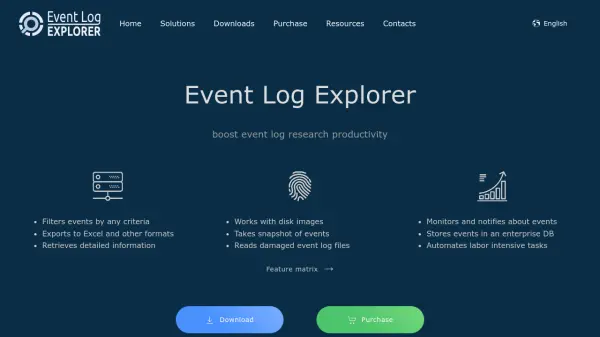
- Windows Event Log Support: Directly reads and analyzes Windows Event Logs beyond standard viewers.
- SQL Query Engine: Custom engine based on Transact-SQL for transforming raw data into reports.
- Custom Dashboards: Visualizes grouped reports for easier analysis and navigation.
- Syslog and UDP Message Support: Monitors and logs network protocol data for diverse systems.
- Shareable Analysis: Archives and shares reports for collaboration or issue tracking tools.
Use Cases
- Comprehensive log file analysis for IT administrators
- Java garbage collection log file examination
- Generating reports from IIS and web server logs
- Viewing and analyzing large log data files
- Monitoring and analyzing Windows Event Logs
- Real-time system troubleshooting and monitoring
- Analyzing FIX messages in financial systems
- Working with JSON-format log files
- Transforming log data into actionable business information
FAQs
-
What types of log files can LogViewPlus analyze?
LogViewPlus supports analysis of various log file formats, including Java GC logs, IIS logs, JSON logs, FIX messages, and Windows Event Logs. -
Can I access remote log files using LogViewPlus?
Yes, LogViewPlus can connect to remote file systems via SFTP, FTP, FTPS, SCP, and also supports database integrations for remote log access. -
Does LogViewPlus allow real-time monitoring of log files?
Yes, it provides real-time tracking and retrieval of new entries, regardless of the data source. -
Can I use SQL queries for log analysis?
LogViewPlus features a custom SQL engine that lets you query log data using a syntax similar to Microsoft SQL Server. -
Is there documentation available for LogViewPlus?
Yes, comprehensive documentation is provided to help users install, configure, and utilize all features.