What is Korl?
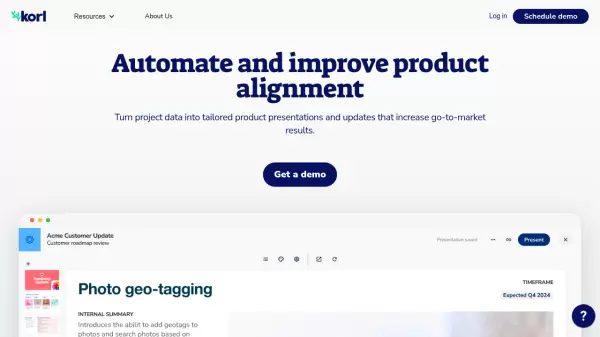
Korl is an innovative AI-powered platform that transforms project data into polished, audience-specific presentations and updates. The platform seamlessly integrates with essential tools like Jira, Google Drive, and Figma to maintain data synchronization and generate accurate content about roadmap items.
Through its intelligent automation capabilities, Korl streamlines the creation of product presentations by auto-populating content with the latest data and enhancing it with AI-generated insights. Users can easily switch between templates, customize content, and maintain consistency across various communication channels while ensuring all stakeholders have access to up-to-date product information.
Features
- Project Data Integration: Connects with Jira, Google Drive, and Figma for automatic data syncing
- AI-Powered Content Generation: Auto-drafts external positioning and key takeaways
- Template Library: Pre-built templates for various presentation types and audiences
- Version Control: Tracks changes and highlights differences between presentations
- Automated Updates: Generates weekly status reports and roadmap summaries
- Collaboration Tools: Sharing options and edit permissions management
- Multi-format Export: Supports PDF, PowerPoint, and Google Slides exports
- Document Synchronization: Real-time updates from connected project documents
Use Cases
- Customer-facing roadmap presentations
- Internal stakeholder updates
- Sprint priority reviews
- Executive status reports
- GTM team enablement
- All-hands product updates
- Release review presentations
- Weekly team updates
FAQs
-
What file formats does Korl support for exports?
Korl supports exporting presentations to PDF, PowerPoint (PPT), and Google Slides formats. -
How does Korl handle data synchronization?
Korl integrates with tools like Jira, Google Drive, and Figma to automatically sync project data and keep content up-to-date across all presentations. -
What is the trial period for Korl?
Korl offers a two-week risk-free trial period for new users.