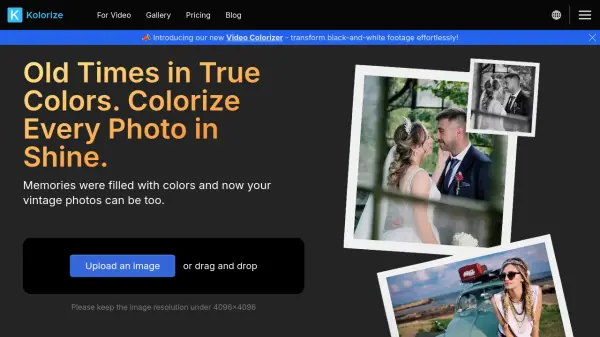
What is Kolorize?
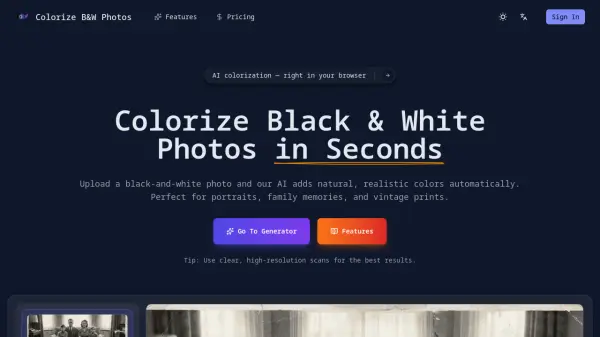
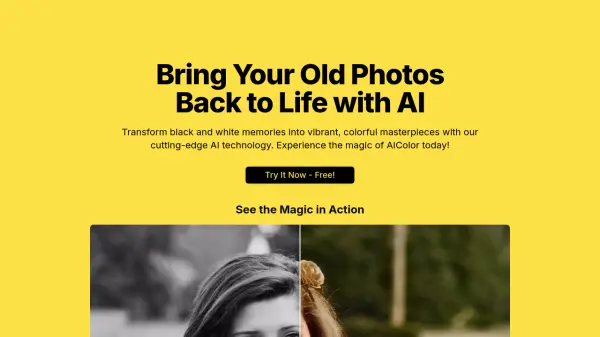
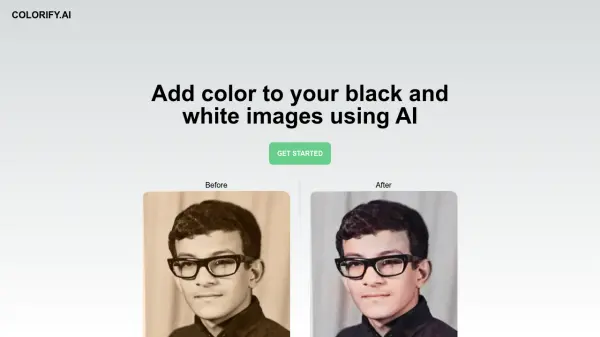
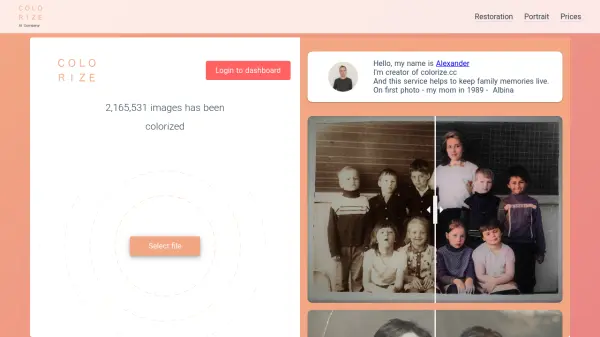
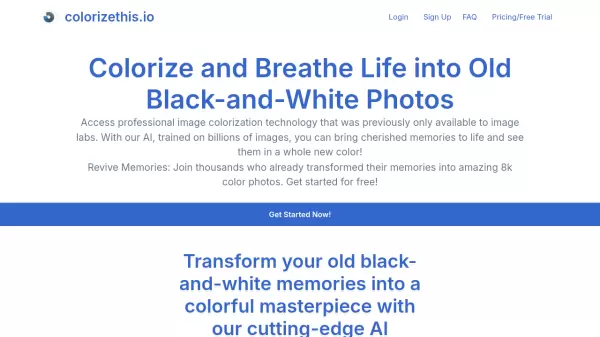
Kolorize employs advanced AI technology to infuse monochrome photos with vivid color, revitalizing black-and-white memories. This online tool provides a straightforward three-step process to explore various colorization outcomes, allowing users to preserve the results they prefer most.
Files are transferred via a 2048-bit encrypted connection and are deleted after processing, maintaining data security. The service provides unlimited trials, and users only pay when they are satisfied to download the results.
Features
- AI Driven Colorize: AI-powered precision meets photo colorization, transforming monochrome memories into colorful masterpieces.
- Try Until Satisfied: Unlimited trials to perfect your preference. Only pay when satisfied to download.
- Retain the Detail: Pristine colorization with zero quality compromise and flawless integrity retained.
- Guarantee Data Security: Files are transferred via a 2048-bit encrypted connection and deleted after the operation.
Use Cases
- Revitalizing old family photos.
- Colorizing historical images.
- Enhancing black and white photographs for creative projects.
- Restoring color to vintage photos with sepia or yellowish/reddish tones.
FAQs
-
What file formats are supported in Kolorize?
JPEG, PNG, WebP, GIF and AVIF formats are supported. However, we will down sample the resolution to 4096x4096 if larger when using Kolorize. The file format of the downloaded file after processing will be in JPG. -
What's the difference between Kolorize and others?
We employ advanced proprietary AI technology, which, although takes a little bit more time than traditional methods, yields the best results. -
Is the colorization accurate?
Based on statistical principles, we colorize objects using the colors that have a higher probability of being their original shades. For example, a banana may be either yellow or green but is unlikely to be blue or purple. While this may not achieve a 100% reproduction of the original colors, it results in a reasonable approximation. -
How much time does it take to add color or restore colors in a photo?
Kolorize usually needs 3 to 8 seconds to add color or bring back colors in a photo. The time depends on how big the photo is and how much detail it has. -
What's the credit?
Credits can be used to download processed images, with each download costing one credit. It's worth noting that downloading the same processed image with the same resolution multiple times will not consume additional credits.