What is Colorize Black & White Photos?
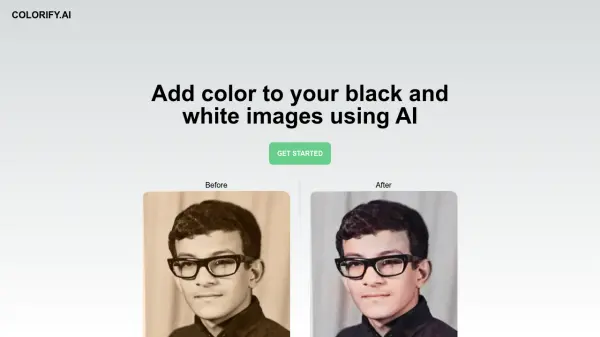
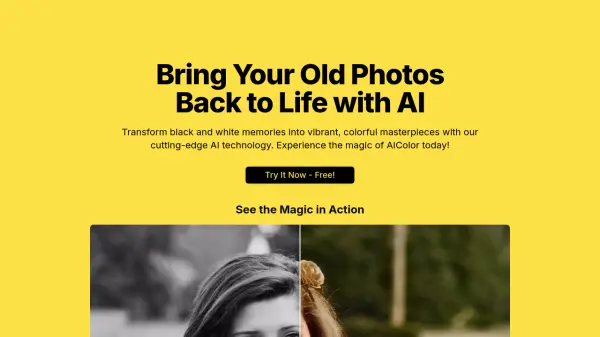
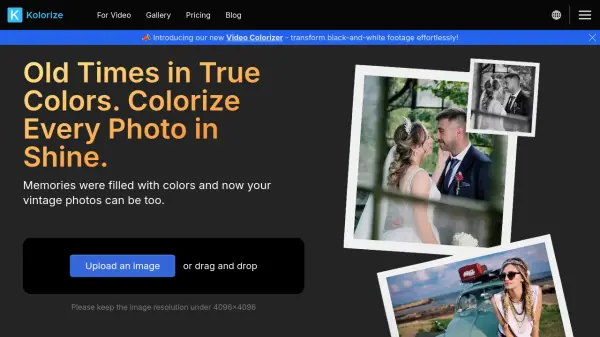
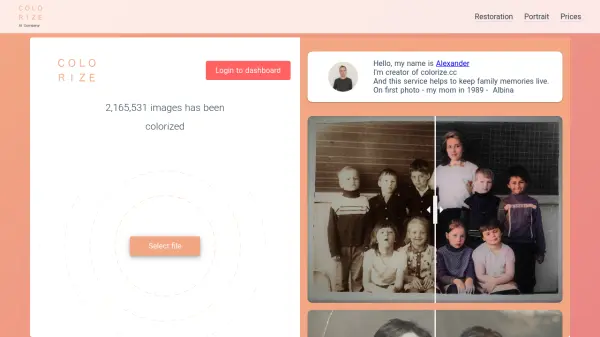
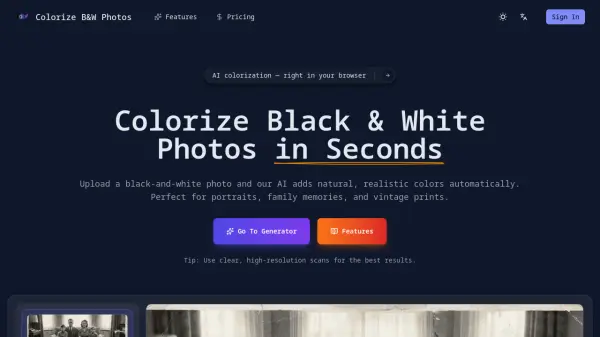
Colorize Black & White Photos is an online AI photo colorizer that transforms black-and-white images into colorized versions with realistic, natural-looking tones. The tool analyzes facial features, clothing, backgrounds, and lighting to apply balanced colors, with special attention to skin tones and environmental details for authentic results. It preserves original details while providing a separate colorized copy, ensuring the black-and-white original remains unchanged.
Designed for simplicity, the tool works directly in web browsers on desktop or mobile devices without requiring software installation. It supports high-resolution downloads suitable for sharing, archiving, or printing, making it ideal for restoring family portraits, wedding photos, childhood pictures, and historical archives. The automatic process eliminates the need for manual editing skills, offering a fast and accessible solution for bringing meaningful memories back to life.
Features
- Automatic AI Colorization: Instantly add realistic colors to black-and-white photos
- Natural Skin Tones: Balanced and lifelike results for portraits and family photos
- High-Resolution Results: Preserve fine details for printing and archiving
- Before & After Comparison: Easily compare the colorized image with the original photo
- Original Photo Unchanged: Your original black-and-white photo is never modified
- Works on Any Device: Use the tool on desktop or mobile without installing anything
Use Cases
- Restoring old family photos and portraits
- Colorizing vintage wedding photographs
- Reviving childhood memories with natural colors
- Adding authentic colors to street photography
- Restoring realistic colors to historic buildings and landscapes
- Colorizing group photos from reunions and events
- Enhancing personal archives and genealogy projects
- Preparing images for printing and sharing
FAQs
-
Do I need to install any software?
No, the tool works directly in your web browser on desktop or mobile devices without requiring any software installation. -
What photo formats are supported?
The tool supports JPG and PNG formats for uploading black-and-white photos. -
Will my original photo be changed?
No, your original black-and-white photo remains unchanged; you receive a separate colorized copy. -
Can very old photos be colorized?
Yes, the tool is designed to handle old photos, including faded black-and-white images, with realistic colorization. -
Can I print the colorized photo?
Yes, high-resolution downloads are available, making the colorized images suitable for printing.