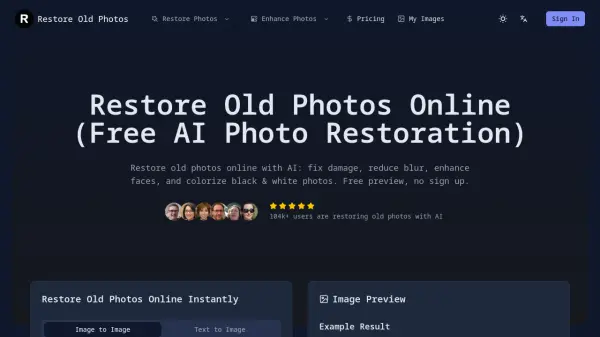
What is Restore Old Photos?
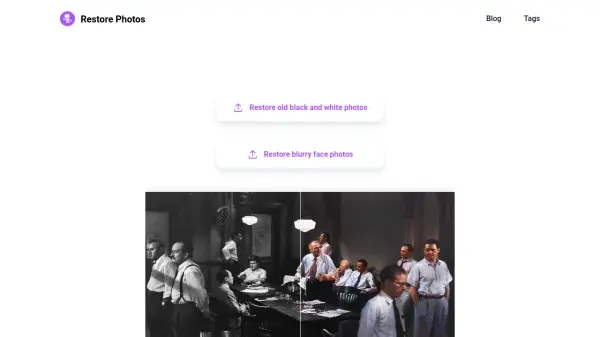
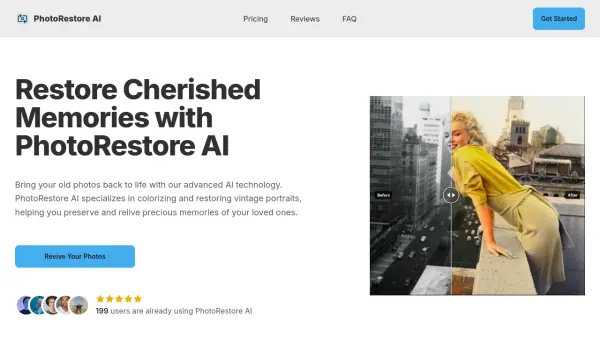
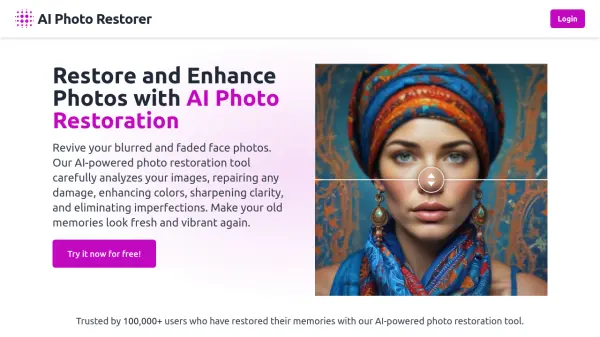
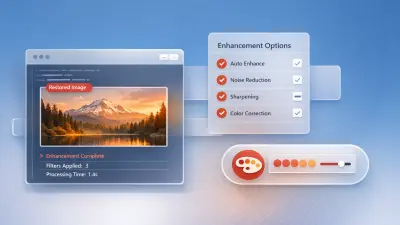
This online platform utilizes artificial intelligence to restore vintage photographs by repairing various forms of damage. The service automatically addresses issues such as scratches, dust, tears, cracks, and stains to produce cleaner images. It enhances photo clarity by sharpening blurry areas and restoring faded details, making old pictures more readable.
Users can optionally apply AI colorization to transform black-and-white photos into natural-looking color images. The workflow is designed for simplicity, requiring only an upload to receive a free preview of the restored result before downloading. The tool supports high-resolution outputs suitable for printing and archiving, processing images privately without requiring user registration.
Features
- Face Enhancement for Old Portraits: Recover facial detail and sharpen blurry faces in vintage portraits.
- 2x / 4x Upscale for Printing: Upscale restored photos for printing and archiving in higher resolution.
- Colorize Black & White Photos: Optional AI colorization for black-and-white pictures.
- Fast Online Restoration: Restore old photos online in seconds—quick results with a simple upload.
- Free Preview Before Download: Try the restoration and preview first, then decide to download.
- Privacy-First Processing: Designed for private photo restoration—process online without sharing your images publicly.
Use Cases
- Repairing scratched or torn family photographs for personal albums.
- Colorizing historical black-and-white images for educational or archival purposes.
- Enhancing blurry vintage portraits to recover facial details.
- Restoring damaged prints for genealogy research and family history projects.
- Preparing old photos for high-quality printing and framing as gifts.
- Digitizing and improving scanned photographs from old albums for digital archives.
FAQs
-
Is it free to try?
Yes, the tool offers a free preview of the restored result before downloading, with no sign-up required. -
What kinds of photos work best?
Scanned or digital photos that are faded, scratched, torn, or blurry work well, including vintage portraits and historical images. -
How long does it take?
The AI restoration process typically takes only seconds to complete after upload. -
Can I use it on my phone?
Yes, the online platform is accessible from mobile devices. -
How can I get better results?
Using clear, well-scanned reference images and selecting appropriate restoration presets can improve outcomes.