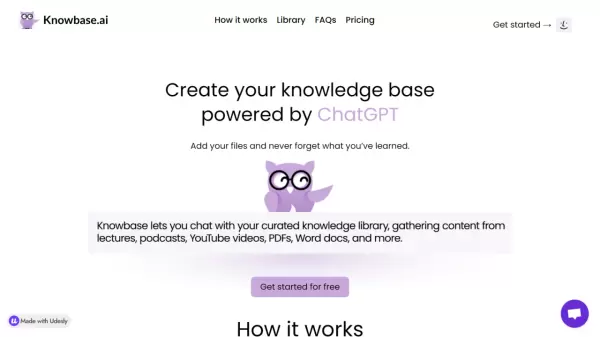
What is Knowbase?
Knowbase serves as an innovative fusion of Dropbox-style storage and ChatGPT functionality, enabling users to build their personal knowledge management system. The platform allows users to upload various file types, including documents, presentations, videos, and audio recordings, creating a searchable knowledge base.
The system transcribes audio and video content, processes documents, and makes all information readily accessible through a chat interface. Users can interact with their stored knowledge by asking questions, making it easier to retrieve and utilize information from their uploaded content.
Features
- File Storage: Support for multiple file formats including PDF, MP4, MP3, TXT, PPTX, DOCX
- Transcription Service: Converts audio and video content to text
- Multi-language Support: Compatible with over 50 languages
- Bulk Upload: Ability to upload up to 100 files simultaneously
- Knowledge Sharing: Option to share chatbot access with others
- YouTube Integration: Process YouTube video content via links
- Chat Interface: Interactive querying of stored knowledge
Use Cases
- Converting and storing lecture recordings
- Managing meeting recordings and transcripts
- Creating searchable archives of educational content
- Building personal knowledge databases
- Organizing research materials
- Processing and storing video content
FAQs
-
What's the maximum duration of video or audio recordings that I can upload?
For the Standard plan, you can transcribe up to 900 minutes of video or audio recordings in multiple files. -
How long will it take to transcribe my video or audio recording?
It depends on the size of your file. For example 700MB 2,5h video file takes approx. 6 minutes to transcribe. -
How large can my files be?
Knowbase lets you upload up to 1GB large files. This applies to any type of file, whether it's a video recording, PDF, or PPTX presentation.