What is Knit?
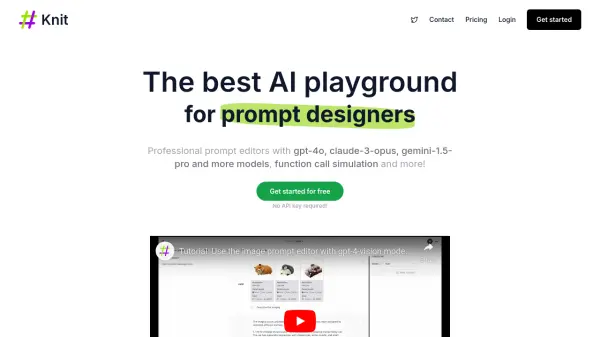
Knit is a comprehensive AI prompt management platform designed for professional prompt engineers and designers. The platform provides a sophisticated environment for storing, editing, and executing prompts across multiple leading AI models including GPT-4, Claude-3-Opus, and Gemini-1.5-Pro.
The platform stands out with its function call simulation capabilities and smart prompt builder, allowing users to create and manage multiple projects while testing their prompts effectively. With features like inline variable groups and prompt history comparison, Knit offers a robust solution for both individual prompt designers and teams.
Features
- Smart Prompt Builder: Advanced interface for creating and editing prompts
- Multi-Model Support: Access to GPT-4, Claude-3-Opus, and Gemini-1.5-Pro
- Function Call Simulation: Test and validate prompt functionality
- Prompt History: Track and compare previous prompt versions
- Project Management: Organize prompts into separate projects
- Variable Groups: Flexible inline variable management
- API Integration: Support for custom API keys
Use Cases
- Developing and testing AI prompts
- Managing multiple prompt engineering projects
- Creating and organizing prompt libraries
- Testing prompts across different AI models
- Collaborative prompt development
- Professional prompt engineering workflows
FAQs
-
What AI models does Knit support?
Knit supports multiple AI models including GPT-4, Claude-3-Opus, and Gemini-1.5-Pro. -
How many projects can I create with the free plan?
The free plan allows users to create 2 projects with 4 prompts per project. -
Do I need my own API keys to use Knit?
No, Knit can be used without API keys, but Plus and Pro users can use their own API keys for unlimited runs.