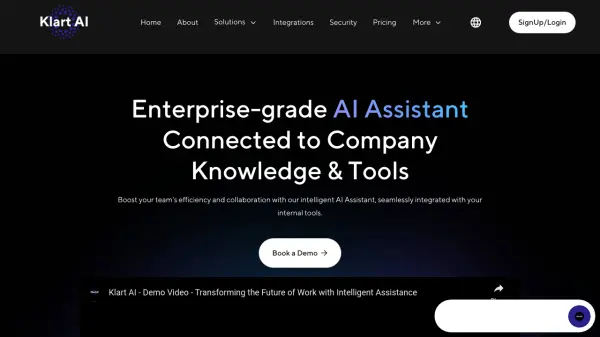
What is Klart AI?
Klart AI is an enterprise-grade artificial intelligence assistant that seamlessly connects with company knowledge bases and internal tools. The platform leverages advanced AI models including GPT-5, Claude 3, and Cohere's Command R to deliver accurate, context-aware responses across multiple channels including Slack, Microsoft Teams, WhatsApp, and web widgets.
The system features a unique serverless RAG (Retrieval-Augmented Generation) architecture and comprehensive fact-checking system to ensure accuracy and reliability. With GDPR and CCPA compliance, SOC2 certification, and robust security measures, Klart AI provides a secure environment for handling sensitive business information while supporting multiple languages and offering granular permission controls.
Features
- Serverless RAG: Advanced information retrieval system for up-to-date knowledge
- Multi-channel Integration: Seamless connection with Slack, Teams, WhatsApp, and web widgets
- Fact Checking System: Automated verification for response accuracy
- Multilingual Support: Search and communication in multiple languages
- Security Compliance: GDPR, CCPA compliant with SOC2 certification
- Real-time Updates: Automatic knowledge refresh system
- Access Control: Granular permission management
- AI Model Selection: Automatic choice of best AI model for specific use cases
Use Cases
- Internal knowledge management
- Customer support automation
- HR and IT self-service
- Project management and operations
- External client communication
- Sales support
- Employee training
- Document search and retrieval
FAQs
-
What communication channels does Klart AI support?
Klart AI supports multiple channels including Slack, Microsoft Teams, WhatsApp, and web chat widgets for both internal and external communication. -
What security certifications does Klart AI have?
Klart AI is SOC2 certified and compliant with GDPR and CCPA regulations, ensuring secure handling of sensitive business information. -
What is the message limit per user?
Free and Pro plans have a fair usage limit of 100 messages per user per day.