What is Keepy?
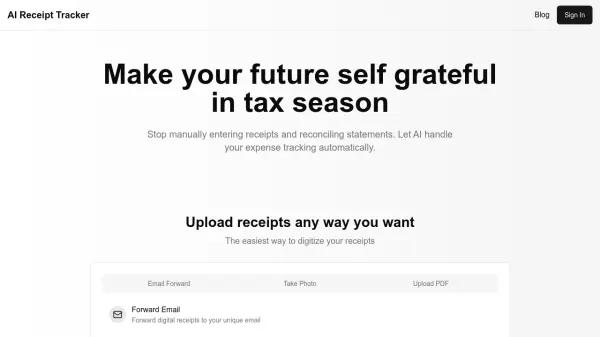
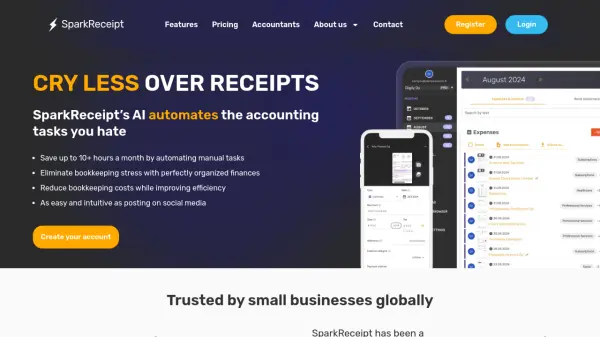
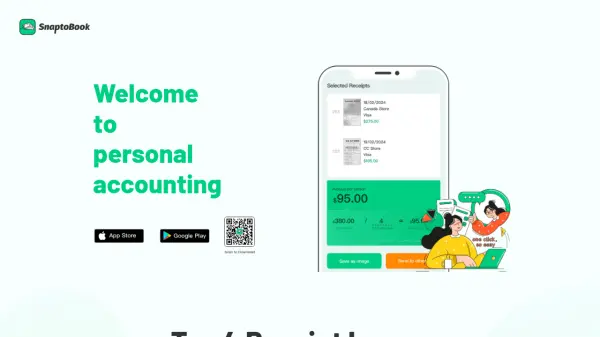
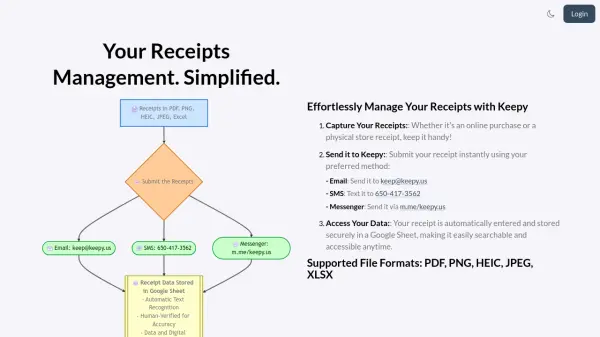
Keepy revolutionizes receipt management through an innovative combination of AI technology and human verification. The platform processes receipts submitted via email, SMS, or Facebook Messenger, automatically extracting and organizing essential data into Google Sheets for seamless expense tracking.
Supporting multiple file formats including PDF, PNG, HEIC, JPEG, and Excel, the system ensures accurate data entry through advanced AI recognition complemented by human validation. This dual-verification approach, coupled with secure Google Sheet storage, provides businesses and individuals with a reliable, accessible, and efficient solution for managing financial records.
Features
- Multi-Channel Submission: Accept receipts via email, SMS, or Facebook Messenger
- Automated Data Entry: AI-powered text recognition for receipt processing
- Human Verification: Double-checking of extracted data for accuracy
- Google Sheets Integration: Automatic data storage and organization
- Multiple File Format Support: Accepts PDF, PNG, HEIC, JPEG, Excel files
- Collaborative Access: Multiple user accounts for team management
- Secure Storage: Digital copies and data maintained in Google Sheets
Use Cases
- Business expense tracking
- Tax preparation
- Financial record keeping
- Team expense management
- Audit preparation
- Receipt organization for freelancers
- Small business bookkeeping
FAQs
-
What file formats does Keepy support?
Keepy supports PDF, PNG, HEIC, JPEG, TIFF, CSV, and Excel file formats. -
How many receipts can I process with different plans?
The free trial allows 15 receipts, Individual plan includes 50 receipts per month, and Business plan includes 200 receipts per month. -
How many user email accounts are included in each plan?
Trial plan includes 1 user email account, Individual plan includes 2 user email accounts, and Business plan includes 8 user email accounts.