What is JPGtoPNGhero?
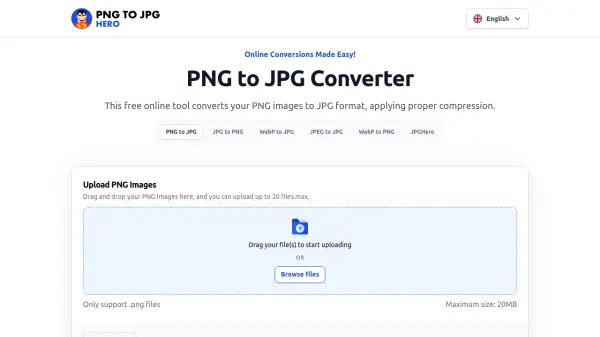
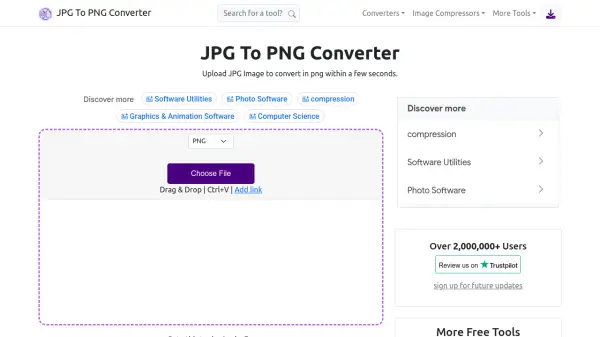
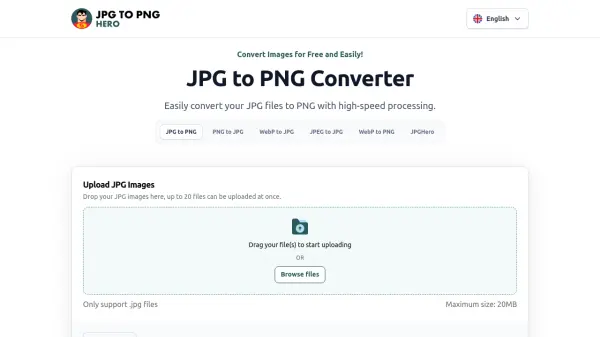
JPGtoPNGhero is a specialized online image conversion tool designed to transform JPG files into PNG format efficiently. The platform offers a user-friendly interface where users can upload up to 20 JPG files simultaneously, each with a maximum size of 20MB. The conversion process is automated, requiring minimal user intervention after file upload.
This tool addresses the need for maintaining image quality during format conversion, as PNG files utilize lossless compression compared to the lossy compression of JPG files. While JPG files are smaller and more suitable for storage and web use, PNG format provides superior quality for graphics, text-heavy images, and transparent backgrounds. JPGtoPNGhero facilitates this conversion without compromising on image resolution, making it ideal for users who require high-quality images for various applications.
Features
- Batch Conversion: Convert up to 20 JPG files to PNG simultaneously
- Quality Preservation: Maintains image quality during conversion using lossless compression
- File Size Support: Handles JPG files up to 20MB in size
- User-Friendly Interface: Simple drag-and-drop or file browsing upload options
- Automatic Processing: Converts files automatically after upload without manual intervention
Use Cases
- Converting JPG images to PNG for web graphics requiring transparency
- Preparing images for printing where high detail is necessary
- Archiving photos in lossless format to prevent quality degradation
- Creating logos or text-heavy graphics in PNG format
- Batch processing multiple images for consistent format across projects
FAQs
-
How many files can I convert at once?
You can convert up to 20 JPG files simultaneously using the batch conversion feature. -
What is the maximum file size supported?
The tool supports JPG files up to 20MB in size for conversion. -
Does the conversion process affect image resolution?
No, the conversion preserves image quality by using lossless compression when converting to PNG format. -
Can I convert other image formats besides JPG?
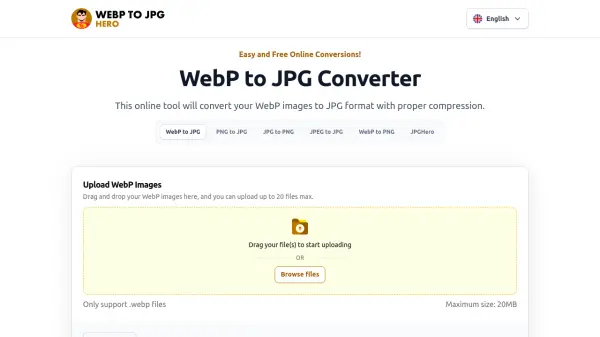
The primary function is JPG to PNG conversion, but the website mentions support for other conversions like PNG to JPG and WebP formats. -
Is there any cost associated with using this tool?
No, JPGtoPNGhero is completely free to use for all conversion needs.