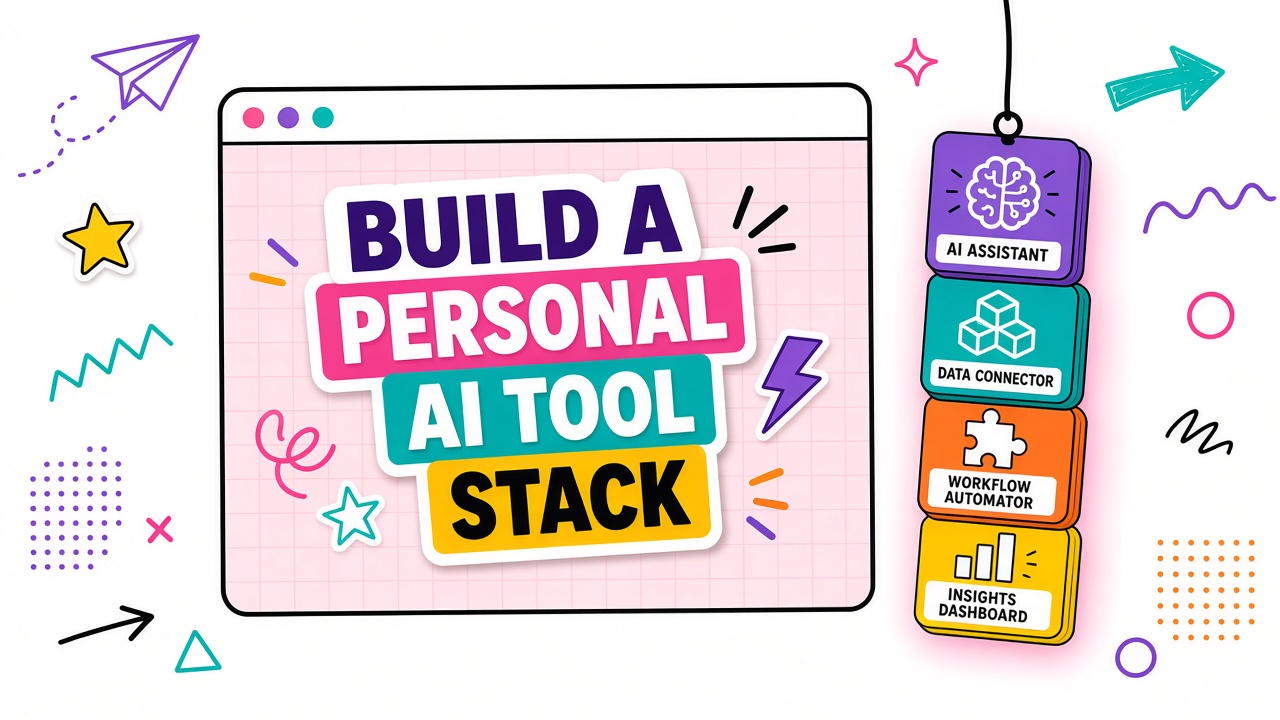
Personal AI stacks grow one free trial at a time. A writing assistant here, a meeting summarizer there, an image generator bookmarked for "someday." Six months later you pay for four products that all draft text and none of them connect to where your work actually lives.
Building a personal AI tool stack means mapping jobs first, picking one anchor per job, defining how tools hand off output, and reviewing monthly for overlap. This guide gives you anti-sprawl rules and a one-tool-per-job template. Browse AI productivity tools only after you write your job list, not while scrolling categories.
Define Jobs Before Browsing Categories
Categories on directories describe what vendors sell. Jobs describe what you do weekly. Start with five to seven recurring tasks: draft client emails, summarize research PDFs, generate social images, transcribe interviews, debug code snippets, plan weekly tasks. Each job gets one line and a frequency tag (daily, weekly, monthly).
One-tool-per-job mapping template
- Job name: Verb-first label (e.g., "Turn rough notes into blog outlines")
- Frequency: How often you perform it
- Input: What you start with (voice memo, PDF, spreadsheet)
- Output: Where the result must land (Google Doc, Notion, Figma)
- Quality bar: What "good enough" means without heavy editing
- Anchor tool: One product assigned to this job (empty until selected)
Anchor Tool Selection Criteria
An anchor tool is the default product for a job until a monthly review replaces it. Pick anchors using total work time (generation plus cleanup), not demo wow factor.
| Criterion | Why it matters | Quick test |
|---|---|---|
| Total work time | Fast generation with slow editing loses | Time three real tasks end to end |
| Export fit | Output must reach your doc or design tool | Copy-paste or native export without reformatting |
| Privacy tier | Client data needs stricter plans | Read retention and training policy for your tier |
| Overlap check | Avoid paying twice for drafting | List features already in tools you own |
Long-form writing jobs often overlap between a dedicated AI writer and features in your notes app. Compare finalists in AI writing tools against what you already pay for before adding another subscription.
Integration Points Between Tools
Personal stacks fail at handoffs. Define how output moves: research summaries land in a single inbox note, drafts export as Markdown, images save to one folder with a naming convention. Copy-paste is acceptable when volume is low and the handoff is documented.
- Name the source tool and destination for each job.
- Pick a file format both sides handle (Markdown, CSV, PNG).
- Store prompts or templates in one library, not scattered chats.
- Review handoffs monthly: if a bridge eats more than five minutes per job, fix the stack.
Monthly Stack Review Ritual
Block thirty minutes on the first Monday of each month. Open your subscriptions list and the job map. For each paid tool, ask: did I use this for its assigned job at least twice? If no, cancel or downgrade. If yes, log one friction point to fix next month.
Seven anti-sprawl principles
- One anchor per job. No "backup" tool on the same job without a written reason.
- No new category browsing until the job map is updated.
- Free trials must declare which job they replace or they do not start.
- Consolidate when two tools exceed seventy percent overlap on the same output.
- Annual plans require three months of weekly use on that job first.
- Prompts live in a shared library, not in vendor chat history alone.
- Cancel before auto-renew if the monthly review shows zero use.
Consolidation Triggers and Exit Plans
Consolidate when one product wins on total work time and export fit for two adjacent jobs (e.g., summarize and outline). Exit plans matter: export prompts, download assets, and note which job needs a replacement before you cancel.
| Trigger | Action |
|---|---|
| Zero use for 30 days | Cancel or downgrade before renewal |
| Overlap above 70% | Pick one anchor; migrate prompts in one session |
| Handoff friction rising | Fix integration or replace the weak link |
| Price increase on renewal | Re-run anchor criteria against one alternative |
Frequently Asked Questions
How does a hobby stack differ from a professional stack?
Hobby stacks can tolerate more overlap and public-data-only tools. Professional stacks need clear privacy tiers, client-data rules, and one anchor per billable job. The job map structure is the same; the guardrails are stricter when money and reputation are on the line.
When are free alternatives enough?
Free tiers work when your job volume is low, inputs are non-sensitive, and export limits do not block delivery. Upgrade when you hit caps weekly, need admin controls, or store client content that requires a paid data policy.
How many tools should a personal stack include?
Most solo professionals stabilize at three to five anchors covering distinct jobs. More than seven paid tools usually signals overlap, not specialization.
Can I reuse my personal stack for a small team?
Personal stacks lack SSO, audit logs, and shared prompt governance. Use your job map as the blueprint, then add team onboarding, access control, and documented handoffs before rolling out seats.
The Bottom Line
A personal AI tool stack stays lean when you define jobs before categories, assign one anchor per job, document handoffs, and review subscriptions monthly. Sprawl is a planning problem, not a discovery problem. Fix the map and the tab count drops on its own.