InboxGPT favicon

InboxGPT
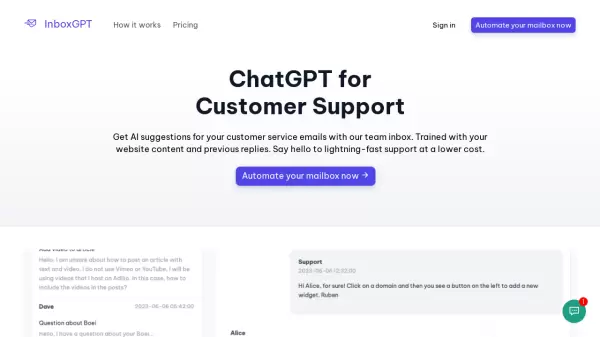
ChatGPT for Customer Support

What is InboxGPT?

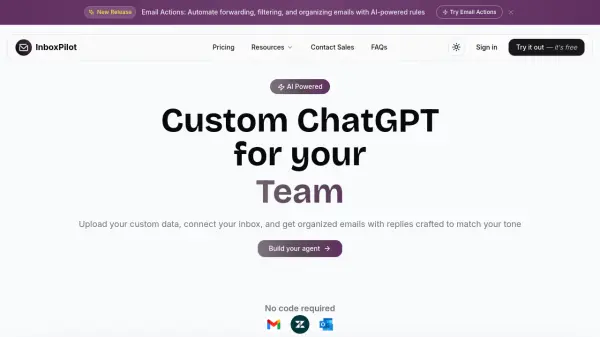
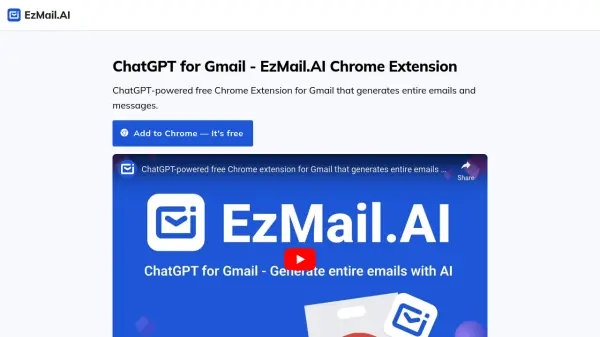
InboxGPT is an advanced AI tool designed to automate and optimize your customer service email communications. By integrating ChatGPT technology, it provides intelligent suggestions tailored to your previous correspondence and website content. Users can connect multiple Gmail accounts to create a unified inbox, improving team collaboration and response times.

This tool aids in crafting effective replies in various languages, with AI models continuously learning from each email sent. This ensures accurate, context-aware message proposals over time, enhancing customer satisfaction and support efficiency.

Features

  • Unified Inbox: Connect multiple Gmail accounts into one.
  • AI-Assisted Writing: Generate tailored email responses.
  • Continuous Learning: AI models learn from each email.
  • Team Collaboration: Invite colleagues to manage messages.

Use Cases

  • Enhancing customer support email efficiency
  • Automating email responses for businesses

Related Tools:

Blogs:

  • AI Testimonial Videos: How to Build Social Proof That Actually Converts

    AI Testimonial Videos: How to Build Social Proof That Actually Converts

    AI testimonial videos are transforming marketing in 2026 by helping businesses create professional customer-style videos quickly and affordably. Using real customer reviews, short scripts, and AI tools like Pollo AI, brands can produce engaging testimonials for social media, landing pages, and ads while saving time and improving conversions.

  • Boost Engagement in Ads with AI

    Boost Engagement in Ads with AI

    Discover how AI music and AI SDR agents are reshaping modern advertising. Learn how emotional resonance through AI-generated soundtracks combined with smart, automated sales outreach can turn viewers into loyal customers faster, cheaper, and more personally than ever before.

  • Top 6 AI note-taking tools for 2026: in-person, online, and hybrid use cases

    Top 6 AI note-taking tools for 2026: in-person, online, and hybrid use cases

    Most AI note-taking lists are really lists of meeting bots, which join your video call and transcribe it. That's useful, but it's half the picture. Decisions happen in hallway conversations, client dinners, on-site visits, and hybrid rooms where nobody is on a video link. This guide covers different parts of the note-taking workflow: hardware capture for in-person settings, platform-native tools for online calls, and AI layers for organizing and synthesizing what you've captured. It compares six tools by capture context, workflow fit, pricing, and limitations.

Didn't find tool you were looking for?

Be as detailed as possible for better results