
What is Imgto3D?
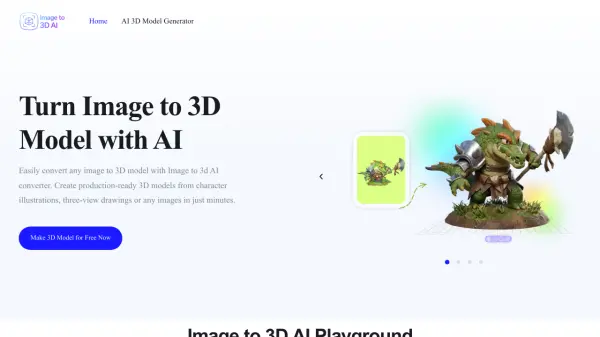
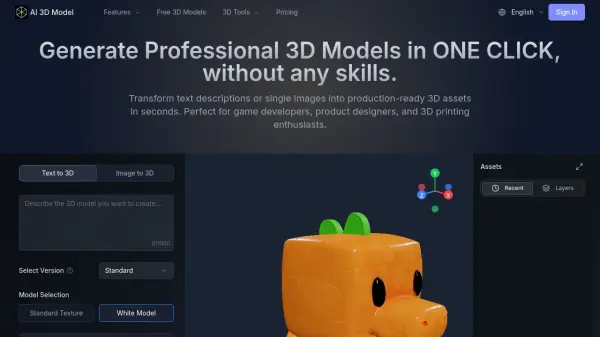
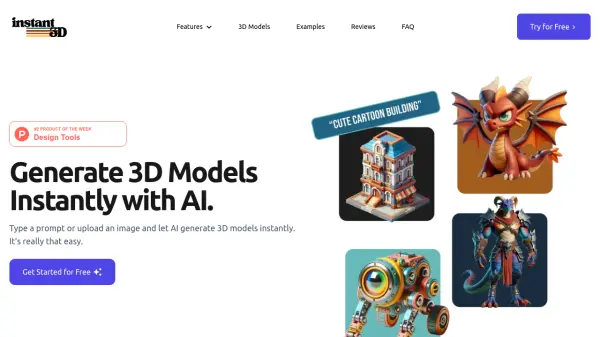
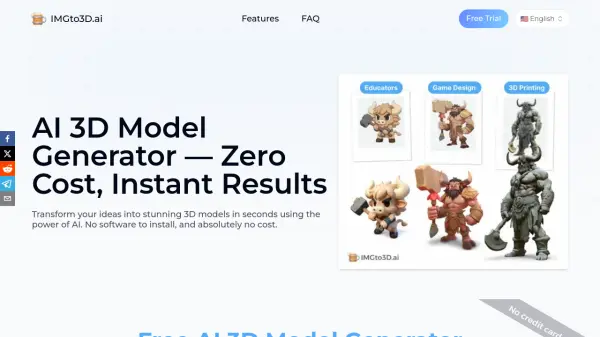
Imgto3D is an advanced AI-powered platform that transforms 2D images into fully textured 3D models through a simple, browser-based interface. The tool utilizes neural networks to infer depth and geometry from uploaded photos, guided by user-provided text prompts in English to ensure accurate object representation. This process eliminates the need for complex 3D modeling software, making professional-grade 3D asset creation accessible to users of all skill levels.
The generated 3D models are exported as high-quality .glb files optimized for immediate use in popular platforms like Blender, Unity, Unreal Engine, and web AR viewers. By automating the conversion process, Imgto3D significantly reduces production time and costs associated with traditional 3D modeling, enabling rapid prototyping and enhanced visual content creation for various digital projects.
Features
- AI-Powered Conversion: Uses neural networks to automatically generate 3D geometry and textures from 2D images
- Text Prompt Guidance: Accepts English text prompts to provide context and improve model accuracy
- Browser-Based Tool: No software installation required - works directly in web browsers
- GLB File Export: Generates optimized .glb files compatible with major 3D platforms and AR viewers
- Interactive Preview: Includes a viewer to inspect 3D models before downloading
Use Cases
- Rapid prototyping for product design and development
- Creating 3D assets for game development and virtual environments
- Enhancing e-commerce with interactive 3D product visualizations
- Generating AR/VR content for mobile and web applications
- Producing background assets and props for digital media projects
- Educational demonstrations of 3D modeling concepts
FAQs
-
Why is a text prompt required for the image to 3D process?
The text prompt provides contextual information about the object in the image, helping the AI understand shape and details to create more accurate 3D geometry. -
What type of images yield the best 3D models?
Clear images with even lighting and distinct objects produce the best results, as they provide better visual data for the AI to analyze depth and texture. -
Can I use the generated 3D models for game development?
Yes, the exported .glb files are optimized for use in game engines like Unity and Unreal Engine, making them suitable for game development projects. -
Is the image to 3D converter free to use?
The tool offers a freemium model with basic functionality available for free, while advanced features and higher usage limits require a subscription. -
How long does it take to convert an image to 3D?
The conversion process typically completes in seconds, allowing for rapid generation of 3D models from uploaded images.