What is IMGto3D.ai?
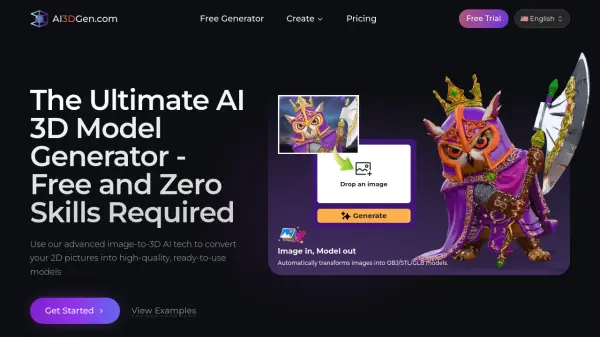
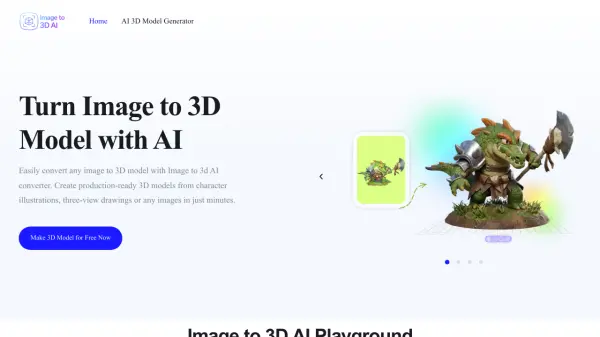
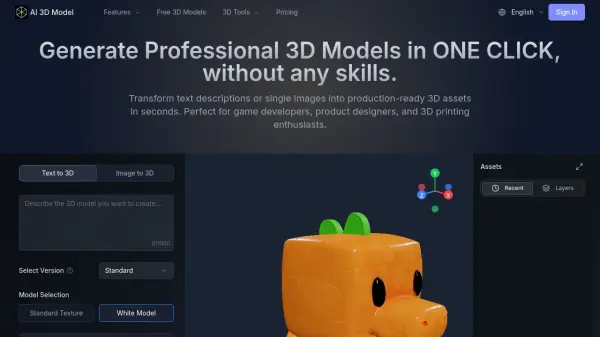
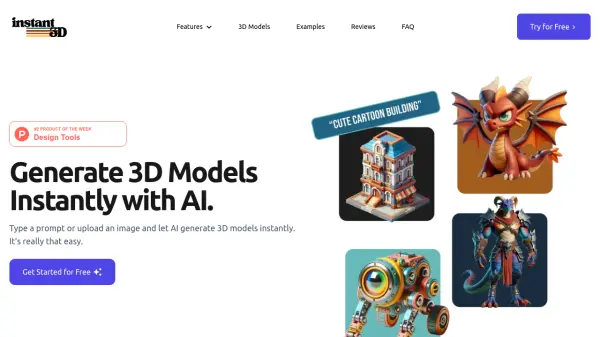
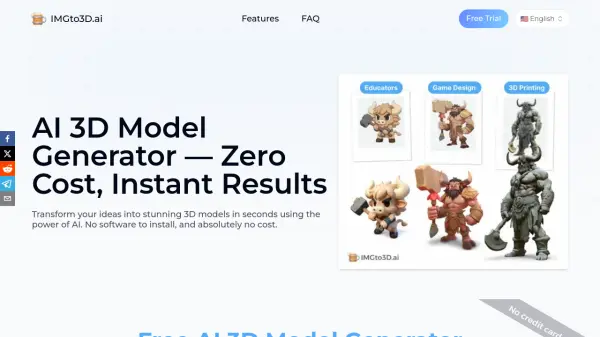
IMGto3D.ai is an advanced AI 3D model generator that enables users to convert 2D images, photos, and hand-drawn sketches into detailed three-dimensional models instantly. Built on cutting-edge Hunyuan-based algorithms, this platform provides optimal mesh optimization while preserving critical details and controlling polygon density. The tool requires no software installation, credit card information, or mandatory sign-up for basic features, making professional 3D modeling accessible to everyone from indie game developers to creative professionals.
The platform offers both free and premium tiers to accommodate different workflow requirements. Free users can generate 3D models in OBJ format with customizable polygon density ranging from 5K to 40K faces, while premium subscribers gain access to Turbo, Pro, and Ultra AI generators with textured outputs in multiple formats including GLB and STL. With over 20,130 3D models generated monthly and the ability to reduce prototyping costs by up to 90%, IMGto3D.ai has become an essential tool for game development, 3D printing, XR/VR experiences, and creative portfolio building.
Features
- AI-Powered Image-to-3D Conversion: Transforms any 2D image or sketch into detailed textured 3D models instantly using advanced Hunyuan-based algorithms
- Customizable Polygon Density: Adjust face count from 5K to 40K polygons to balance quality and performance for specific use cases
- Multiple Export Formats: Export 3D models in OBJ, GLB, and STL formats optimized for gaming, AR/VR, and 3D printing workflows
- No Sign-Up Required Free Tier: Access basic 3D model generation permanently free without credit card or account registration
- Textured Model Generation: Premium tiers generate high-quality textures with advanced lighting recognition to avoid unwanted highlights
- Multi-Generator System: Access Turbo (30-60s), Pro (100-200s), and Ultra (3min) generators optimized for speed, quality, or complex models
- Instant Web Preview: View and interact with generated 3D models directly in the browser before downloading
- Background Removal Tool: Integrated AI background removal to prepare images for optimal 3D conversion results
Use Cases
- Game Development: Create characters, environments, and props for games in minutes instead of days, perfect for rapid prototyping and final assets in mobile RPGs and indie studios
- 3D Printing: Design custom figurines, practical objects, and artistic creations with optimized export formats for physical production and heritage monument preservation
- XR/VR Experiences: Quickly populate virtual worlds with high-quality, performance-optimized assets for VR training simulations and AR applications while maintaining 90fps performance
- Creative Portfolios: Enable artists and designers to rapidly iterate on concepts and build impressive portfolios without weeks of technical modeling work
- E-commerce Product Visualization: Generate 800+ monthly 3D product models from photos to reduce visualization costs by 92% and accelerate client approval processes
- Cultural Heritage Digitization: Convert photos of ancient artifacts into detailed 3D models that preserve intricate details for academic research and digital archives
- Industrial Design Prototyping: Transform sketches into 3D prototypes in 2 minutes for rapid design iteration and client review presentations
- Low-Poly Asset Creation: Generate optimized character models under 10K polygons weekly for mobile game development with 70% faster Unity integration
How It Works
Upload an Image
Drag and drop any photo or sketch into the platform. The AI 3D model generator works best with clear, well-lit images of single objects for optimal results.
AI Generation & Customization
Adjust polygon density from 5K to 40K faces based on your quality and performance needs. Watch as the algorithm transforms your image into a detailed 3D model in seconds with real-time progress tracking.
Download
Get your optimized 3D model in OBJ format (free tier) or OBJ, GLB, and STL formats (premium tier), compatible with most 3D software, game engines, and 3D printing platforms.
FAQs
-
How long does 3D conversion take?
Most models generate in under 30 seconds. Complex designs such as detailed mechanical parts may take up to 2 minutes. The Turbo version takes 30-60 seconds, Pro version takes 100-200 seconds, and Ultra version takes approximately 3 minutes. Real-time progress tracking is available during generation. -
What types of images work best with the AI 3D Model Generator?
The tool works best with clear, well-lit images of single objects. High-resolution photos or detailed sketches are recommended for the best results. For optimal conversion, pre-processing your image by converting it to a clean 3D style or removing the background often yields better results. -
What happens to my uploaded images after I generate a 3D model?
Your uploaded images are not stored. They are used only for the purpose of generating the 3D model and are deleted immediately after the process is complete. Your data security and privacy are top priorities. -
What formats do you support?
IMGto3D.ai accepts JPG and PNG images as input. For exports, the free version provides OBJ format only, while the Premium version supports OBJ, STL, and GLB formats, making it perfect for professional workflows including 3D printing, game engines, and VR/AR platforms. -
What's the difference between the Turbo, Pro, and Ultra AI 3D Model Generators?
The Turbo version prioritizes speed with 30-60 second generation times, ideal for quick iterations. The Pro version focuses on quality with 100-200 second generation times, offering higher-quality 3D models with better lighting recognition. The Ultra version takes approximately 3 minutes and provides extremely high detail, making it perfect for converting complex models.