What is Image to 3D AI?
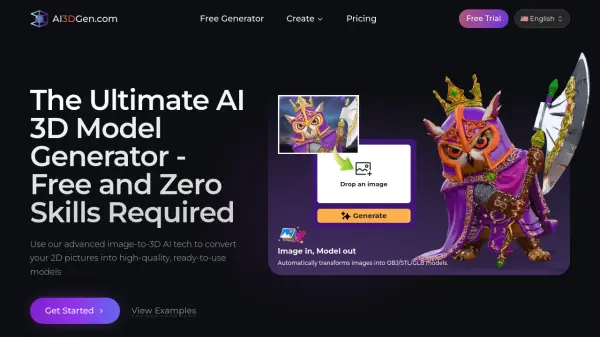
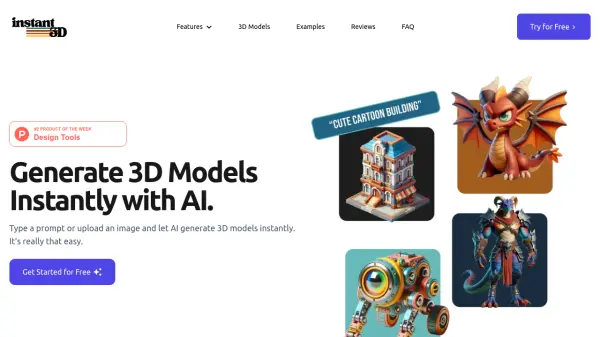
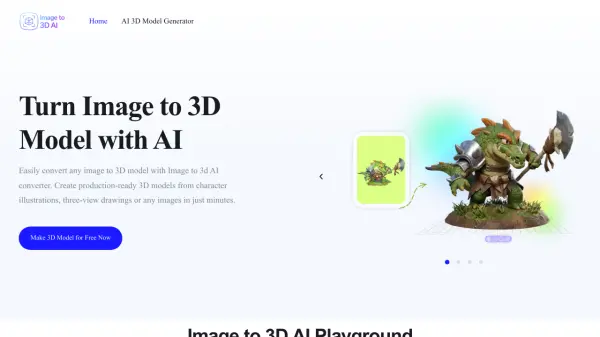
Image to 3D AI is an advanced artificial intelligence tool that transforms 2D images and text prompts into fully structured, production-ready 3D models within seconds. By analyzing shape, depth, and texture from a single uploaded image, the platform automatically reconstructs precise geometry, applies photorealistic texture mapping, and delivers clean mesh outputs suitable for real-world workflows. Users can choose between a textured mesh with UV mapping for realistic rendering or a geometry-only model with optimized topology for animation, retopologizing, or game engine integration. All generated models can be exported in the widely compatible GLB format, ready for use in tools such as Blender, Unity, or Unreal Engine.
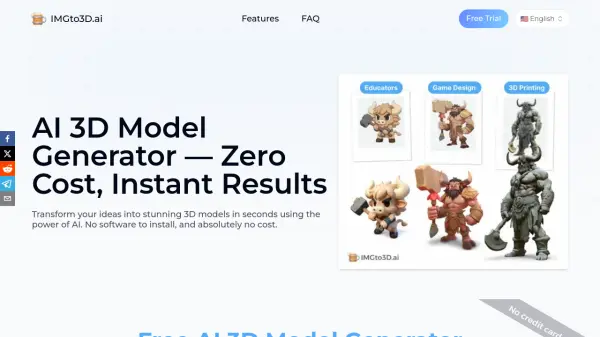
Designed for a broad range of professionals and creators, Image to 3D AI dramatically reduces the time and complexity traditionally associated with 3D modeling. Game developers can rapidly prototype characters, props, and environments; 3D printing enthusiasts can convert concept images into printable models without complex manual steps; interior designers can generate furniture and decor models from reference images to improve client presentations; and educators can create interactive 3D learning materials for subjects like science, history, and design. New users can get started for free with trial credits, making it accessible for both hobbyists and professionals looking to accelerate their creative production pipelines.
Features
- Image to 3D Conversion: Upload a single image and receive a fully reconstructed 3D model with accurate geometry and surface details.
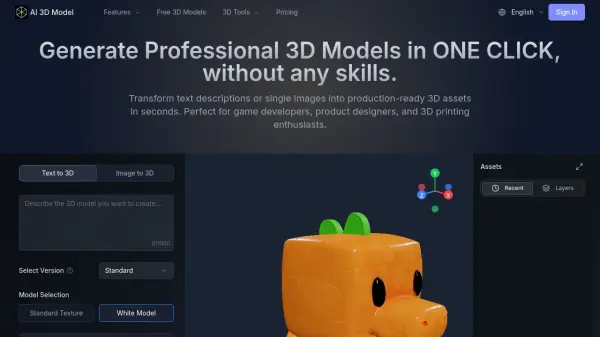
- Text to 3D Generation: Describe a concept in plain text and generate a structured 3D model without any manual modeling.
- Dual Output Types: Choose between a textured mesh with UV mapping for rendering or a geometry-only model for editing and animation pipelines.
- GLB Export Format: Export all generated models as standard GLB files compatible with Blender, Unity, Unreal Engine, and other 3D tools.
- Online 3D Model Preview: View and inspect generated models from multiple angles directly in the browser before downloading.
- Smart Auto-Retopology: AI-driven mesh optimization produces clean topology suitable for animation, game engines, and 3D printing workflows.
- High-Precision Geometry Reconstruction: Preserves key structures, edges, and proportions from the source image for production-ready results.
- Photorealistic Texture Mapping: Automatically applies realistic material textures to generated 3D models for lifelike visual output.
Use Cases
- Rapidly prototype game characters, props, and environments from reference images for Unity or Unreal Engine.
- Convert concept art or product images into printable 3D models for hobbyist or professional 3D printing.
- Generate furniture and decor models from inspiration images for interior design presentations.
- Create interactive 3D learning materials for educational subjects such as science, history, and design.
- Generate 3D assets from text prompts without any prior 3D modeling experience.
- Transform character illustrations or three-view drawings into game-ready 3D assets.
- Accelerate product visualization workflows by converting 2D product images into 3D models.
How It Works
Upload Your Image
Start by uploading a single image of your subject, such as a character, product, or concept art. The AI supports a wide range of image types and automatically prepares them for 3D reconstruction.
Convert to a 3D Model
With one click, the AI analyzes the image and generates a high-quality 3D model. Choose between a textured mesh for realistic rendering or a geometry-only output for editing and animation workflows.
Preview and Export
Preview your 3D model online from multiple angles, make any necessary adjustments, and export it in editable GLB format ready for use in game engines, design tools, or 3D software.
FAQs
-
What types of images work best with Image to 3D AI?
Images with clear subjects, simple backgrounds, and good lighting generally produce the best results. High-resolution images with distinct edges, consistent angles, and minimal occlusion help the AI accurately reconstruct geometry and textures. -
Can I use my own image as a reference for 3D model generation?
Yes, you can upload your own images as references. This allows you to create personalized assets based on your own designs, photos, or creative ideas. -
What file format are the generated 3D models exported in?
All generated models are exported as standard GLB files, which are lightweight, widely compatible, and ready for use in tools like Blender, Unity, or Unreal Engine. -
Who owns the copyright of the AI-generated 3D models?
In most cases, you retain the rights to the 3D models you generate, especially when they are created from your own inputs. -
Is my uploaded image and generated model kept private?
Yes, data privacy is a priority. Uploaded images and generated models are processed securely, are not shared publicly, and are not used for training without your consent.